
Watch Crossfader’s tutorial above (124K views on YouTube).
This guide explains beginner dj equipment piece by piece: what each part of a setup actually does, and the specs to check before you buy it. If you are stuck between controllers, mixers, standalone units, turntables, and software, this sorts out what each one is and how to judge quality.
By the end you will understand the four core categories of a setup, the differences between the main gear types, and the handful of specs that separate a controller you can learn on from one that gets in your way.
A workable beginner setup has four jobs to fill: a device that plays and mixes your music, a way to monitor privately, a way to hear the room, and software to manage your tracks. The sections below cover each one and the trade-offs inside it.
Beginner DJ Equipment: The Four Core Parts
Every beginner dj equipment list breaks into the same four parts. Understanding what each part is makes every buying decision clearer.
- A playback and mixing device. For most beginners this is a controller, which combines decks, a mixer section, pads, EQ, transport controls, and cueing in one box.
- Private monitoring. Closed-back headphones that let you preview the incoming track before the room hears it.
- Room monitoring. Monitor speakers, or existing home speakers, that tell you what the audience is hearing.
- Music management software. The program that imports, analyzes, and stores your tracks with cue points and loops.
A controller is cheaper and simpler than buying separate players and a mixer, which is why it is the default playback and mixing device for new DJs. The other gear types exist for specific needs, covered next.
Gear Types Explained: Controller, Mixer, Standalone, Turntables
The biggest source of confusion in beginner dj equipment is the difference between the main hardware formats. Here is what each one is and what it costs you.
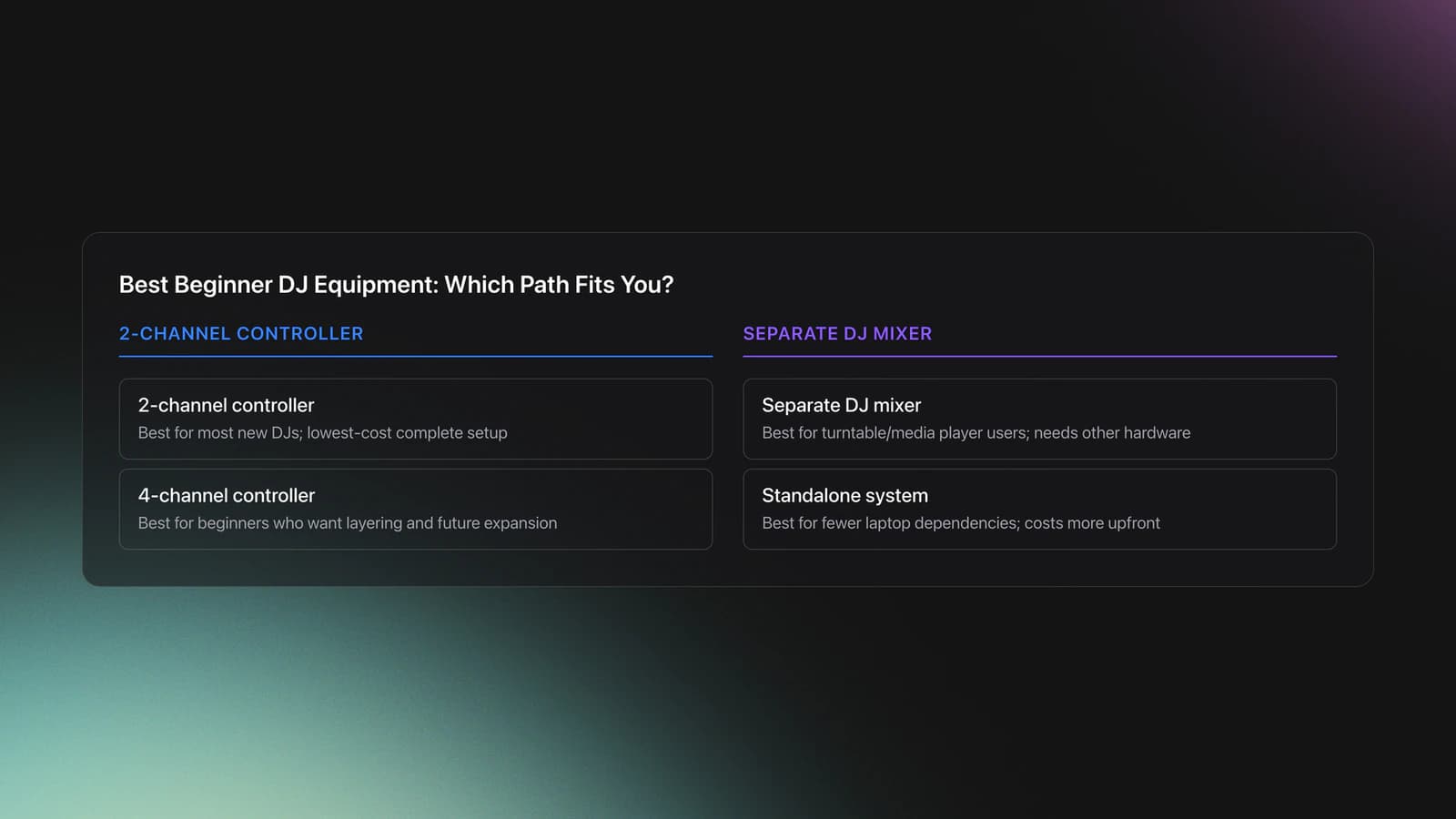
| Option | Best For | Why | What You Give Up |
|---|---|---|---|
| 2-channel controller | Most new DJs | Cheapest complete path into cueing, looping, EQ, and software workflow | Less room to grow into multi-deck habits |
| 4-channel controller | Beginners who already know they want layering | Adds more room for acapellas, samples, and future expansion | Higher cost and more complexity |
| Separate DJ mixer | Turntable or media player users | Modular setup with long-term flexibility | Needs other hardware before you can practice fully |
| Standalone system | DJs who want fewer laptop dependencies | Integrated workflow and cleaner practice setup | More expensive for a first purchase |
For most people, a controller beats a separate mixer as a first buy.
- All-in-one controller. Decks, mixer, EQ, pads, and an audio interface in a single unit that connects to a laptop running DJ software. It is the most function per dollar. You give up nothing essential at the beginner stage, but you depend on a laptop.
- Standalone unit. The same controls as a controller plus a built-in screen and internal processing, so it runs without a laptop. You gain portability and fewer cables. You give up some library-browsing flexibility and pay more.
- Separate mixer plus media players. Two or more dedicated players feeding a standalone mixer, the club-style layout. This makes sense when you already own players or want to learn on club-standard hardware. You give up simplicity, and you add cost, cables, and failure points.
- Mixer plus turntables. A standalone mixer with two turntables, for vinyl or timecode control DJing. This is a distinct path with its own costs and skills. Choose it only if vinyl is specifically your goal.
I learned on a borrowed Traktor setup before buying my own Pioneer DDJ-400, and the all-in-one controller is genuinely all you need to learn every core skill. A standalone mixer on its own only makes sense when you already own media players, turntables, or other sources to plug into it. Searching for the best beginner dj mixer when you actually need a controller with a mixer section built in is one of the most common beginner buying mistakes.
| Budget Level | Recommended Setup | What It Teaches Well | What To Avoid |
|---|---|---|---|
| Entry | 2-channel controller + headphones + existing speakers | Beatmatching basics, cueing, phrasing, EQ swaps | Cheap toy controllers with missing cue controls |
| Mid | Better 2-channel or starter 4-channel controller + monitors | Cleaner monitoring, effects, loops, stronger transition practice | Overspending on speaker size before technique |
| Upper entry | Standalone or premium controller + monitors + case | More reliable workflow, less laptop friction, room to grow | Buying club gear just for image |
Choose the setup that supports practice frequency, not status.
Controller Specs That Matter
When people compare the best beginner dj equipment they tend to compare brand names first. Compare functions and specs instead. A controller is judged on whether it supports the techniques you will practice: cueing, looping, EQ balancing, and basic effects.
Check these specs before buying:
- Channel count. Two channels mix two tracks and cover almost everything a beginner does. Four channels add two more decks for layering acapellas and samples.
- Jog wheel size. Larger jogs make cueing and nudging by hand more comfortable. Cramped jogs make precise timing harder.
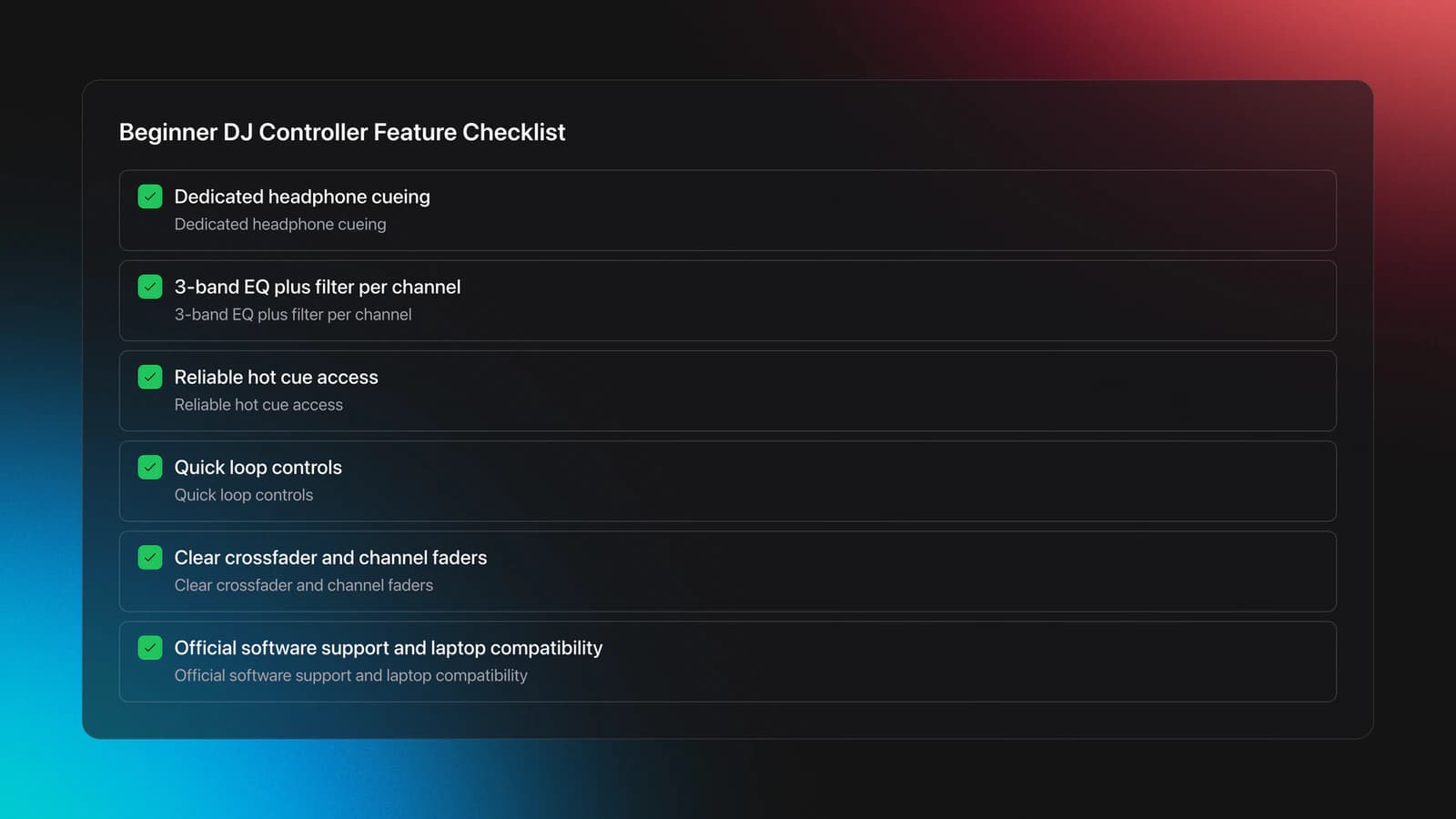
- Dedicated headphone cueing. A separate cue section with a mix knob so you can preview a track in headphones independent of the master.
- EQ and filter. A 3-band EQ and at least one filter knob per channel for shaping and blending.
- Hot cue and loop controls. Performance pads with reliable hot cue access and loop controls you can change without digging into menus.
- Faders. A clear crossfader and dedicated channel faders.
- Built-in audio interface. Onboard sound output and a separate headphone output, so you do not need an external soundcard. Lower latency, the delay between touching a control and hearing the result, is better; under about 10 ms feels responsive.
- Software tier. The bundled software and what it unlocks. Many controllers ship with a free or "lite" tier and unlock the full version when the hardware is connected.
- Build quality. Look for a solid chassis, knobs that do not wobble, and recessed rear ports that survive transport. A flimsy crossfader or loose jog is the first thing to fail on cheap units.
- Effects controls. Onboard FX such as filter, echo, and reverb, ideally on paddles or dedicated buttons rather than buried in software menus, so you can reach them mid-blend.
- Connectivity beyond the basics. Microphone input for announcements, RCA or balanced master outputs to match your speakers, and on some units Bluetooth audio input. Confirm the output type matches your speakers before buying.
A few entry units illustrate these criteria. The Pioneer DJ DDJ-FLX4 pairs a club-standard mixer layout with silent jog wheels and ships with rekordbox, Serato DJ Lite, and Algoriddim djay support. The Hercules DJControl Inpulse 200 MK2 is a smaller, budget-focused unit with built-in beatmatching guides that fits in a backpack. Both clear the core control set above; the difference is layout size, build, and which software ecosystem you want to grow into.
Mini Shopping Reference
Official specs from manufacturers show what these criteria look like on real units.
- Numark Mixtrack Pro FX. Includes two decks, a 3-band EQ section, filter knobs, loop controls, performance pads, a headphone output, and Serato DJ Lite support, which covers the core beginner control set. mixtrack pro fx
- Denon DJ Prime GO and Prime GO+. Positioned as portable standalone systems, with the Prime GO+ adding expanded connectivity and onboard performance features. These run without a laptop, at a higher price than entry controllers. denon dj prime go frequently asked qu...
- rekordbox hardware unlock. AlphaTheta notes that rekordbox performance functions can be unlocked when compatible equipment is connected, so some controllers unlock paid features without a separate subscription for that use case. support.alphatheta.com
If you build a setup around a laptop, check the software's computer requirements first. AlphaTheta's current rekordbox support documentation lists specific operating system and hardware requirements you should confirm before buying any controller tied to that ecosystem. support.alphatheta.com
Headphones and Speakers: Specs and What to Listen For
Monitoring is split across two devices that do different jobs. Headphones tell you what is about to happen. Speakers tell you what the room is hearing.
For headphones, judge:
- Closed-back design, which isolates better and leaks less sound in shared rooms.
- A clear cue signal so timing and phrasing are easy to hear.
- Comfortable fit and, ideally, replaceable parts. Audiophile hi-fi tuning is not necessary.
For speakers, judge:
- Active monitors with their own amplification, so you do not need a separate amp.
- A size matched to your room. In a bedroom, modest monitors usually beat oversized speakers that create bass problems.
- Clarity over loudness. Hearing phrase changes, kick alignment, and EQ conflicts matters more than raw bass.
What to listen for once you have both: in headphones you should be able to hear when an incoming track's buildup is a beat early or late, and on speakers you should be able to hear when two bass-heavy tracks pile up and need an EQ swap. Headphones catch the problem before the room does; speakers confirm the result.
Software and Library Workflow
Software is part of beginner dj equipment because your hardware only works as well as your track prep. Good software support means stable cue points, predictable library behavior, and a clear path from practice to performance.
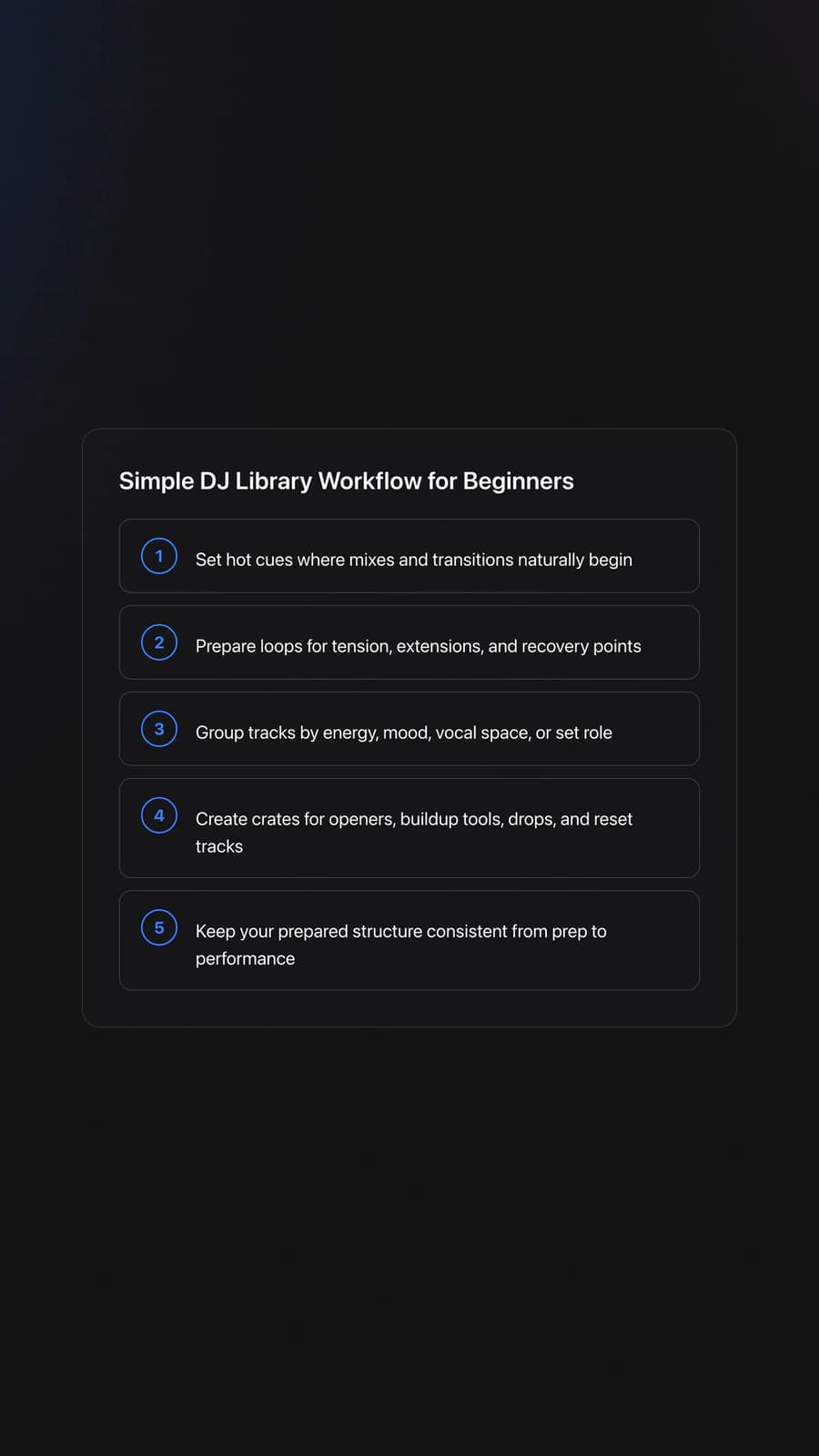
The core software features to expect are a collection view, playlists and folders, track analysis, search, and missing-file management. New DJs use software to do three things: set hot cues at phrase starts, prepare a few loops at useful points, and group tracks so the right one is fast to reach.
A practical structure can be simple: one playlist of reliable openers, one of buildup tools, one of clean drops, one of tracks with useful vocal space, and one of reset tracks. That is already far more usable than one giant folder. The point is that organization mirrors how you think on the decks, using mood, function, energy, and context rather than broad genre folders alone. If you want a library built around those mood, function, and energy categories rather than genre folders, a dedicated DJ organizer like Vibes can hold that structure and export it cleanly into your DJ software.
One spec note that ties software to hardware: DJ software references file locations rather than copying every track into itself, so once your library is set up, keep your folder names and locations stable. Moving or renaming folders later creates missing-file errors that the software cannot resolve on its own.
| Scenario | Best Choice | Why | Next Action |
|---|---|---|---|
| You are learning first transitions | 2-channel controller | Fewer variables and faster repetition | Practice cueing and phrase matching for 30 minutes |
| You can mix track to track cleanly | 2-channel or entry 4-channel | You may be ready for loops and light layering | Test whether you can manage effects without losing timing |
| You want acapellas and samples | 4-channel controller | Extra channels create room for layered performance | Prepare one short acapella routine before buying more gear |
| You play out often and want less laptop setup | Standalone system | Cleaner deployment and less computer dependence | Check venue connections and export workflow first |
Choose more channels only when your current technique actually needs them.
Common Beginner DJ Equipment Mistakes
| Mistake | Why It Happens | How to Avoid |
|---|---|---|
| Buying too much gear too early | Beginners confuse advanced hardware with faster improvement | Start with a controller that covers cueing, EQ, loops, and effects |
| Ignoring headphone quality | Speakers seem more exciting than monitoring | Prioritize clear closed-back headphones before upgrading speakers |
| Choosing gear without checking software fit | Brand reputation overshadows workflow compatibility | Confirm software support, unlock model, and computer requirements first |
| Practicing with a messy library | Track organization feels secondary to hardware | Prepare small focused crates or categories before each session |
| Chasing club-standard layout immediately | Social proof and gear culture create pressure | Buy for repeatable home practice, not for appearance |
Most setup mistakes are really workflow mistakes.
Beginner DJ Equipment Buying Checklist
Use this to judge any specific piece of gear before you buy it.
- Decide which gear type fits your goal: controller, standalone, or mixer plus turntables.
- Check software support and computer requirements.
- Confirm headphone cueing, 3-band EQ, filter, and loop controls.
- Check jog wheel size and fader feel.
- Confirm a built-in audio interface and separate headphone output.
- Decide whether existing speakers are good enough, or budget for modest active monitors.
Conclusion
Good beginner dj equipment is about understanding what each piece is and judging it on the right specs. A controller bundles your decks, mixer, and audio interface into one box. Standalone units trade laptop dependence for portability. Mixers and turntables are a separate path for vinyl. Headphones and speakers do two different monitoring jobs, and software is what makes the whole library usable.
Keep these takeaways in mind:
- The four core parts are a playback and mixing device, headphones, speakers, and software.
- Judge a controller on channel count, jog size, EQ and filter, cueing, faders, audio interface, and software tier.
- Closed-back headphones and modest active monitors cover beginner monitoring; clarity matters more than loudness.
The visual way to organize your DJ library
Tag tracks by vibe. See everything at once. Export to rekordbox, Serato, Traktor or Engine DJ.
14-day free trial. Full access, no strings attached.
or see how it works
Techniques Covered

Loop Tightening
Track Element Cutting

DJ Rig Setup

Cueing Tracks

DJ System Configuration
Phrasing

EQ Adjustments

Jog Wheel
Cue Button Usage

Types of DJ Transitions

Track Selection
Track Analysis
Equipment & Software
Featured Gear
Continue Your Learning Journey
Start Here First
DJ Starter Equipment: What to Buy First (and What to Skip)
beginner
DJ Setup Types
beginner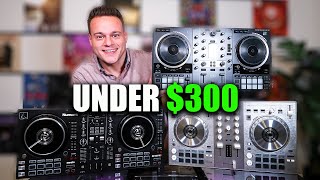
Starter DJ Controller Buying Guide
beginner
How to Choose a DJ Controller for Your Workflow
beginnerBest DJ Controller: How to Choose
beginner
How to DJ: First Mix, Step by Step
beginnerHow Can I Be a DJ and Start Strong
beginner
Portable DJ Controller Buying Guide
beginner
What Is a House DJ?
beginner
Related Content

How to DJ With Just a Laptop (No Controller Needed)
intermediate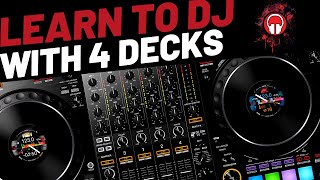
DJ Decks: 2 vs 4 Channel Buying Guide
intermediateDJ Transitions: The Three-Layer Handoff for Beginners
intermediateTransition DJ Online: Browser Mixer Workflow
intermediate
DJ Playlist Spotify: Mixing With Streaming Inside Rekordbox
intermediateFrequently Asked Questions

Hey, it's Ben Modigell 👋
I DJ and produce as so I so: downtempo, minimal, dub house, tech house, and techno (releases on Spotify and SoundCloud, links above). Everything I write here comes from my own gigs, studio sessions, and library cleanups: the rules I follow, the failure modes I have actually hit, and the workflow I use when nobody is watching. If a technique did not earn its place in my own sets, it does not make it into a tutorial.


