
Watch Thozi’s tutorial above (894K views on YouTube).
This guide is for new DJs using a browser app, laptop setup, or entry-level controller who want to learn transition dj online without trainwrecking every mix. If you can load two tracks but struggle to make them feel like one continuous record, this will fix that. By the end, you will know how to match speed, align phrasing, swap bass cleanly, and finish a basic DJ transition on purpose.
The core job is simple. Play tracks in series and make the handoff sound continuous. Whether you are using a dj mixing board online, a controller, or software on a laptop, the mechanics stay the same.
If you are still building your foundations, pair this with DJ beatmatching basics and how to count bars for DJ sets. Those two skills make every transition easier.
Transition DJ Online: Core Idea
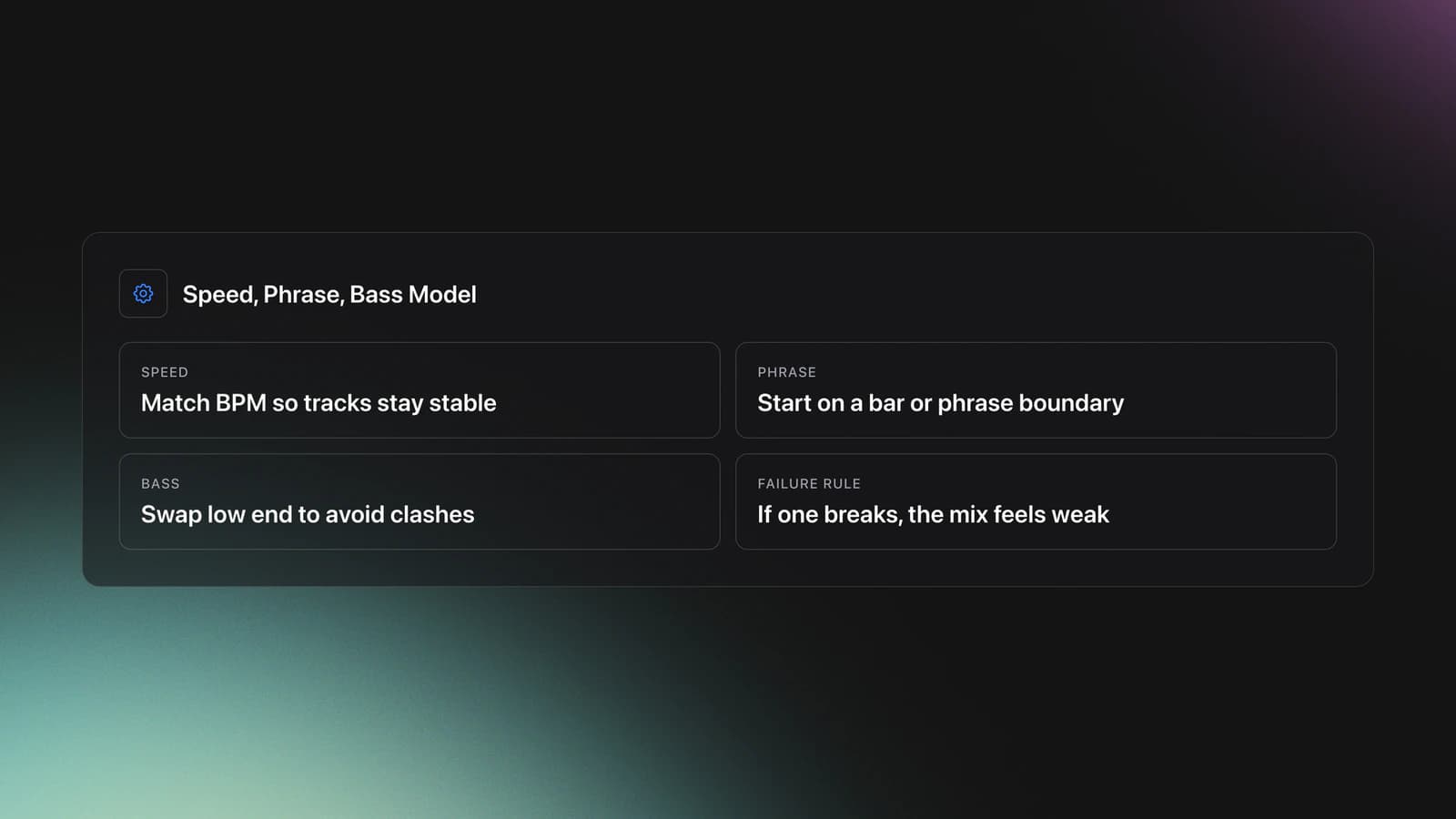
A clean transition dj online has three parts. First, both tracks run at compatible speed. Second, they enter at the right musical moment. Third, the low frequencies change hands without both basslines fighting.
That is the mental model for this article. I call it the speed, phrase, bass model. If one part fails, the whole transition feels weak.
Speed means BPM alignment. Phrase means starting the incoming track on a musically sensible point, usually the start of a bar or phrase. Bass means managing EQ so kick drums and basslines do not pile up.
This matters even more online because many people learn on simplified interfaces. A dj board mixer online may hide some controls, but it does not remove the need to hear timing, structure, and low-end clashes.
Set Up Your Online DJ Mixer
Before you mix, set the workspace so you can hear problems early. You need two decks, a visible BPM readout, EQ or filter control, a cue or preview path, and a channel volume or crossfader.
Many browser tools already include those basics. For example, the official YOUDJ web app lists two decks, a three-band equalizer, crossfader, headphones, loops, and sync features in its browser version. VirtualDJ also presents a standard two-deck layout and mixer-style workflow in its official software and manual.
Use this startup checklist:
- Load two tracks with close BPMs
- Set EQ knobs to neutral before touching anything
- Turn cue monitoring on for the incoming deck
- Keep the crossfader centered unless you are practicing crossfader cuts
- Set channel gains conservatively to avoid clipping
On Pioneer-style mixers and software layouts, the standard EQ structure is high, mid, and low. Official AlphaTheta support documentation also confirms three-band EQ behavior across supported setups, with software settings affecting how some controllers map EQ controls.
The first mistake is starting with random tracks. Pick two songs that are close in BPM and energy. A 122 BPM track into a 125 BPM track is workable. An 88 BPM track into a 128 BPM club record is not a sensible first exercise.
Match BPM Before Anything Else
This is the first pillar skill. If the tracks do not run at the same speed, every other move becomes damage control.
BPM tells you how fast the track moves. Higher BPM means faster playback. Lower BPM means slower playback. Your tempo fader changes that speed permanently until you move it again.
Here is the practical rule. Match BPM before you press play on the incoming track. Do not try to fix a large speed mismatch after both songs are already audible.
Example one. Track A plays at 125 BPM. Track B is 122 BPM. Raise Track B to 125 BPM before the transition starts. Now both tracks share the same pulse, which makes the rest of the mix manageable.
Example two. Track A plays at 128 BPM. Track B is 129 BPM. Lower Track B by 1 BPM. That tiny adjustment often sounds more natural than pushing Track A up.
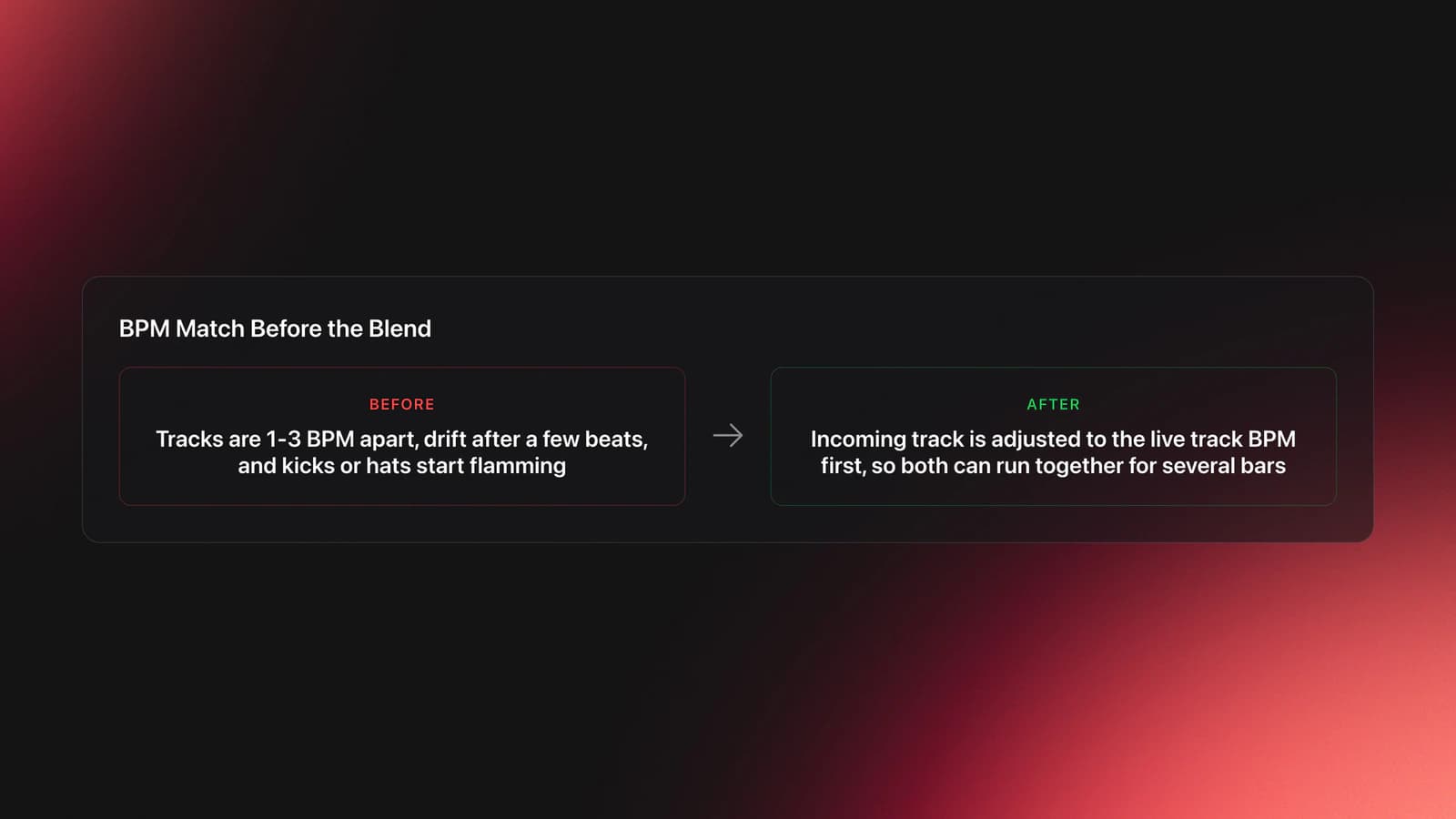
The failure mode is obvious. The tracks drift apart after a few beats even though they sounded close at first. The symptom is a flamming kick pattern or hi-hats that feel like they are chasing each other.
When that happens, stop blaming your EQ. The problem is speed or timing, not tone.
Validation Check
Online tools sometimes offer sync. Use it if you want, but learn the manual logic anyway. Sync can align tempo quickly. It does not teach you what to do when phrasing is wrong or when grids are inaccurate.
That technical distinction matters. Tempo is the rate. Alignment is the position. Matching one does not guarantee the other.
A self-taught learning path often starts by just loading tracks and seeing what breaks. That is valid. One common early experience is learning with a friend on borrowed gear, downloading music, and simply playing until the basics start to click. The useful part of that approach is not the chaos. It is the fast feedback loop.
In practice, give yourself a narrow drill. Mix ten pairs of tracks with less than 3 BPM difference. Ignore effects. Ignore tricks. Just make the speeds match and listen for drift.
If you want a related foundation, study DJ phrasing for beginners after this section. BPM matching gets you control. Phrasing makes the transition feel musical.
Cue and Jog Wheel Timing
This is the second pillar skill. After BPM is matched, timing becomes the main job.
Cueing lets you hear the incoming track before the audience does. That private monitoring path is where you fix mistakes. Without it, you are guessing in public.
Start by cueing the incoming deck in headphones. Find a clean starting point, usually the first kick of a phrase. Then wait for the correct moment in the outgoing track and press play.
You will rarely hit play perfectly. That is normal. The jog wheel or pitch bend control exists to make tiny corrections.
If the incoming track lags behind, nudge it forward. If it runs ahead, slow it slightly. These are temporary pushes, not permanent tempo changes.
Example one. The outgoing track is steady at 125 BPM. You launch the new track one fraction late. In headphones, the kick sounds behind the master track. Push the jog wheel clockwise briefly so it catches up.
Example two. You launch early. The new kick lands ahead of the master. Pull the jog wheel slightly back or use a negative pitch bend until both kicks line up.
The failure mode here is overcorrection. Beginners hear a slight offset, panic, then shove the jog wheel too hard. The symptom is a wobbling beatmatch that gets worse each correction.
Make smaller moves than you think you need. Then listen again.
You will know this skill is landing when you can launch the incoming track, correct it with one or two small nudges, and hold alignment through a short phrase. That is enough for a basic blend.
Why does this matter for online practice? Because a dj audio mixer online often gives you visual BPM and waveform help. That is useful, but your ears still need to confirm what the screen suggests.
Description comes before prescription here. What happens first is simple: humans press play imperfectly. What that means for you is also simple: use cue and jog correction as routine tools, not emergency tools.
If you are practicing often, consistent organization also speeds this stage up. Some DJs prepare probable pairings in advance. Vibes, for instance, lets you sort local tracks into hierarchical categories and build sets on a visual canvas, which can make it easier to line up likely transitions before a gig or practice block. Even if you use another system, pre-grouping compatible tracks saves time and keeps your ears on timing instead of browsing.
For progression, add how to use DJ cue points. Cue placement and phrasing reinforce each other.
Swap Bass Without Clashing
This is the third pillar skill. Most rough transitions fail in the low end.
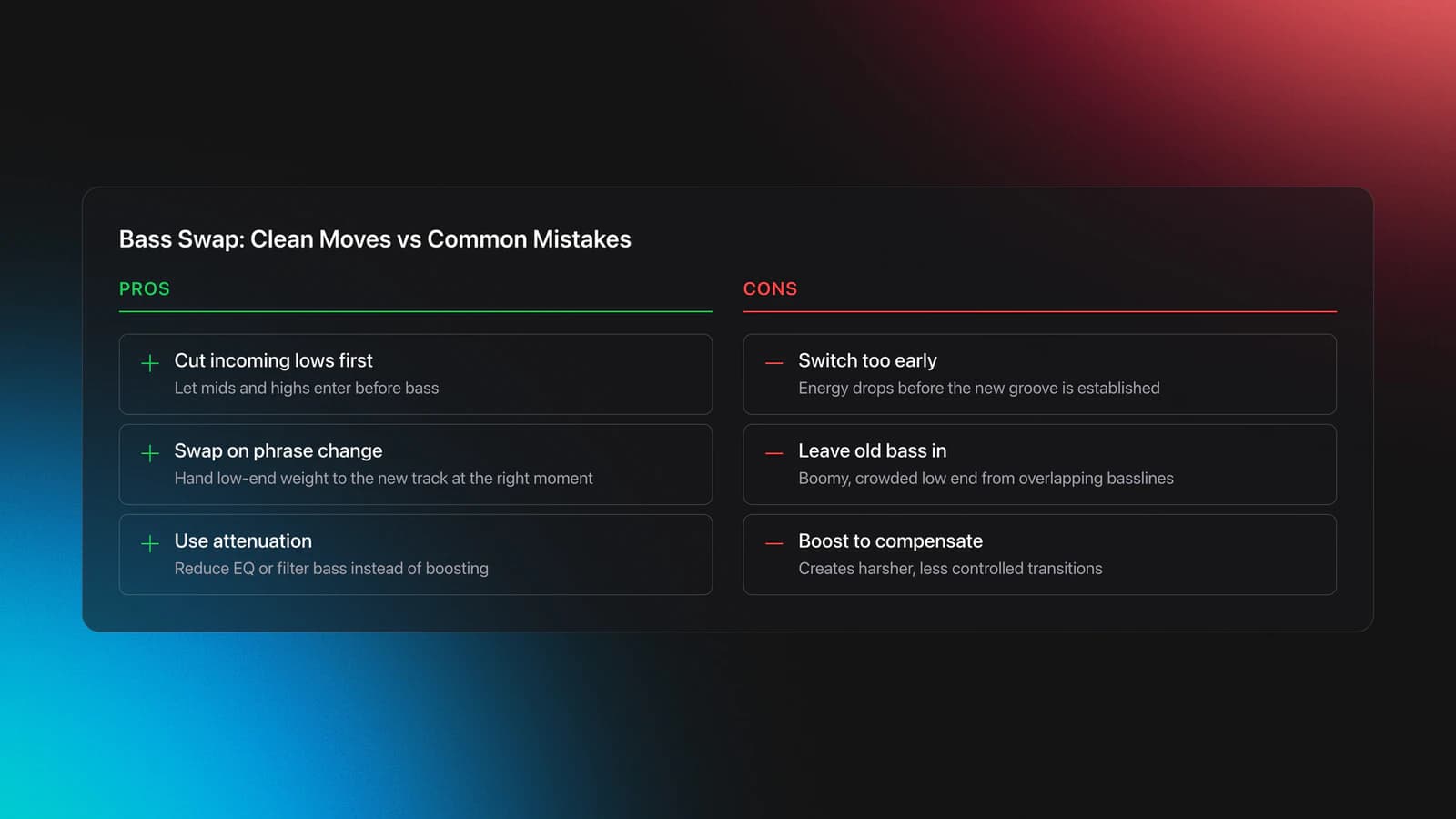
Two full basslines playing at once usually sound muddy. Two kick drums fighting for the same space sound worse. That is why many beginner transitions improve immediately when the incoming track starts with lows cut.
The transcript advice here is solid. Kill the lows on the incoming track before you bring it into the main mix. Then, at the right moment, swap the lows from the old track to the new one.
Example one. Track A is the live track. Track B is beatmatched in cue. Cut Track B low EQ fully. Bring its channel fader up slowly so mids and highs enter first. On the phrase change, lower Track A lows and restore Track B lows.
Example two. Your online mixer only has a filter, not full EQ. Start with the new track filtered so the bass is reduced. Blend it in quietly. Then center the filter as you remove low-end weight from the outgoing side.
The failure mode is switching lows too early. The symptom is that the room loses impact because the new track has not fully established its groove yet. Another failure mode is forgetting to remove the old bass, which creates a boomy, crowded mix.
Do not boost EQ above neutral to compensate. Pioneer-style guidance and common mixer practice both support using EQ mainly as attenuation during mixing, not as a boost tool for basic transitions.
You will know the bass swap worked when the energy stays stable during the handoff. The groove should feel continuous, not like one kick disappeared and another arrived late.
This is where online practice helps. Because a dj mix board online free tool is easy to reopen, you can run the same 16-bar bass swap ten times in a row. Repetition teaches your ear what clean low-end exchange sounds like.
If your track library is large, pre-tagging by function helps here too. You want to know which tracks work as builders, which work as energy resets, and which carry heavy sub. A manual system is enough. A dedicated library app like Vibes can also help by organizing tracks into custom categories and exporting that structure to DJ software later. The workflow benefit is simple. Better grouping leads to faster, more consistent transition choices.
In other words, EQ technique and library structure are connected. Clean transitions start before the mix. They start when you choose a compatible next track.
Follow the 8-Step Transition Workflow
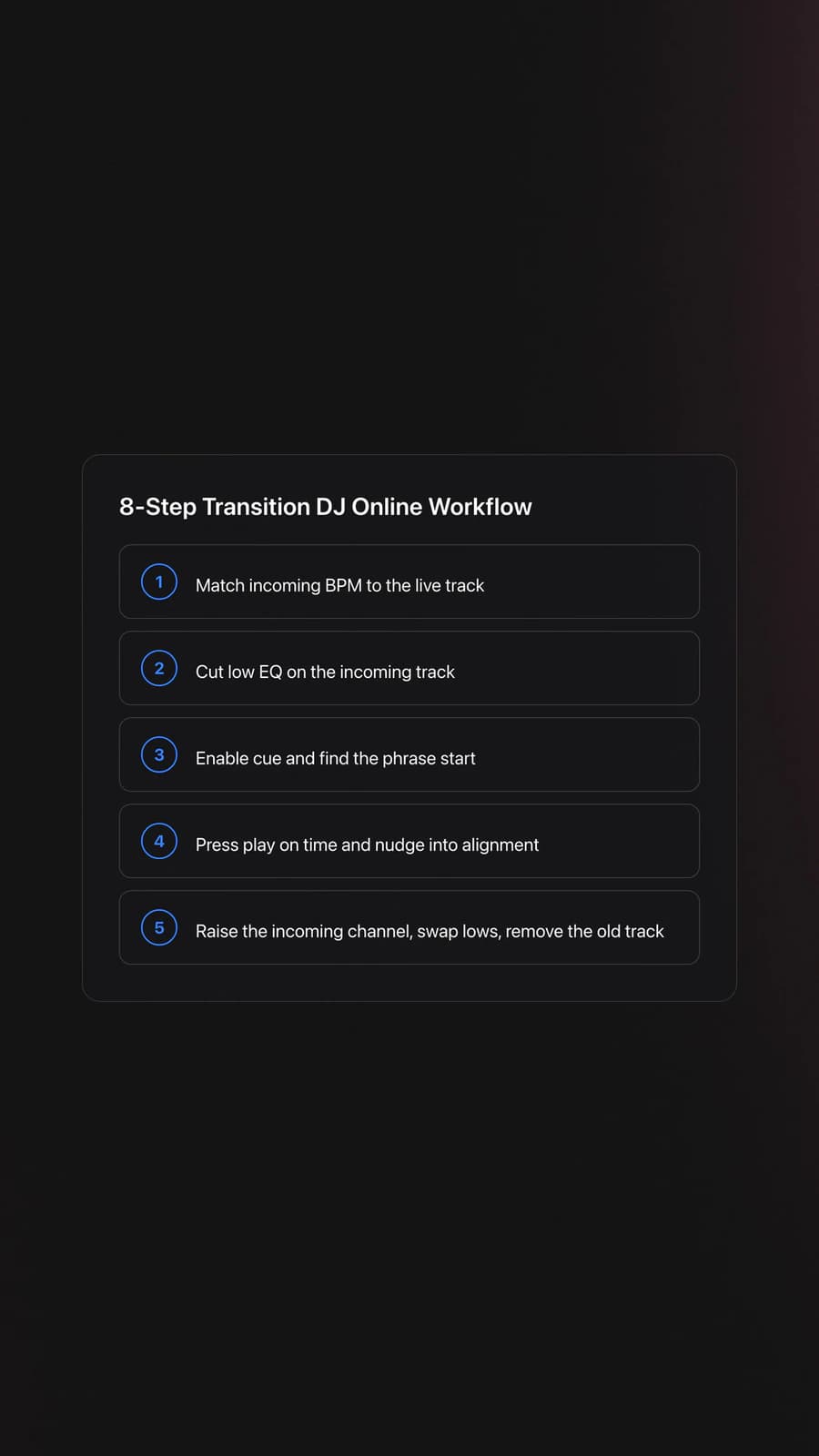
If you need a repeatable process, use this workflow every time:
- Match the incoming track BPM to the live track.
- Cut the low EQ on the incoming track.
- Enable cue for the incoming deck.
- Find the right phrase start.
- Press play on time.
- Nudge with the jog wheel until alignment locks.
- Raise the incoming channel gradually.
- Swap lows, then remove the outgoing track.
Treat these as stages, not isolated tricks. The result is a predictable transition path you can repeat across many styles.
You can shorten the workflow later. At first, keep every step visible. That reduces rushed decisions.
Quick Decision Guide for Online Mixing
| Scenario | Best Choice | Why | Next Action |
|---|---|---|---|
| BPM gap is 1-3 | Manual tempo match | Small changes stay natural | Set BPM first, then cue the entry |
| BPM gap is larger than 4 | Pick a different next track | Large shifts are harder to hide | Search a bridge track closer in tempo |
| Your app has no full EQ | Use filter-based blend | You still need low-end separation | Reduce bass on the incoming side before raising volume |
| You keep launching off-time | Focus on phrase starts | Timing errors often start before beatmatching | Count 1234 and start on bar one |
| Tracks drift after 8 bars | Recheck BPM, not just jog nudges | Temporary correction cannot fix wrong base tempo | Stop the drill and rematch speed |
Use the simplest fix that matches the problem.
Common Mistakes in Transition DJ Online
| Mistake | Why It Happens | How to Avoid |
|---|---|---|
| Starting with two busy basslines | The low end clashes immediately | Cut the incoming lows before the blend |
| Using the jog wheel for big tempo fixes | Pitch bend is temporary, not permanent | Set BPM with the tempo control first |
| Bringing the new track in too loud | Beginners rush to hear the blend | Raise the channel fader gradually over several beats |
| Watching the screen more than listening | Waveforms feel safer than ears | Use visuals to confirm, not to replace monitoring |
| Boosting EQ above neutral | It seems like a quick fix for weak energy | Keep EQ near neutral and use cuts instead of boosts |
These are the errors that make simple transitions sound messy.
Practice Routine for Faster Progress
Use a short looped routine instead of random practice. Twenty focused minutes beats two hours of unfocused browsing.
- Days 1-3, 10 minutes: BPM-match pairs of tracks without mixing them in.
- Days 4-7, 10 minutes: Launch on phrase starts and correct with small jog nudges.
- Week 2, 15 minutes: Practice full bass swaps over 16 or 32 bars.
Measure progress with one signal. Can you complete three clean transitions in a row without obvious drift or bass clash? If yes, the core workflow is becoming automatic.
Gear matters less than people think at this stage. Many DJs test several setups before they figure out what actually keeps them practicing. A common path is moving from borrowed software to an entry controller, then to larger standalone gear, and later back to a smaller battery-powered unit because portability makes practice easier and more fun. Practical access often beats feature count.
Wrap Up the Transition
A strong transition dj online workflow is not complicated. Match speed. Start on phrase. Manage bass. Then repeat until it feels boring. That boredom is progress.
Keep these takeaways in mind:
- Tempo matching solves drift before it starts.
- Cueing and jog nudges fix human timing errors.
- Bass swaps make the handoff feel clean and intentional.
Your next step is simple. Open your mixer, pick two close tracks, and complete five transitions with the same 8-step process. Then move on to EQ mixing for DJs or how to organize a DJ library to make the workflow more reliable.
The visual way to organize your DJ library
Tag tracks by vibe. See everything at once. Export to rekordbox, Serato, Traktor or Engine DJ.
14-day free trial. Full access, no strings attached.
or see how it works
Techniques Covered

Types of DJ Transitions

Beat Matching

Auto BPM Transitions Across Genres

Bass Shift Transition

EQ Adjustments

Track Selection

Phrase Mixing
Crossfader Use

Master Tempo Adjustment
Cue Button Usage
Low Pass Filtering

DJ System Configuration
Equipment & Software
Featured Gear
Official Manuals
Continue Your Learning Journey
Start Here First


Frequently Asked Questions

Hey, it's Ben Modigell 👋
I DJ and produce as so I so: downtempo, minimal, dub house, tech house, and techno (releases on Spotify and SoundCloud, links above). Everything I write here comes from my own gigs, studio sessions, and library cleanups: the rules I follow, the failure modes I have actually hit, and the workflow I use when nobody is watching. If a technique did not earn its place in my own sets, it does not make it into a tutorial.




