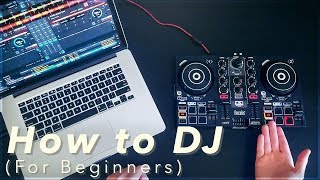
Crossfading
Crossfading is the DJ technique of smoothly blending two audio sources by moving the crossfader, used for transitions and cut-style mixing.
Crossfading Tutorials



Crossfading is the backbone of continuous DJ sets. By moving the [crossfader](/glossary/crossfader), you blend two sources so the crowd hears one coherent stream instead of abrupt starts and stops. Learn crossfading and you unlock clean transitions, safe recoveries, and room to add creative layers. It dovetails with beat matching, phrase alignment, and EQ work to produce seamless mixes.
In this guide you will practice crossfading step by step, understand curve shapes, set proper levels, and build muscle memory. Crossfading shows up in every genre and every room, so getting it right pays off quickly.
What Is Crossfading?
A crossfader is a horizontal fader that blends two signal groups, typically decks A and B. Sliding left outputs A; sliding right outputs B; the middle mixes both. This control is designed for seamless transitions between sources. See the concise overview in the Rane DJ knowledge base for definitions and basic use. what is a crossfader
In software and DAWs, crossfading can also use specialized curves for consistent loudness, often called constant or equal power. These shapes aim to keep perceived level steady during the blend, a concept described in Rane’s historical note on constant‑power crossfades. note146
Why Master Crossfading
- Seamless set flow without volume dips or jumps.
- Control over energy and density across phrases.
- Headroom to fix timing or cueing errors mid‑mix.
- Foundation for creative tricks like cuts and blends.
Equipment and Setup
Use a mixer or controller with a crossfader and channel faders. Many devices and DJ apps let you set the crossfader curve and reverse behavior. Serato’s Mixer settings describe linear and power curve options as well as reversing and disabling the crossfader. Mixer
On Pioneer DJ hardware and Rekordbox, you can adjust crossfader curve and cut lag to suit smooth mixing or sharp cutting. The Help Center articles outline where to change these parameters. I don t like the cut of the crossfade...
If you practice in Ableton Live, the crossfader offers multiple curves you can select from the context menu, which helps you match hardware behavior. mixing
Crossfader Curves and Cut
Curve determines how quickly each deck rises or falls as you move the fader. A gentle curve excels for long blends. A sharp curve favors cuts and scratching. Software and some mixers offer equal power shapes to keep perceived loudness steady at center, while linear shapes place both decks at half voltage in the middle, which can sound like a dip on correlated material. ableton.com
Cut lag is the small silent zone near each end of the fader. Tight cut lag helps fast cuts feel immediate, while a longer cut lag smooths fade starts. Pioneer’s support notes where to adjust both curve and cut lag. I don t like the cut of the crossfade...
Core Technique Breakdown
Start with two beat‑matched, phrase‑aligned tracks. Keep both channel faders up and EQs neutral. Set a smooth crossfader curve for beginner work. support.serato.com
| Step | Action | Key Point |
|---|---|---|
| 1 | Cue incoming track in headphones and set its downbeat to the next phrase start. | Lock timing with your ears, not just waveforms. See master beat matching fundamentals. |
| 2 | Match perceived loudness with channel gains and meters. | Avoid clipping. Keep headroom for the blend. |
| 3 | Begin moving the crossfader from current deck toward center over 8–16 beats. | Move at consistent speed. Small micro‑stops create bumps. |
| 4 | At center, confirm levels feel steady. | If it dips, try an equal power curve in software or tiny EQ lift. ableton.com |
| 5 | Continue past center as the new track takes focus. | Compensate with subtle EQ to avoid muddiness. See apply EQ mixing to control overlaps. |
| 6 | Finish the fade by reaching the new side at a musical boundary. | End right before vocals or a new section to keep momentum. |
In practice, linear curves often sound quieter at center when the two sources are similar. Equal or constant power curves help maintain perceived loudness, though strong correlation can still cause either a bump or dip. Adjust by ear. ranecommercial.com
Practice Drills
Through daily 15‑minute sessions over several years, I found short, repeatable crossfade reps build control faster than long improvisations. Use tight loops and fixed bar counts to train motion and timing.
Organize a small practice library by energy, key, and function so drills are repeatable. Build short playlists for Slow Fades, Center‑Hold, and Rescue scenarios, then track your reps in Vibes to keep sessions focused and consistent.
Common Mistakes
| Mistake | Why It Happens | Solution |
|---|---|---|
| Volume dip at center | Linear curve sums to half amplitude; similar sources cancel slightly. | Switch to an equal power curve in software or ride EQ to mask. ableton.com |
| Harsh entry of new track | Curve too sharp for long blend. | Pick a smoother curve or slow your hand speed. support.serato.com |
| Clicks at fade start/end | Cut lag or reverse setting misconfigured. | Adjust cut lag on supported hardware or check reverse assign. support.pioneerdj.com |
| Blend gets muddy | Overlapping low mids without EQ control. | Use subtle EQ cuts and align phrases. See apply EQ mixing to control overlaps. |
Troubleshooting and Tuning
Crossfader not responding in software? Confirm it is enabled and that the correct curve is selected. Serato’s Mixer page documents curve, reverse, and disable options that can affect behavior. support.serato.com
Need sharper or smoother action on Pioneer DJ systems? Use the curve and cut lag settings referenced in the Pioneer Help Center articles to tailor feel. support.pioneerdj.com
Practicing in Ableton Live? Right‑click the crossfader to choose from multiple curves. Match this to your hardware feel to keep training consistent. ableton.com
Hardware relief too loose or tight for precise moves? Some mixers offer fader tension adjustment and user‑replaceable crossfaders. Check your model’s documentation for safe procedures. rane performer frequently asked quest...
Creative Variations
Cut‑style blends: Set a sharp curve and execute quick crossfader chops on rhythmic accents. This creates punch without long overlap. support.serato.com
Layer‑and‑release: Hold near center briefly to stack atmospheres or percussion, then complete the fade at the next bar for clarity.
EQ‑assisted blends: As you move through center, cut a few dB at 250–500 Hz on one deck to avoid buildup, then restore as you finish. Pair this with learn harmonic mixing to keep tonality stable.
The visual way to organize your DJ library
Tag tracks by vibe. See everything at once. Export to any DJ software.
14-day free trial. Full access, no strings attached.
or see how it works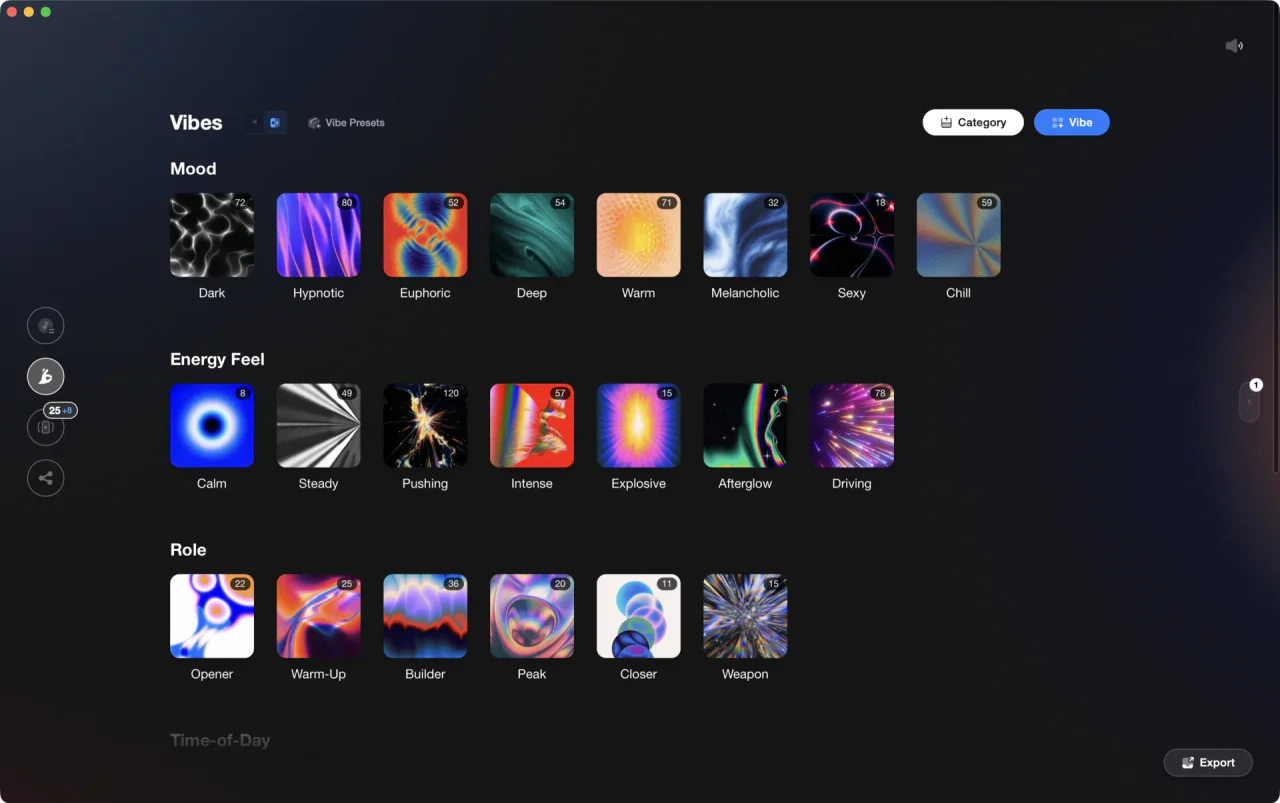
More Tutorials

House Trance: Sound, Structure, Mixing

DJ Transitions: The Three-Layer Handoff for Beginners

How To Mix In Key Live: Worked Transitions And Failure Fixes

How to DJ: First Mix, Step by Step
Mix and Key: Practical Guide to Melodic DJ Mixing
How to Mix and Edit Songs Together
Camelot Wheel DJ: Layered Deck Mixing With EQ and Phrase
When Mix and Key Actually Matters: A DJ's Guide to Harmonic Decisions
Equipment You'll Need
Native Instruments Traktor Pro 4
optionalA professional 4-deck DJ software platform with stem separation, flexible beatgrids, effects, DVS support, and broad controller integration.
DJControl Inpulse 200 MK2
optionalCompact 2‑deck USB DJ controller with built‑in audio, Beatmatch Guide LEDs, and Serato DJ Lite/DJUCED integration.
Mixed In Key Camelot Wheel
optionalA numeric key notation system for DJs that labels musical keys 1A–12A (minor) and 1B–12B (major) to simplify harmonic mixing.
Mixed In Key 11
optionalStandalone harmonic-mixing and library-prep software that detects keys, energy levels, cue points, and tags for DJ sets.
Native Instruments FM8
optionalNative Instruments FM8 is a powerhouse FM synthesizer for hybrid DJ sets and live performance. Its low CPU usage and bright, cutting tones make it ideal for layering over tracks in a live mix. Bounce FM8 basslines as audio loops for Traktor Remix Decks or Ableton clips.
VirtualDJ
optionalDJ software for Windows and macOS that handles audio mixing, video mixing, karaoke, stems, and broad hardware support.
Serato DJ Pro
optionalProfessional DJ software for mixing, performance, library management, recording, and hardware-integrated club workflows.
Cockos REAPER
optionalA lightweight, deeply customizable digital audio workstation for recording, editing, mixing, MIDI production, and post work on Windows, macOS, and Linux.
Frequently Asked Questions

Hey, it's Ben Modigell 👋
I DJ and produce as so I so — downtempo, minimal, dub house, tech house, and techno (releases on Spotify and SoundCloud, links above). Everything I write here comes from my own gigs, studio sessions, and library cleanups: the rules I follow, the failure modes I've actually hit, and the workflow I use when nobody's watching. If a technique didn't earn its place in my own sets, it doesn't make it into a tutorial.