
Watch Luke Davidson’s tutorial above (88K views on YouTube).
This guide is for working DJs and serious learners setting up a dependable rig. You’re stuck choosing gear, wiring it right, and getting a USB that actually loads in the booth. After reading, you’ll pick the right dj setup, connect it cleanly, prep a USB, and avoid problems that wreck sets.
Let’s start with fast decisions, then go deep where it matters: audio, power, and show control.
Setup Types: Controller, Standalone, or Club Separates
Most rigs fall into three patterns. Laptop controller. Standalone all‑in‑one. Club separates.
Laptop controller is cheapest. Audio runs through the computer. Reliability depends on your OS, drivers, and USB power.
Standalone units read from USB or SD. No laptop. They boot fast and handle crashes better than computers.
Club separates are the venue standard. Think media players into a club mixer. You bring a USB and play.
Screens matter in dim rooms. Bigger, higher‑contrast displays reduce browsing errors and missed cues. That beats tapping a trackpad in a dark booth.
Portability trades features. Ultra‑compact controllers travel light but lose dedicated mixer sections and extra inputs. Underground gigs often reward rugged power and readable screens over gimmicks.
If you plan to walk into pro booths, learn the CDJ‑style workflow. Update player firmware and test USBs on similar gear before show day. The CDJ‑3000 added OneLibrary support via firmware v3.30, but verify stability before you rely on it for a show. Check the official firmware page and recent advisories. cdj 3000
Minimal DJ Setup That Still Works
Why this matters: minimal rigs reduce failure points. You carry less and set up faster.
Core pieces: music source, controller or players, mixer path, monitoring, and power.
Example A: Backpack controller rig. Laptop + 2‑channel controller with audio interface. Closed‑back headphones. 2 powered speakers.
Input → process → output: Laptop runs your DJ app. Controller handles jogs and faders. Balanced TRS or XLR lines feed the speakers. Keep USB cables short and powered from the laptop directly.
Validation: No audible hum at idle. Peak meters near ‑6 dB on channel during loud sections. No red lights on master. Both speakers in phase.
Failure mode: USB bus power drops out mid‑set. Symptom: controller disconnects on bass hits. Fix: use a different port, shorter cable, or powered hub approved by the vendor.
Example B: USB‑only club workflow. Prepare on desktop. Export to a USB. Plug into venue players and browse playlists on the mixer screen or player displays.
Input → process → output: Players read your device library. Players send digital or analog audio to the club mixer. Mixer feeds the main PA and booth monitors.
Validation: Your playlists appear instantly on similar gear. Cues, beatgrids, and keys match your prep. If they don’t, re‑export and test on another player.
Failure mode: playlists invisible on certain firmware. Symptom: empty device on load. Fix: confirm device format, library type, and player firmware compatibility. When new formats like OneLibrary roll out, test at home on updated players. What is OneLibrary
The principle holds across both examples: fewer parts mean fewer things that can fail under pressure. My home rig is a battery-powered Denon Prime Go on the desk into a single speaker, while the club nights I play run CDJs into a Xone, and both work because each is wired for its room. Favor setups that are quick to wire and quick to verify, because those are the ones that survive real rooms.
Connect Audio and Power Cleanly
Noise, hum, and clipping come from wiring and gain staging. Fix those before buying more gear.
Signal path matters. Keep it short and balanced. Use XLR or TRS for long runs. Avoid long RCA unless there’s no alternative.
Ground loops sound like a steady buzz at 50/60 Hz. They happen when gear grounds sit at different potentials. Balanced wiring and proper interconnection break that loop. Rane’s classic Note 110 shows correct wiring for mixed balanced/unbalanced systems. note110
Diagnose a hum methodically rather than guessing. Disconnect every input from your speakers or amp. If the hum stops, a ground loop is confirmed. Reconnect one device at a time, listening after each, until the offending connection appears. Once you find it, prefer balanced XLR or TRS on that run, and if a device has a ground-lift switch, lift the ground on one end only. Never lift the safety ground on a power plug; a floating chassis ground can be dangerous. Avoid tangled or coiled cable runs, which can act as antennas and add noise of their own.
Gain staging is simple. Set input trims so loud sections sit around ‑6 dB on channel meters. Keep the master out of the red. Leave headroom for the room’s system EQ.
Example A: Home monitors. Controller master → speakers with two XLR cables. Set channel gains with PFL. Put speaker input trims at noon. Raise controller master until room level is right, then stop.
Validation: No clip lights, no audible hiss at idle within three feet, and symmetrical stereo image. If bass collapses when summed to mono, swap a speaker polarity.
Example B: Club booth patch. RCA from a controller into a spare mixer channel. Keep the RCA under two meters. Set the mixer channel trim conservatively. Let the house engineer push the PA, not your master.
Failure mode: crunchy highs at the drop. Symptom: red LEDs on channels, limiter pumping on the PA. Fix: back off channel trim until peaks hover below 0 dB on the mixer. Use master for room level. Shure’s live gain tips mirror this approach. content.shure.com
Power. Use one circuit when possible. Keep wall‑warts off power strips that feed speakers. Coil slack, but don’t choke cables.
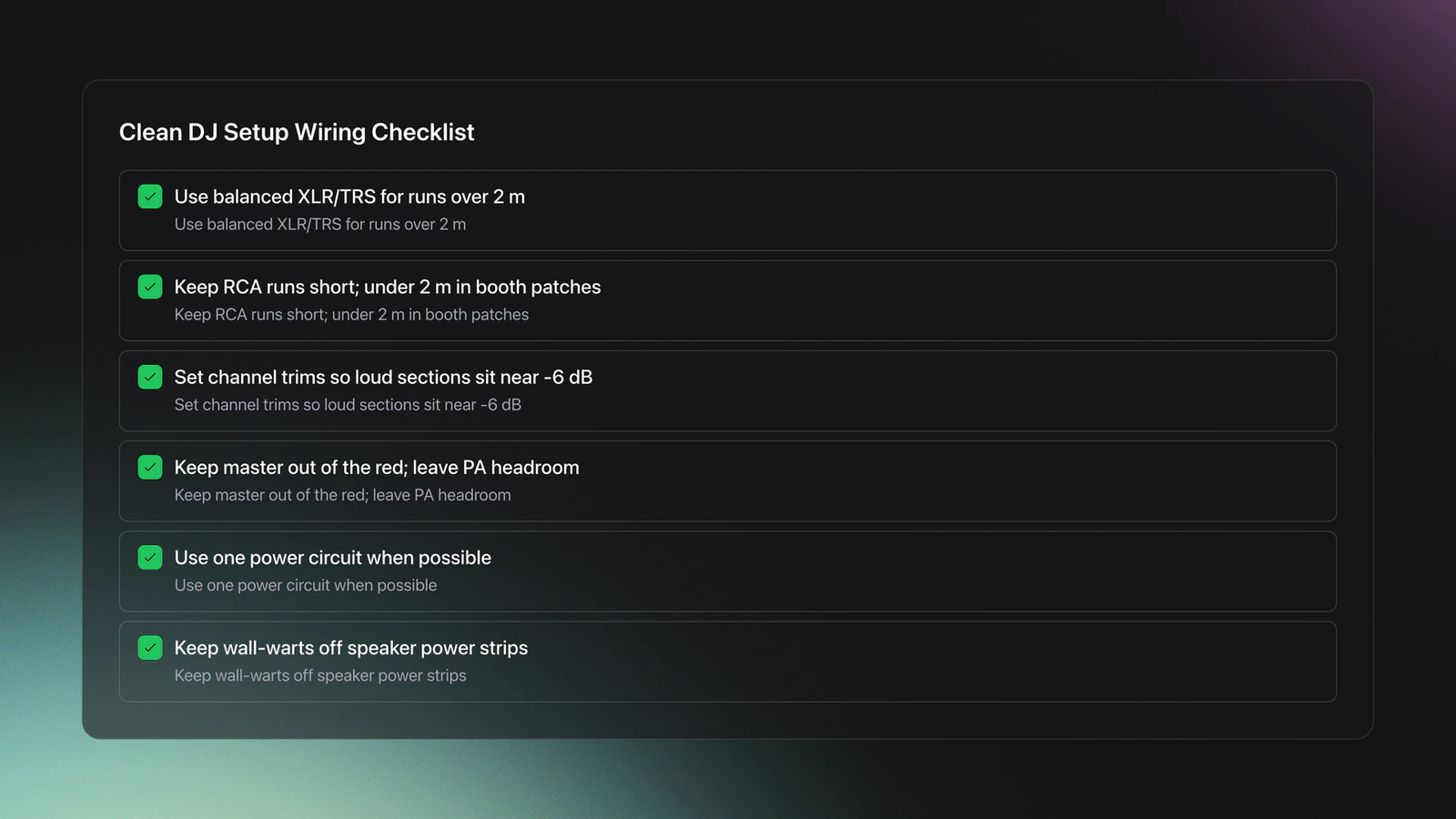
USB reliability for laptop rigs. Plug the controller into a direct port on the machine, not an unpowered hub, which is the most common cause of dropouts on bass hits. If you must use a hub, use a powered one the vendor approves. Keep background apps, browsers, and screen recorders closed during a set; they spike CPU and starve the audio engine. Keep controller firmware and DJ-app drivers current, since outdated drivers cause latency and sync faults that look like hardware failures.
Concept diagram: Source → Controller/Players → Mixer → PA/Monitors. Balanced lines wherever the run exceeds two meters.
Lighting and Atmospherics With DMX
DMX is a broadcast control protocol. One universe carries 512 channels. Each fixture consumes a set of channels. Addressing must be unique.
Set a starting address per fixture. If a laser uses 16 channels and starts at 001, the next device should start at 017. Overlaps cause nothing to respond or random behavior.
Auto modes look flashy, but they rarely hit accents in your track. A simple controller or software unlocks chases and timed hits. Start there before full timecode shows.
Use proper DMX cable and termination. Daisy chain out of the controller, through fixtures, and end with a terminator. The current DMX512‑A standard defines the protocol that pro gear follows. published docs
Fog: Water‑based fluid is the default for indoor rooms. It disperses quicker and leaves less residue than oil‑based. Follow the ANSI atmospheric effects guidance when planning haze or fog. dj brands unite to launch onelibrary
Lasers: Treat beams with respect. Class 3B and Class 4 units can injure eyes. The FDA explains laser hazard classes and pro‑use requirements. If you don’t have the training or a variance, don’t deploy high‑power lasers. frequently asked questions about lasers
Example A: Small room chain. Controller → two pars (001-012 each) → laser (025-040). Address pars at 001 and 013. Laser starts at 025. End the line with a terminator. Validate by moving one fader at a time.
Validation: Each fader moves exactly one parameter on one fixture. Blackout works on all fixtures. No flicker when audio peaks hit.
Failure mode: fixtures ignore the controller. Symptom: nothing responds, even in auto. Fix: check addresses, universe, and that auto/sound modes are off. Replace mic cables with DMX cable and add termination. If a device only has 3‑pin XLR, use proper adapters and keep runs short.
Concept diagram: DMX controller → PAR 1 (001) → PAR 2 (013) → Laser (025) → terminator. One universe, no overlaps.
Library and USB Prep for Club Players
Your USB is your show. It must load everywhere, with playlists and cues intact. Format the drive properly. Export both legacy device library and the new OneLibrary when you need widest compatibility. AlphaTheta’s help center outlines OneLibrary’s role across devices. support.pioneerdj.com
Method options: manage in Rekordbox, keep a spreadsheet index, or use dedicated library tools that preserve structure when exporting.
If you want a faster way to keep structure consistent, define a custom category system and export clean folders and playlists to Rekordbox. Keyboard‑driven sorting and an export that keeps your folder and playlist layout intact in DJ software reduce scramble time when a booth clock is running. Vibes is one tool aimed at this exact prep step, building a mood and energy category system and exporting the same folder and playlist layout to Rekordbox so the USB you bring matches the structure you practiced on.
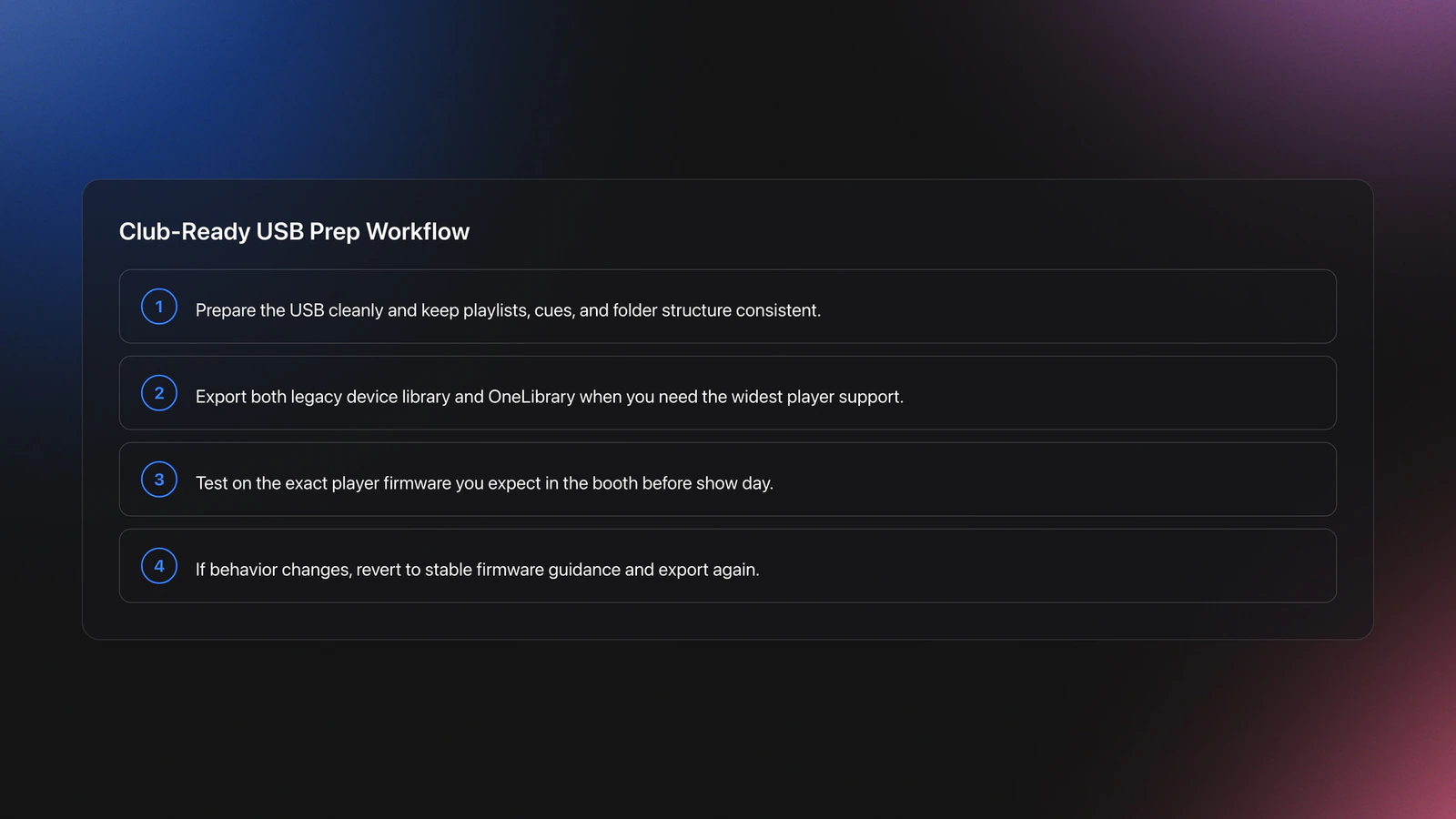
Before a show, test on the target firmware. The CDJ‑3000’s recent OneLibrary updates changed behavior for some users. Check firmware notes and advisories before the weekend. If in doubt, stick to a known‑good firmware and re‑export. pioneerdj.com
Plan Sets Without Over‑Planning
You need a spine, not a script. Build three arcs by energy, key, or function. Leave space for requests and room read.
Sketch sequences visually. Some DJs whiteboard. Others drag placeholder cards in a canvas. Use a planner that lets you drop tracks, annotate transitions, and see BPM/key at a glance.
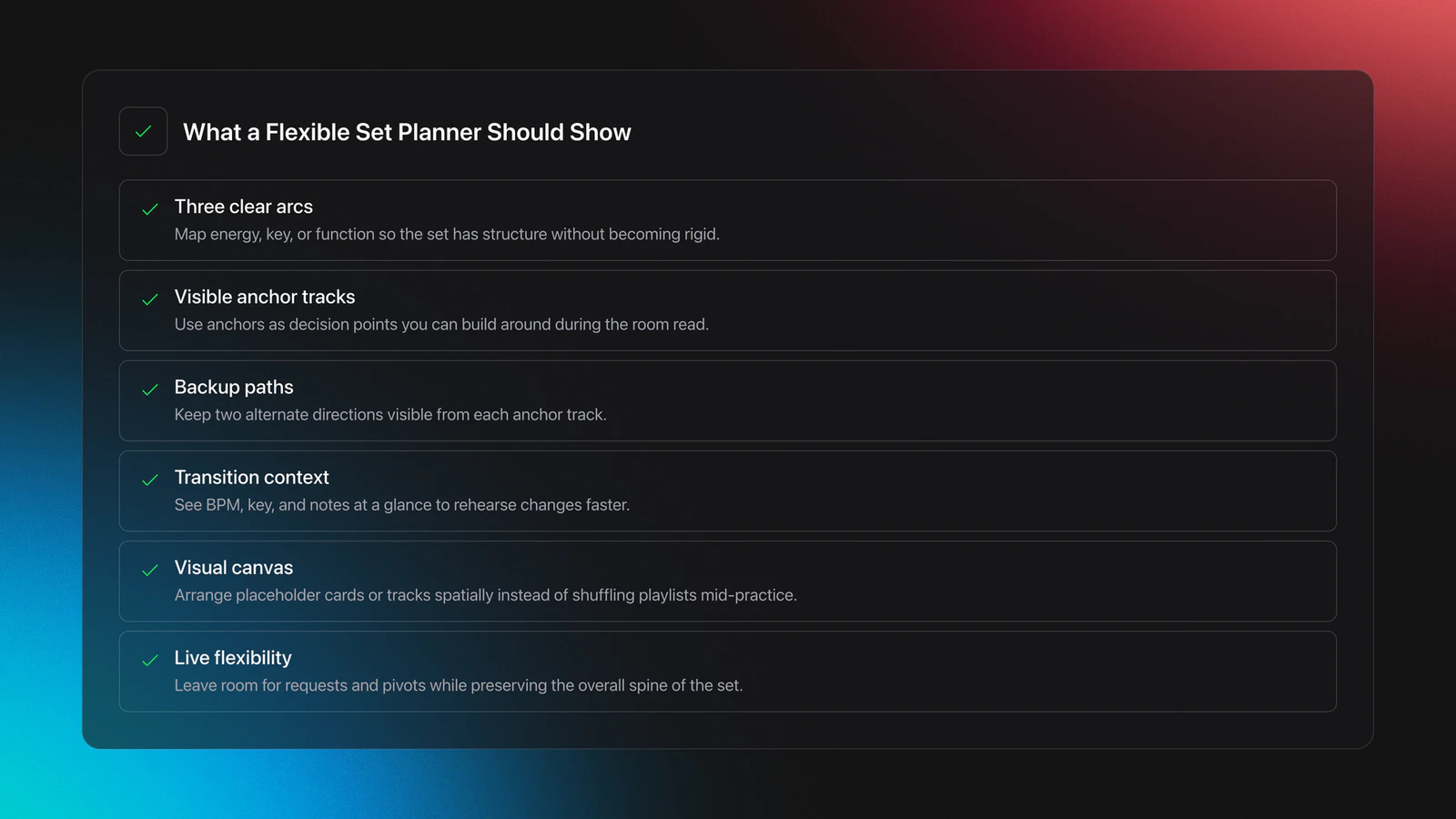
Validation: You can play a 45‑minute rehearsal without stopping to search. Two backup paths are visible from each anchor track.
Quick Decision Guide: Choose Your Path
| Scenario | Best Choice | Why | Next Action |
|---|---|---|---|
| Traveling light, mixed venues | USB + club separates | Fast setup. Works on most booths. | Export legacy + OneLibrary. Test on a friend’s player. |
| House parties and streams | Laptop controller | Lowest cost. Flexible effects and recording. | Use balanced outputs to speakers. Short USB cables. |
| Boutique bar gigs | Standalone all‑in‑one | No laptop risk. Compact footprint. | Pack XLRs. Save two playlists per hour of playtime. |
| Bass‑heavy club with tech crew | Club separates | Best sound path and booth workflow. | Arrive early. Verify firmware and drive format. |
Use the smallest setup that meets the gig’s constraints.
Common Mistakes to Avoid
| Mistake | Why It Happens | How to Avoid |
|---|---|---|
| Long unbalanced RCA runs | High impedance path picks up hum | Use balanced XLR/TRS for long runs; keep RCA under 2 m. ranecommercial.com |
| Setting gains by ear only | Room loudness masks clipping | Use PFL and keep peaks below 0 dB on channels. content.shure.com |
| DMX address overlaps | Multiple fixtures share channels | Map channels. Increment start addresses by fixture footprint. tsp.esta.org |
| Oil‑based haze at home | Leaves residue on gear and walls | Prefer water‑based for small rooms; follow ANSI fog guidance. rekordbox.com |
| Ignoring firmware/library changes | New formats break compatibility | Check CDJ firmware notes and export both library types when needed. pioneerdj.com |
| Disabling smoke detectors | Convenience over safety | Never bypass safety systems. Use venue‑approved atmospherics and follow local rules. rekordbox.com |
Fix these and your hit rate improves overnight.
The visual way to organize your DJ library
Tag tracks by vibe. See everything at once. Export to any DJ software.
14-day free trial. Full access, no strings attached.
or see how it works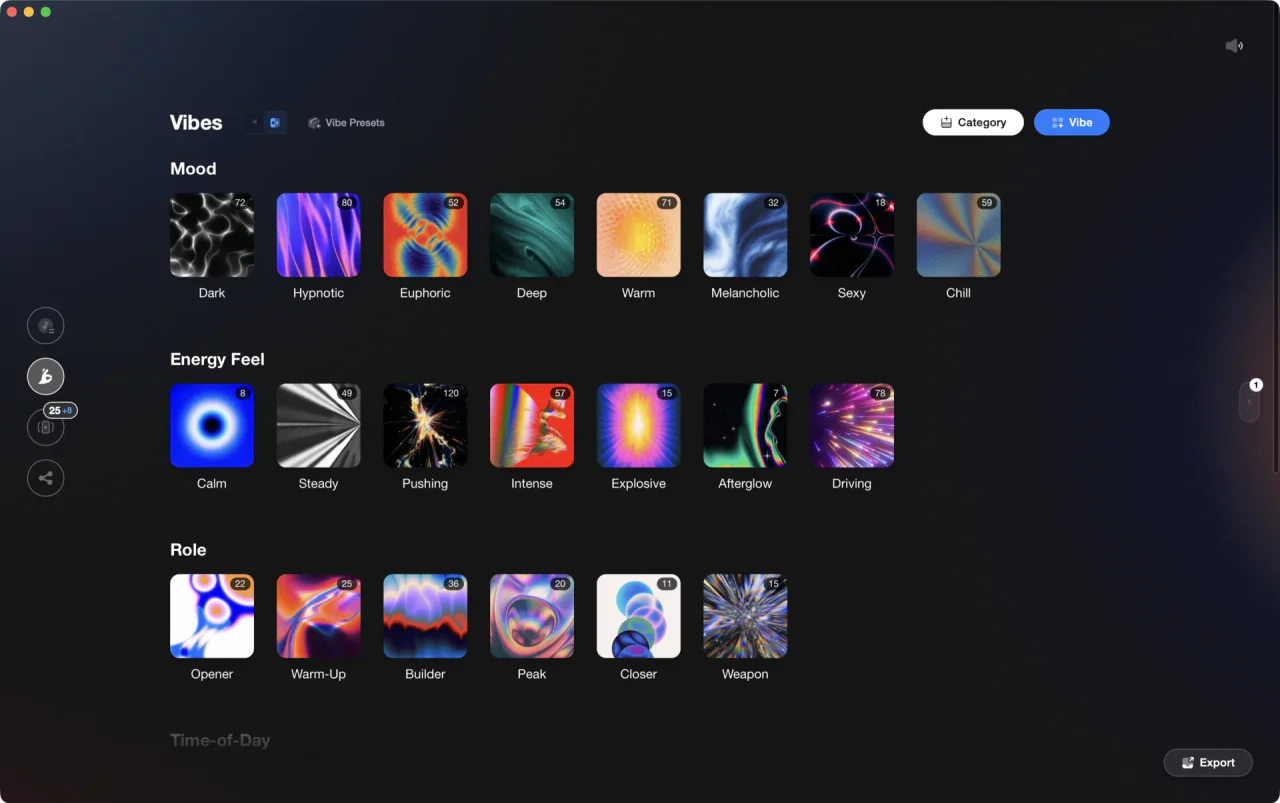
Techniques Covered


Equipment & Software
Featured Gear
Continue Your Learning Journey
Start Here First
Related Content

DJ Transitions: The Three-Layer Handoff for Beginners
intermediate
How To Mix In Key Live: Worked Transitions And Failure Fixes
intermediate
Mix and Key: Practical Guide to Melodic DJ Mixing
intermediate
Harmonic Mixing Guide for DJs: Energy & Workflow
intermediate
Camelot Wheel DJ: Layered Deck Mixing With EQ and Phrase
intermediateFrequently Asked Questions

Hey, it's Ben Modigell 👋
I DJ and produce as so I so — downtempo, minimal, dub house, tech house, and techno (releases on Spotify and SoundCloud, links above). Everything I write here comes from my own gigs, studio sessions, and library cleanups: the rules I follow, the failure modes I've actually hit, and the workflow I use when nobody's watching. If a technique didn't earn its place in my own sets, it doesn't make it into a tutorial.




