
Watch Dubspot’s tutorial above (83K views on YouTube).
This is for DJs with a growing library who can never find the right track fast enough. If you want to organize your music for DJing without turning your library into a mess of duplicate playlists, this system gives you a clean structure. By the end, you will be able to sort tracks by role, genre, date, rating, and harmonic fit without rebuilding your collection every week.
This guide assumes your files are already sourced, ripped, and tagged at the archive level. If they are not, build that foundation first in music library management, then come back here for performance prep.
The key idea is simple. Do not build static playlists for every situation. Build a performance tagging layer once, then let smart rules generate the playlists you need.
That shift matters because a manual playlist is a snapshot. A rule-based playlist is a living filter.
Even with rules doing the heavy lifting, I still sort my own library by hand on purpose. Touching every track is how I stay close to what is in my crates, and knowing my crates that well is exactly how I read a room and adjust on the fly. The system speeds up access, but it does not replace knowing your own music.
If you also use harmonic mixing basics, playlist strategy for DJs, or prepare a DJ set, this article connects those pieces into one working system.
Why Organize DJ Music With Rules
Most DJs start by dragging tracks into folders named after genres, venues, or moods. That works for a while. Then the same track belongs in six places, and every update becomes manual.
A rule-based system fixes that by separating track data from playlist output. You edit the track once. The playlists update themselves.
With a clean archive already in place, performance access has two layers on top of it. First, your smart playlists, built from performance tags. Second, your gig-specific working crates.
That is the mental model for the rest of this guide. Filter many times from clean data. Prepare for the gig last.
- Smart playlists: rule-based views built from function, rating, and key tags
- Gig crates: a temporary shortlist for a specific set
When you organize DJ music this way, every later decision gets faster. You stop hunting. You start filtering.
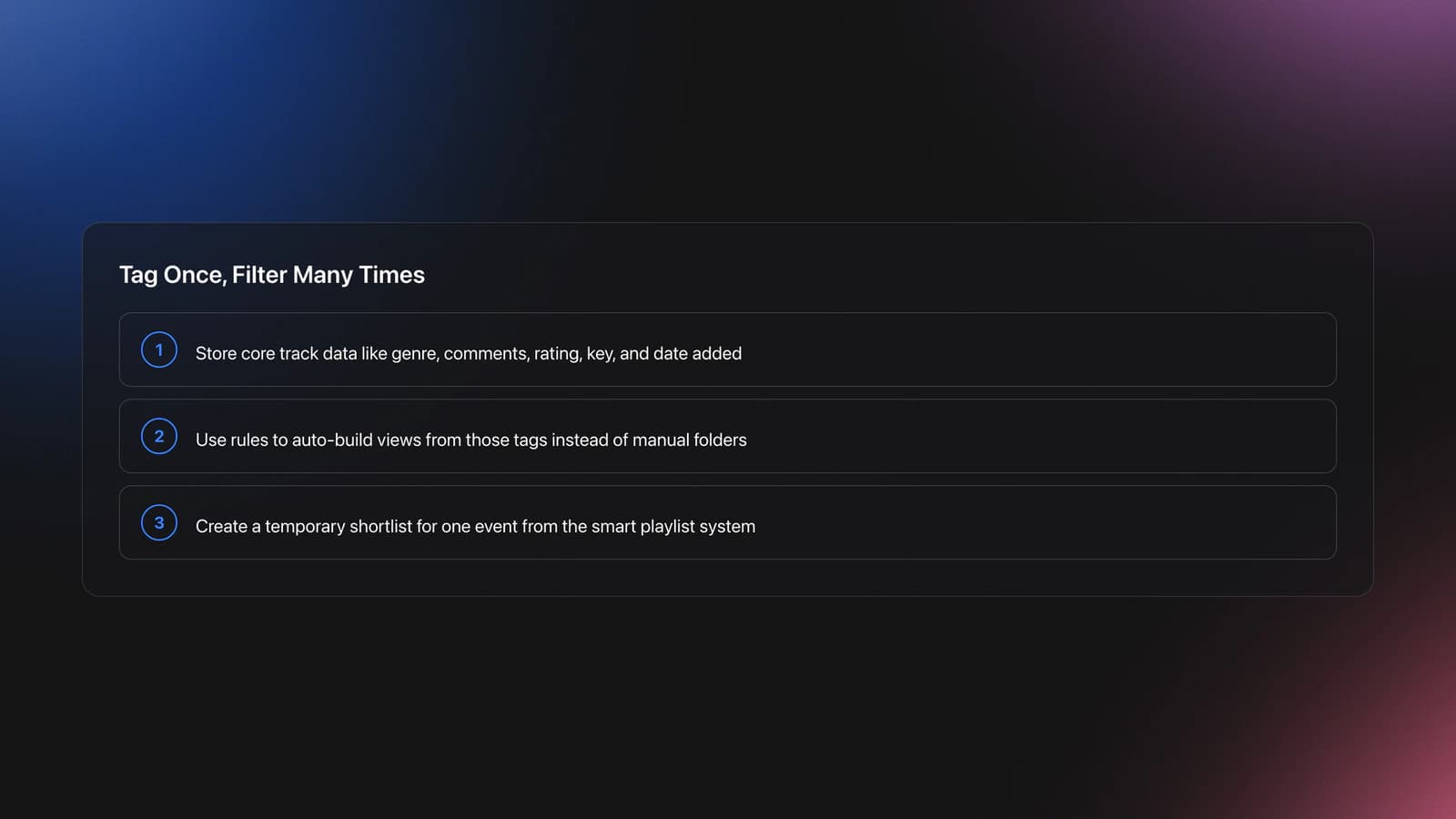
Add the Performance Tags Smart Playlists Need
Assuming files are already sourced, ripped, and tagged at archive level (see [music library management](/learn/tutorials/music-library-management)), the only tags this system needs are the ones that describe how a track performs in a set. Skip the file hygiene work here. It is already done.
Three performance tags do almost all the work:
- Function: what the track does in a set, such as opener, groover, banger, or closer
- Rating: a personal quality score you trust under pressure
- Key: a Camelot code for harmonic matching
Genre answers what the track is, and your archive already carries it. Function answers what the track does, and that is the field that drives set-building speed. The split is the whole point. You browse by role first, then narrow by genre or key.
This is where a lot of libraries drift. People mix mood notes, event notes, and inconsistent function labels into one field. The result is impossible to filter cleanly. Keep the function field doing one job, with one controlled vocabulary.
One hardware note before you commit to a vocabulary: if you filter at the booth with Rekordbox My Tag on CDJs, keep the tag set to four categories or fewer. That is the practical limit the My Tag filter surfaces at the player, and it forces exactly the kind of small, durable word list that keeps a library from drifting.
Example one. A track is a peak-time roller. Function = Groover. Rating = 4 stars. Key = 6A. One pass of performance tagging powers at least five playlist types later.
Example two. Another track is peak-time but still subtle. Function = Banger. Rating = 5 stars. Key = 8A. That track can show up in your banger playlist, your 4-and-5-star playlist, your current-month crate, and your compatible key playlists.
The failure mode is easy to spot. You search for openers and half your likely tracks do not appear because some were tagged opener, some opening, some warmup, and some left blank.
You will know your performance tags are working when one new track reliably appears in every expected playlist within seconds of import.
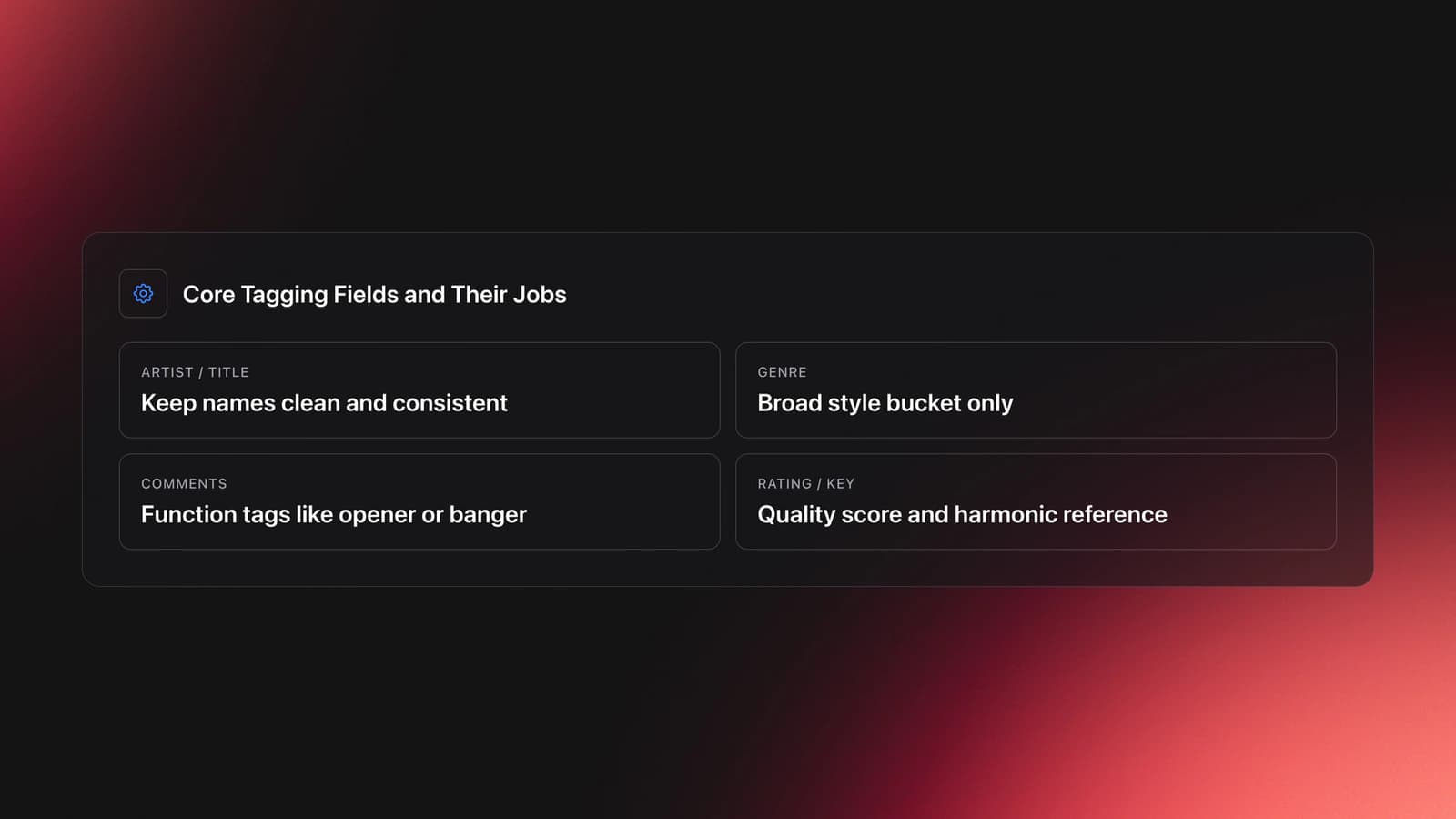
Create Smart Playlists That Stay Useful
Once the performance tags are clean, smart playlists become the engine. Each playlist should answer one clear question.
Examples make this concrete. One playlist asks, "Which tracks are by this artist?" Another asks, "Which tracks were added this year?" Another asks, "Which tracks are tech house and rated 4 stars or higher?"
Good smart playlists are specific enough to help, but broad enough to stay populated. If a playlist is empty most of the time, it is too narrow. If it contains hundreds of tracks, it is too broad for performance use.
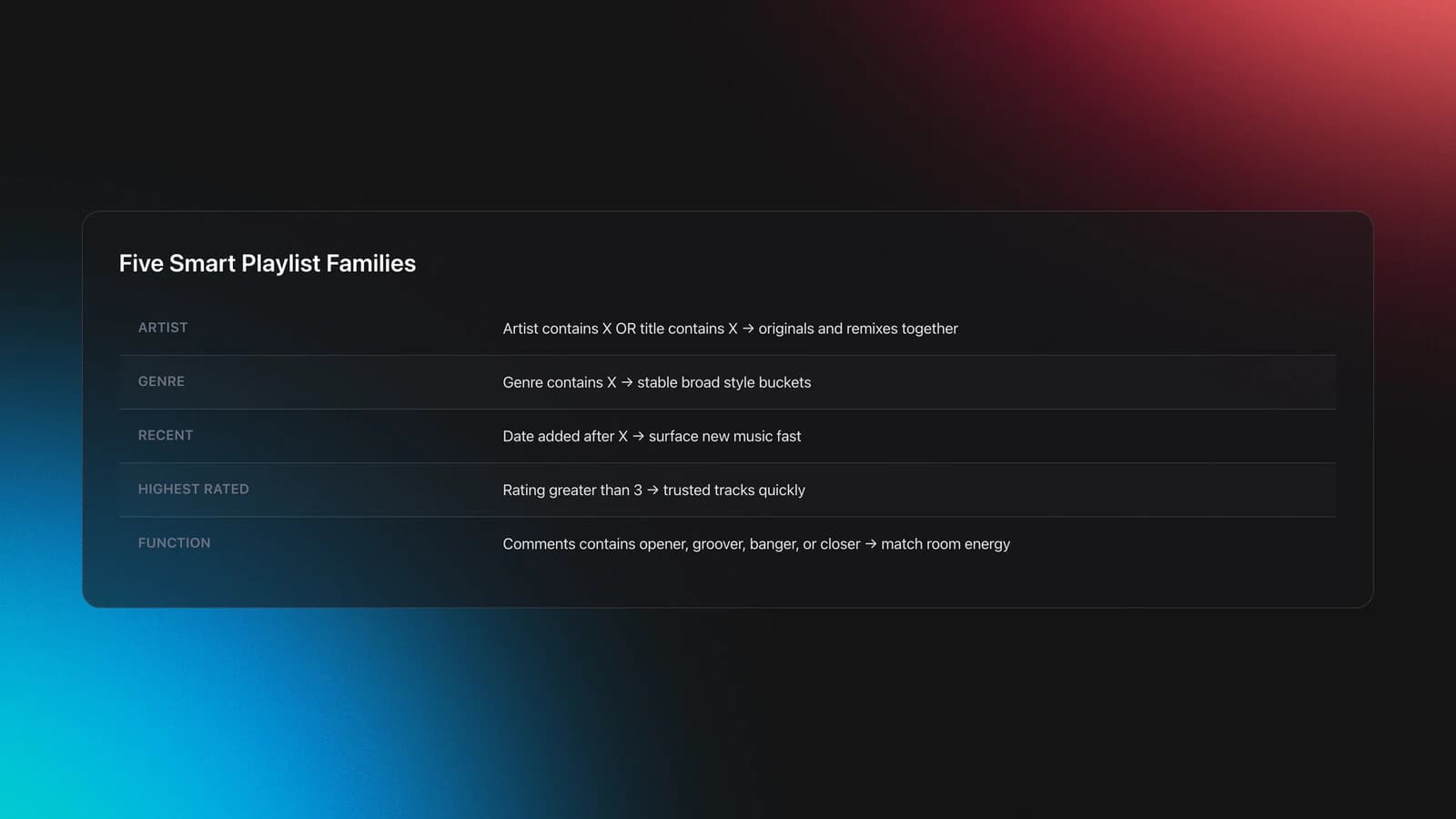
Start with five useful playlist families:
- Artist playlists
- Genre playlists
- Date-added playlists
- Rating playlists
- Function playlists such as opener, groover, banger, closer
Artist playlists work best when they look at both artist and title fields. That catches originals and remixes.
Genre playlists work best when the genre names stay controlled. Decide once whether you will use House, Deep House, Tech House, Minimal, or broader buckets. Do not alternate randomly.
Date-added playlists are underrated. They let you isolate recent discoveries fast. This is useful when you want fresh material without scrolling your entire archive.
Ratings become useful only if your scale has meaning. A practical scale is 3 stars for solid, 4 stars for strong, 5 stars for reliable peak selection. The exact numbers matter less than consistency.
Function playlists are where your set-building speed improves most. When you need an opener, you should not browse by genre first. You should browse by role, then narrow by genre or key.
A real-world lesson from smaller underground events makes this clearer. At a daytime Zugvögel Festival set on a hay bale floor, the strongest factor was not venue size. It was atmosphere, system quality, and whether the selector could pull the right energy at the right moment. That is why functional playlists matter. They help when the room tells you to pivot.
The main failure mode here is overbuilding. DJs create 80 playlists before testing whether 8 of them solve real problems.
You will know your smart playlists are useful when you can answer these questions in under ten seconds: What are my best recent house tracks? What openers fit this style? Which high-rated tracks came in this month?
| Playlist Type | Rule Pattern | What It Solves |
|---|---|---|
| Artist | Artist contains X OR title contains X | Find originals and remixes together |
| Genre | Genre contains X | Keep broad style buckets stable |
| Recent | Date added after X | Surface new music fast |
| Highest rated | Rating greater than 3 | Pull trusted tracks quickly |
| Function | Comments contains opener or banger | Match set energy to room need |
Smart playlist patterns that stay useful over time
Use Keys and Compatibility Rings Without Overcomplicating
Harmonic organization helps, but it can easily become the part of your system that breaks first. The fix is to keep it useful, not perfect.
Store Camelot-style key codes so a playlist for 4A collects every track tagged 4A. Then build a second playlist that groups the keys compatible with that center. That is a compatibility ring, not a single next-track choice.
That structure works because it separates exact key from playable options. You do not just need tracks in 6A. You need tracks that can move around 6A without killing the blend.
According to Mixed In Key's Camelot wheel guide, neighboring Camelot values and mode changes are the standard quick reference for harmonic compatibility. Native Instruments' Traktor Pro documentation also supports key-aware browsing inside DJ preparation workflows.
Example one. A track tagged 6A can move comfortably to 5A, 7A, or 6B in many standard harmonic workflows. That gives you a short compatibility ring rather than one rigid next choice. Build the ring once as a smart playlist and it follows you from track to track.
Example two. If your analyzer outputs two possible keys for a track, you can include both possibilities in your rule logic. That is more useful than pretending the first guess is always correct.
This is where people overcomplicate the system. They create huge harmonic trees for every key before deciding whether they even mix that way under pressure. Start with a ring for the three or four keys you open in most often. Expand only when a real set demands it.
Description comes first. Key tags help you avoid clashes and find safe transitions. Prescription comes second. Use them to narrow options, not to override your ears.
The failure mode is obvious at the gig. You trust the tag, ignore the phrasing, and the transition still feels wrong.
Validation Check
Build Gig Crates From Your Smart Playlists
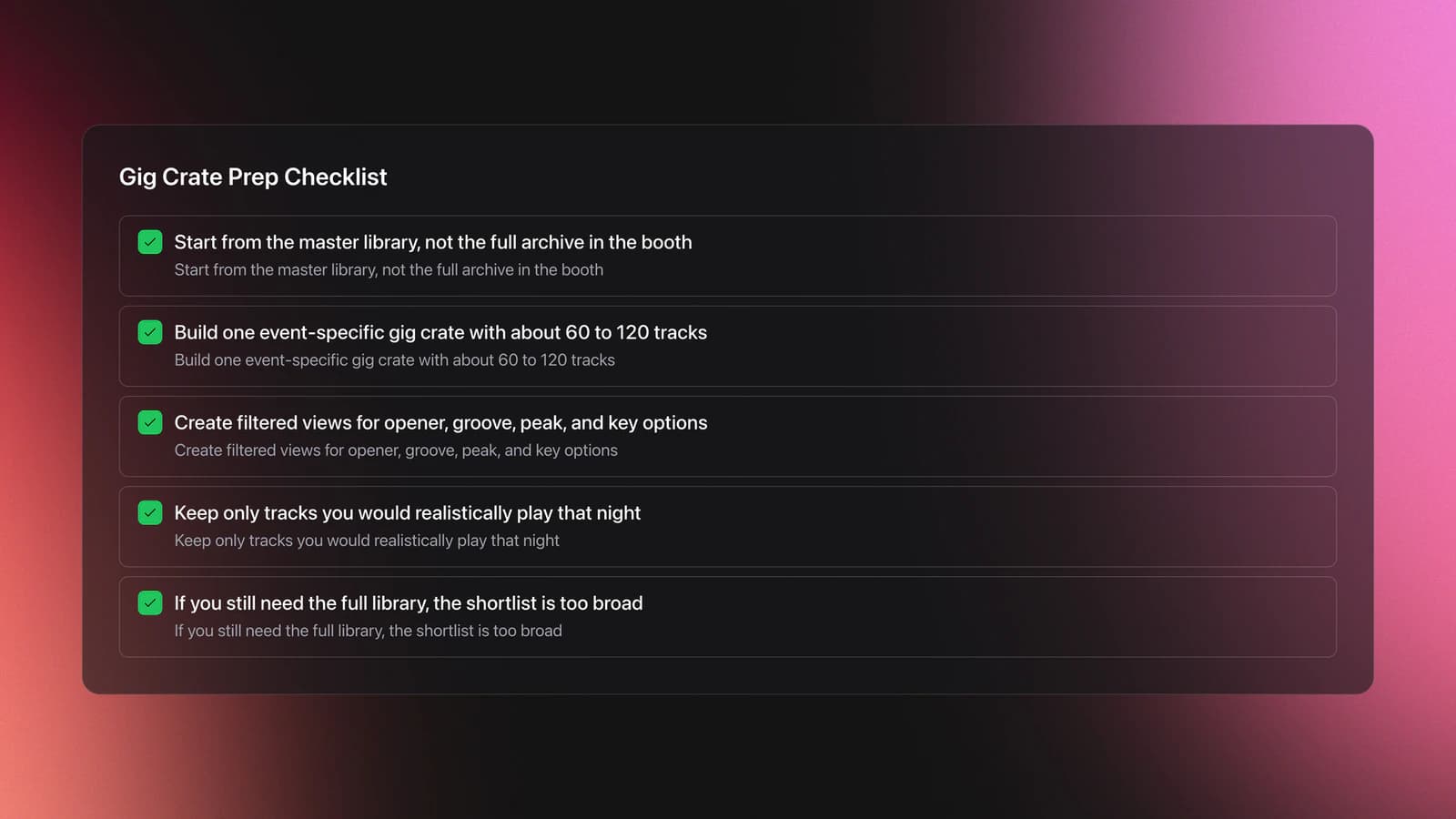
This is where everything pays off. Your master library should not be your live crate. Your live crate should be a filtered subset built for one event. Keep performance crates separate from your canonical archive, which lives in music library management.
The strongest gig approach uses one manual shortlist, then lets smart playlists subdivide that shortlist by genre, key, or other rules.
That gives you two levels of control. First, you decide what is viable for the event. Second, the system reorganizes that pool into practical views.
Example one. You drag 120 tracks into a gig crate for a club set. A smart playlist then pulls only house tracks from that crate. Another pulls only high-rated tracks. Another pulls harmonically compatible tracks around the key you are currently playing.
Example two. You are playing back-to-back and the direction is unpredictable. Instead of one rigid sequence, you carry a gig crate with opener, groove-building, peak, and recovery options already segmented. That lets you react without losing structure.
The failure mode is bringing the whole library and calling that flexibility. It is not flexibility. It is search overhead.
A good gig crate is wide enough to adapt, but narrow enough to trust. If you are scrolling past tracks you would never play that night, the crate is too large. Building that shortlist by hand is where a purpose-built crate tool earns its place; Vibes lets you assemble an event crate from your function, rating, and key tags and then subdivide it on the fly, so the gig pool stays adaptable without becoming the whole library.
Validation Check
Why does this matter for performance workflow? Because the booth punishes indecision. A neat archive is not enough. You need event-specific access.
- Gig crate for one event
- Sub-playlists for genre, role, rating, and key within that event
Run Analysis and Lock Beatgrids So the Rules Hold Up
Everything above assumes the underlying track data is right. Tags and smart playlists cannot save a library where BPM values are wrong or beatgrids drift. So run BPM, key, and beatgrid analysis on import, every time. Pre-analysis builds waveforms ahead of the gig, lowers CPU load while you play, and gives every track a consistent tempo map, so nothing gets analyzed for the first time in front of a crowd.
Then spot-check and lock. Confirm the downbeat, fix any grid drift, and lock the beatgrid so accidental edits or a later re-analysis cannot shift timing you already corrected. Accurate, locked grids keep phrasing stable and make sync behavior consistent across laptops and players. A full re-analysis is only worth it when you change analysis settings. If the first pass got some BPM ranges wrong, re-analyze those tracks in batches instead of redoing the whole library.
The last technical step is export and test. Push your gig crate to a USB stick or performance mode and rehearse a few transitions in order, on the device you will actually use. Laptop behavior does not always match USB player behavior. Catch grid and gain outliers before the room does, fix them, and re-export.
Fix the Common Problems Fast
Most performance-access problems are scope and tagging problems, not software problems.
| Mistake | Why It Happens | How to Avoid |
|---|---|---|
| Inconsistent comment tags | Different words describe the same role | Use one fixed vocabulary for functions |
| Too many genres | Genre names get more specific over time | Keep broad buckets and handle nuance elsewhere |
| No rating discipline | Stars are used emotionally instead of comparatively | Define what each star level means |
| Gig crate is too large | Fear of leaving tracks behind | Build a viable event pool, not a full archive |
| Key tags override listening | Analyzer results feel more objective than ears | Use key as filter support, not final authority |
Common mistakes when you organize your music for DJ use
If your playlists feel messy, audit the function and key tags before changing the structure. Structure usually fails because the data feeding it is noisy.
If your smart playlists are empty, loosen the rules. If they are bloated, tighten one variable at a time.
If your gig prep still feels slow, reduce your shortlist first. Most DJs try to solve that problem by adding more crates.
Organize Music for DJing vs Organize Music on Spotify
Several secondary queries point toward Spotify, but the workflow is different. Spotify is useful for discovery and casual playlist management. A local DJ library is built for performance reliability and file-level tagging.
If you want to organize your music on Spotify, you are mostly sorting playlists, folders, liked tracks, and listening context. If you want to organize music for DJing, you need metadata you control directly.
That is an important scope line. Streaming playlist cleanup and DJ performance prep overlap at the idea level, but not at the execution level.
| Scenario | Best Choice | Why | Next Action |
|---|---|---|---|
| You want casual listening playlists | Spotify organization | Fast access matters more than detailed metadata | Group playlists by mood or activity |
| You prep tracks for club sets | Local DJ library | You need stable tags, ratings, and file control | Standardize tags on your local files |
| You discover on streaming but play locally | Hybrid workflow | Discovery and performance have different needs | Move selected tracks into your local intake folder |
| You cannot find tracks quickly at gigs | Rule-based local system | Performance pressure exposes weak organization | Build smart playlists from metadata |
Quick decision guide for music organization workflows
This means the best way to organize music playlists depends on the job. For listening, simple folders may be enough. For performance, metadata-driven filtering is usually better.
Keep the System Small Enough to Maintain
A good performance system survives contact with real life. New music arrives. Tags slip. Your taste changes. You play different rooms.
So the best system is not the most detailed one. It is the one you will still trust six months from now.
In practice, maintenance comes down to three habits:
- Add function, rating, and key tags to every new track
- Review ratings after real play, not first excitement
- Retire playlists that no longer drive decisions
That last point matters. Dead playlists create visual clutter and false complexity.
If a playlist does not help you choose, search, or prepare, remove it. The result is a system that stays sharp instead of expanding forever.
According to Apple's Music User Guide for playlists and Smart Playlists, rule-based playlists update automatically when matching tracks change. That supports the core workflow here. Tag once, then let the rules rebuild the views.
Organize DJ Music by Decision Speed
The core idea is not software-specific. Organize DJ music so each performance tag does one job, each playlist answers one question, and each gig crate fits one event.
If you remember only three things, keep these:
- Tag function, rating, and key at intake
- Let smart rules build reusable views
- Prepare a smaller event-specific crate before the gig
That is how you organize DJ music for real performance conditions. Not by creating more crates, but by reducing search time when the next decision matters.
The visual way to organize your DJ library
Tag tracks by vibe. See everything at once. Export to rekordbox, Serato, Traktor or Engine DJ.
14-day free trial. Full access, no strings attached.
or see how it works
Techniques Covered

Smart Playlists for DJs

Types of DJ Transitions

Track Selection

Camelot Key Display Setup in Rekordbox, Serato and Traktor

EQ Adjustments

Phrase Mixing

Auto BPM Transitions Across Genres

DJ Rig Setup

Master Tempo Adjustment
Beat Matching
Camelot Wheel Guide for DJs
Equipment & Software
Featured Gear
Continue Your Learning Journey
Start Here First


Related Content

DJ Record Pool Guide for Working DJs
intermediateTransition DJ Online: Browser Mixer Workflow
intermediateHow To Mix In Key Live: Worked Transitions And Failure Fixes
intermediateHarmonic Mixing Guide for DJs: Energy & Workflow
intermediate
DJ Transitions: The Three-Layer Handoff for Beginners
intermediateFrequently Asked Questions

Hey, it's Ben Modigell 👋
I DJ and produce as so I so: downtempo, minimal, dub house, tech house, and techno (releases on Spotify and SoundCloud, links above). Everything I write here comes from my own gigs, studio sessions, and library cleanups: the rules I follow, the failure modes I have actually hit, and the workflow I use when nobody is watching. If a technique did not earn its place in my own sets, it does not make it into a tutorial.




