Key Analysis
Determining and tagging the musical key of tracks so you can plan harmonic, in-key transitions with confidence.
Key Analysis Tutorials



Key Analysis is the process of finding and tagging the musical key of your tracks so you can mix harmonically. When your library has reliable key data, blends sound musical, vocals sit naturally, and tension is easy to shape. You will use Key Analysis throughout set prep and performance to unlock smoother transitions and stronger flow.
Why learn Key Analysis now? It reduces guesswork, speeds selection, and supports learn harmonic mixing. Most modern DJ apps analyze key automatically, and you can verify results by ear or with third‑party tools. Pair this with timing skills from master beat matching fundamentals and you gain consistent, musical control.
What Is Key Analysis?
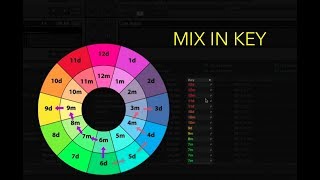
Key Analysis identifies a track’s tonal center and mode (major or minor) and stores it as metadata. DJ software can display values as traditional keys (e.g., **Am**, **Eb**) or as Camelot numbers (e.g., **8A**, **3B**). You can switch formats in Rekordbox using the official AlphaTheta setting for Classic vs Alphanumeric display. See the AlphaTheta help article on key display format for the exact menu path and examples: support.pioneerdj.com [8943219092761 Can I change the displa...]. For a full walkthrough, see our Camelot Wheel walkthrough.
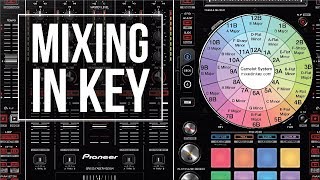
Camelot mapping simplifies decision making. Adjacent numbers often blend smoothly, and switching between A and B at the same number changes mood while staying consonant. A practical deep dive with transition options is covered in the Mixed In Key Harmonic Mixing Guide: mixedinkey.com [harmonic mixing guide].
Why Master This Technique
- Cleaner blends. Reduce clashing notes and sibilance build‑up when vocals overlap.
- Faster selection. Filter by Camelot code to audition compatible options quickly.
- Creative control. Intentionally move keys to raise or lower energy between phrases.
- Consistent results. Combine with tighten your phrase alignment for reliable musical exits and entries.
Core Technique Breakdown
1) Choose a display format. In Rekordbox, set Classic or Alphanumeric under Key display; in Serato, select your preferred key notation in Analysis settings. Documentation for display and analysis toggles is here: support.pioneerdj.com and here: support.serato.com [14361435885327 Analysis setting].
2) Analyze the library. Batch analyze so Key, BPM, and beatgrids are ready before a gig. Serato’s Analyzing Files page explains batch and on‑import analysis and how to reanalyze specific crates: support.serato.com [14361068095759 Analyzing Files].
3) Verify spot checks. Compare a few results with your ear or a keyboard. If a result sounds off, reanalyze or cross‑check with a third‑party tool.
4) Normalize and write tags. Ensure the chosen notation is saved consistently so exports to USB or other software display key the same way.
5) Use the data live. Sort by key, or filter for compatible keys to build progressions. Pair with EQ and dynamics for clean handovers.
| Step | Action | Key Point |
|---|---|---|
| 1 | Set display to Classic or Camelot | Consistent notation across library prevents confusion on players |
| 2 | Batch analyze for Key+BPM | Prepare offline to reduce CPU during sets |
| 3 | Spot‑check by ear or keyboard | Correct clear outliers to avoid clashes |
| 4 | Write key to tags before export | Your players will inherit the chosen notation |
| 5 | Sort and filter by key on prep | Build sequences that rise or release energy intentionally |
Practice Drills
Through daily 15–30 minute sessions over several years, I found that short, focused drills beat marathon sorting. Track progress over 2–4 week cycles and keep drills repeatable.
If you prepare practice crates by key and energy, you will reach the “sound right away” stage faster. Use Vibes to label a small crate by Camelot codes and tempo ranges, then rehearse key‑based transitions until they feel automatic.
Common Mistakes
| Mistake | Why It Happens | Solution |
|---|---|---|
| Trusting analysis 100% | Algorithms disagree on complex or modal tracks | Spot‑check and correct obvious outliers; see DJ TechTools comparison for context: djtechtools.com [key detection software comparison 201...] |
| Mixed notations across apps | Classic vs Camelot settings differ between devices | Pick one format and write it to tags before export; Rekordbox format control: support.pioneerdj.com |
| Skipping pre‑analysis | Analyzing on load increases CPU and surprises | Batch analyze and enable On‑Import analysis in Serato: support.serato.com |
| Key Sync fails | Track key was never analyzed | Analyze the track’s key first; AlphaTheta Key Sync guidance: support.pioneerdj.com [4411095100825 Key Sync doesn t work] |
Equipment and Software
Essential: a DJ application with reliable key detection and batch analysis. Rekordbox and Serato document display toggles and analysis settings clearly in their support pages: support.pioneerdj.com and support.serato.com.
Optional: third‑party analyzers such as Mixed In Key for cross‑checking, plus a keyboard or tuner app for ear verification. Mixed In Key’s guide also explains practical Camelot moves: mixedinkey.com.
Troubleshooting
Keys not showing in Camelot? In Rekordbox, set Key display to Alphanumeric and reanalyze or ensure the tag is written before exporting to USB. Reference: AlphaTheta help article on key display: support.pioneerdj.com.
Serato not writing keys? Confirm Set Key is enabled in the Analysis settings, then run Analyze Files on the crate. See Serato support pages for both the Analyze workflow and the Key checkbox: support.serato.com and support.serato.com.
Results seem inconsistent across apps? Expect some disagreement. DJ TechTools’ accuracy tests summarize typical differences among analyzers, which is why spot‑checks are worth the time: djtechtools.com.
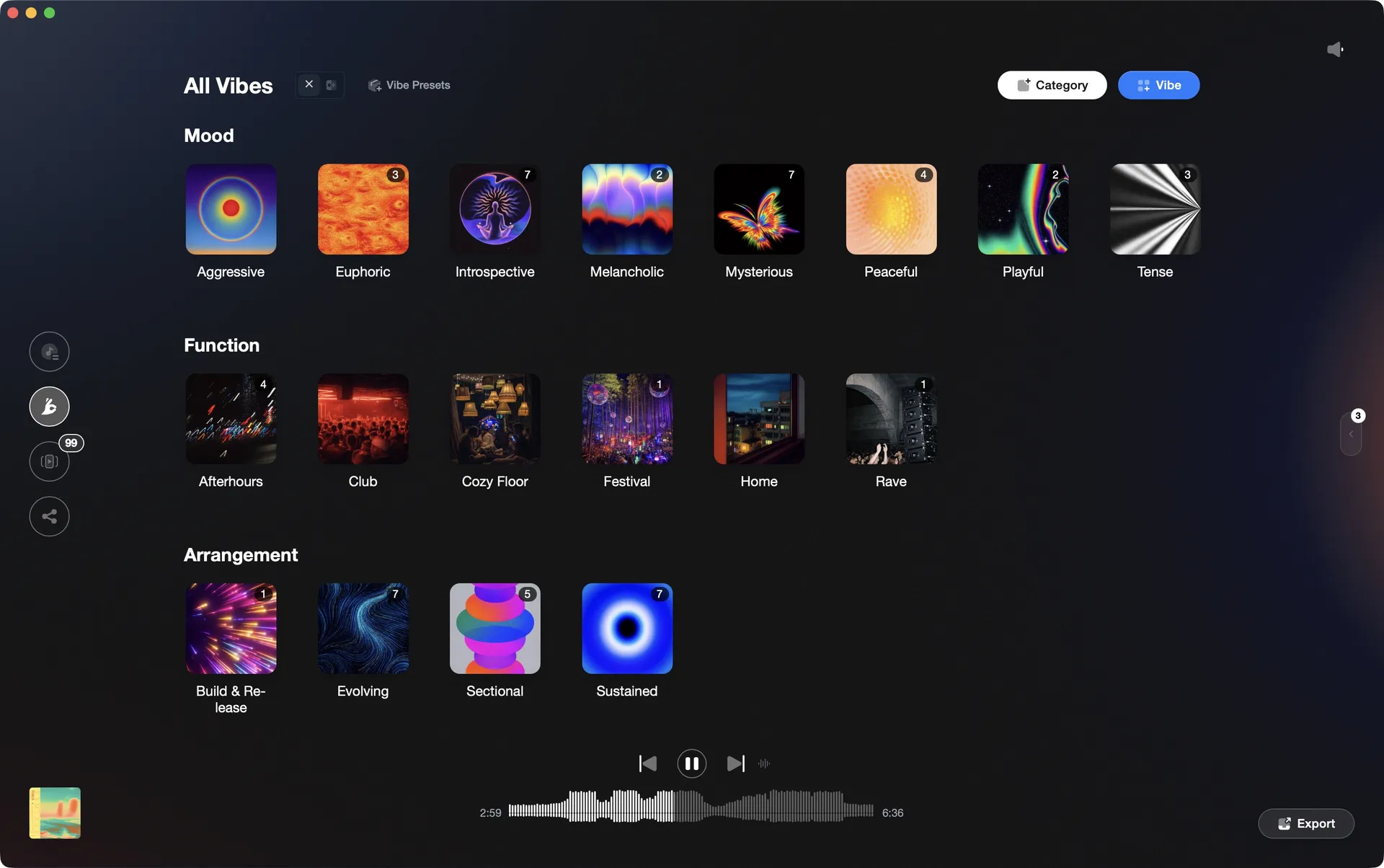
Organize your DJ library visually.
Tag tracks by vibe. See everything at once. Export to any DJ software.
A visual system for organizing your DJ library.
More Tutorials

Mixed In Key Manual for DJs

House Music Explained

Professional DJ Controller: Battle vs Club Layout, Jogs, and I/O
DJing in Key for Better Transitions
Classic House Music: Key Tracks and Style

DJ Transitions: The Three-Layer Handoff for Beginners

How To Mix In Key Live: Worked Transitions And Failure Fixes

How to DJ: First Mix, Step by Step

How Can I Be a DJ and Start Strong

Mix and Key: Practical Guide to Melodic DJ Mixing

How to Mix and Edit Songs Together
Camelot Wheel DJ: Layered Deck Mixing With EQ and Phrase

Harmonic Mixing Rekordbox Guide
When Mix and Key Actually Matters: A DJ's Guide to Harmonic Decisions

Type of House Music Explained
Mixed In Key Database Guide

DJ Key Wheel Decision Framework: Four Safe Moves and Advanced Jumps

DJ Library Organization System: Tags, Crates, Keys
Frequently Asked Questions

Hey, it's Ben Modigell 👋
I DJ and produce as so I so — downtempo, minimal, dub house, tech house, and techno (releases on Spotify and SoundCloud, links above). Everything I write here comes from my own gigs, studio sessions, and library cleanups: the rules I follow, the failure modes I've actually hit, and the workflow I use when nobody's watching. If a technique didn't earn its place in my own sets, it doesn't make it into a tutorial.