
Delete crates in Serato DJ.
To delete a crate in Serato DJ, click it once in the crate panel, then hold Control on Windows or Command on macOS and press Delete. The crate goes, the tracks stay in your All crate, and the audio files on your drive are untouched. Two things the shortcut does not come with: a restore command inside the app, and, on current versions, the Protect Library checkbox that used to block the delete.
$49$79USD one-time purchase. First 250 licenses at this price. 14-day free trial.
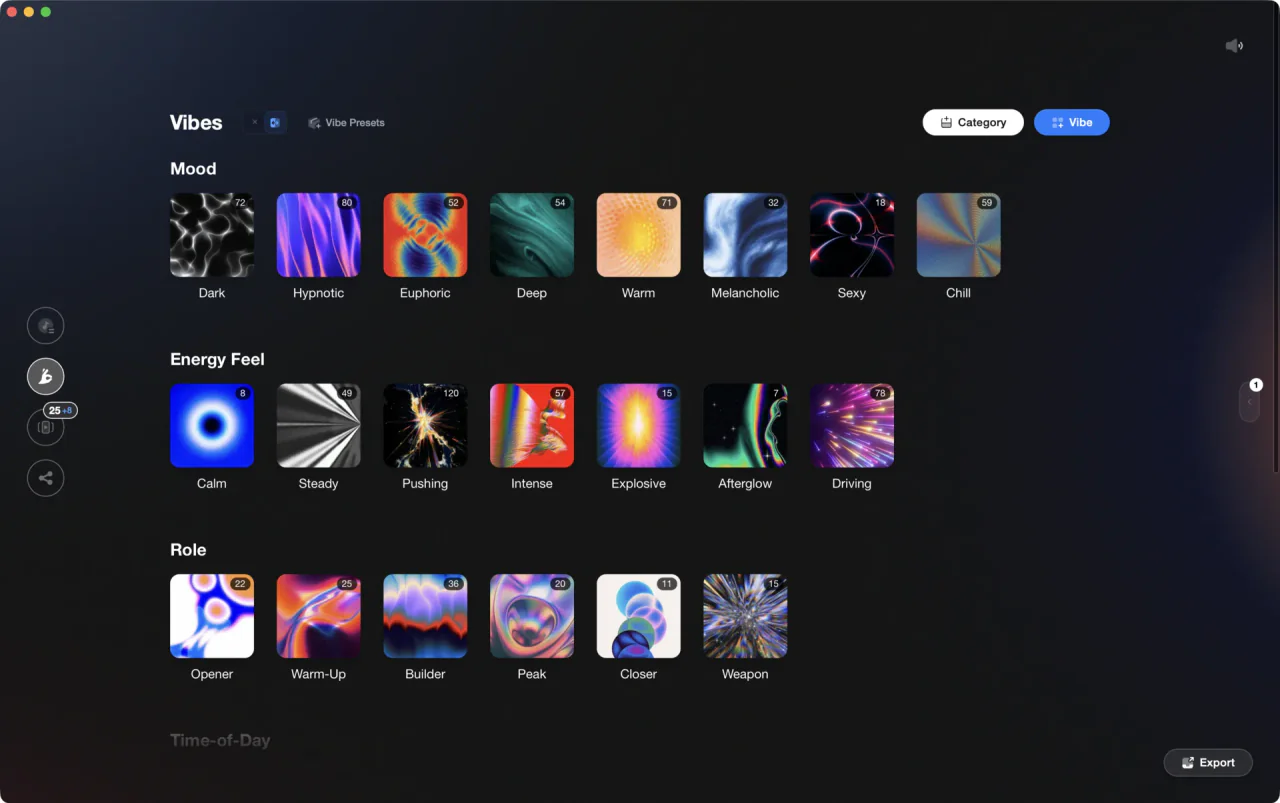
When the tagging lives outside Serato, a pruned crate list is one export away from being rebuilt.
Delete crates in Serato DJ, step by step.
The answer to how to delete crates in Serato, Mac or Windows alike, is one keyboard shortcut: only the modifier key changes. The steps below cover the version check that trips people up, the delete itself, what it does and does not remove, and what to do instead when the crate is only badly named.
Check whether Protect Library is switched on
Serato documents Protect Library as existing only in Serato DJ Pro 3.3.5 and below. On an old Serato DJ Pro 3.3.5 download, open Setup, choose the Library + Display tab, and uncheck it: while it is on, Serato locks the library against track and crate deletion and locks crate names too, so how to rename crates in Serato DJ starts at the same checkbox. Current versions do not have it.
Select the crate in the crate panel
Click once on the crate you want gone, in the crate panel on the left of the library. Click, do not double-click: a double-click puts the crate name into rename mode instead. In Serato DJ 4.0 the bottom left corner shows the selected crate's track count, total playback time, total size, and how many of its tracks are not analyzed, a quick way to confirm you picked the right one.
Hold Control or Command and press Delete
With the crate highlighted, hold Control on Windows or Command on macOS and press Delete. Serato removes the crate from the panel straight away. The modifier key is the safeguard here: the shortcut is documented as the modifier plus Delete, so the Delete key on its own is not what removes a crate. Behind the scenes, the crate file leaves the Subcrates folder inside your _Serato_ folder.
Confirm what actually got deleted
A crate holds references to tracks, not copies of them, so deleting one never deletes music. Every track it held is still in the All crate, still in any other crate that holds it, and still sitting on your drive. That is the whole point of pruning: you are keeping your DJ crates free of dead weight without touching a single file.
Rename or rebuild instead, when only the name is wrong
If the crate is fine and the name is not, skip the delete. Double-click the crate name, type a new one, and press Enter: that is how to rename a crate in Serato, and the same move covers how to name a crate in Serato DJ right after you create one. In the other direction, how to make crates in Serato DJ is the Add Crate button.
Back up the _Serato_ folder before a big prune
Your crates are files in the Subcrates folder inside _Serato_, which lives in your Music folder on both macOS and Windows. Serato writes automatic library backups and offers another one when you quit. Copy that folder somewhere safe before you delete a batch of crates, because restoring one is a manual file copy: there is no restore option inside the app.
The catch
The delete is written to disk immediately, and Serato documents no restore option inside the app to reverse it. After a Serato 4.0 download there is not even a Protect Library checkbox left to stop a mistyped shortcut, so a current backup of the _Serato_ folder is the only safety net you have.
 Euphoric
 Melancholic
 Mysterious
 Aggressive
 Peaceful
 Rave
Rave Afterhours
 Club
Club Home
HomeWhere Vibes fits
Crates are easier to delete when they are easy to rebuild.
Vibes does not delete, rename, or edit crates inside Serato, and it has no control over your Serato library once you are in the app. What it does is hold the organizing outside Serato: import your library, tag by energy, mood, and role, then export those tags back as crates. When the structure lives in your tags, a crate you pruned by mistake is one export away from existing again.
See how it worksOrganize in Vibes, export to Serato DJ.
Your playlists, tags, ratings, and cue points travel back to the gear you play on, so nothing you do in Vibes is locked away.
Track 001
Artist A
AfterhoursMysterious Introspective
Track 002
Artist B
 Cozy FloorPeacefulHome
Track 003
Artist C
RaveAggressive Festival
 Build & Release
Frequently asked questions
The honest answers, including the trade-offs.
From a Vibes customer
The import worked perfectly. Have created several sets now and my life is so much easier
One-time purchase
Get Vibes with a single payment. No subscription.
Vibes is the step before you open your DJ software, not a replacement for it.
First 250 licenses at this price, then $79.
14 days • Full access
No strings attached
Secure checkout with Stripe
Already have Companion Pro? Upgrade instead


Methodology
How we keep this honest.

Verified against the app
Every step is checked against the current version of Serato DJ.
We own our bias
We make Vibes. We show the native way first and honestly, then where Vibes genuinely helps, and we say when it does not.
Live pricing
The Vibes price shown comes straight from our checkout, never a hardcoded marketing number.
Kept current
Last reviewed September 2026.
Keep exploring
Compare Vibes
DJ apps head to head
Works with your software
Vibes for DJs
Vibes features
How-to guides
Best DJ software
Move between apps
Learn to DJ