

The best DJ software for Windows.
Five apps cover almost every Windows setup: rekordbox for AlphaTheta and Pioneer DJ club gear, Serato DJ Pro for controller reliability and scratch, VirtualDJ for paid mobile work and video, Traktor Pro 4 for stem-driven electronic sets, and Mixxx if you want to spend nothing at all. The detail most lists skip: four of the five have a permanent free tier, and those tiers differ mainly in which hardware they let you plug in, not in whether they can beatmatch.
$49$79USD one-time purchase. First 250 licenses at this price. 14-day free trial.
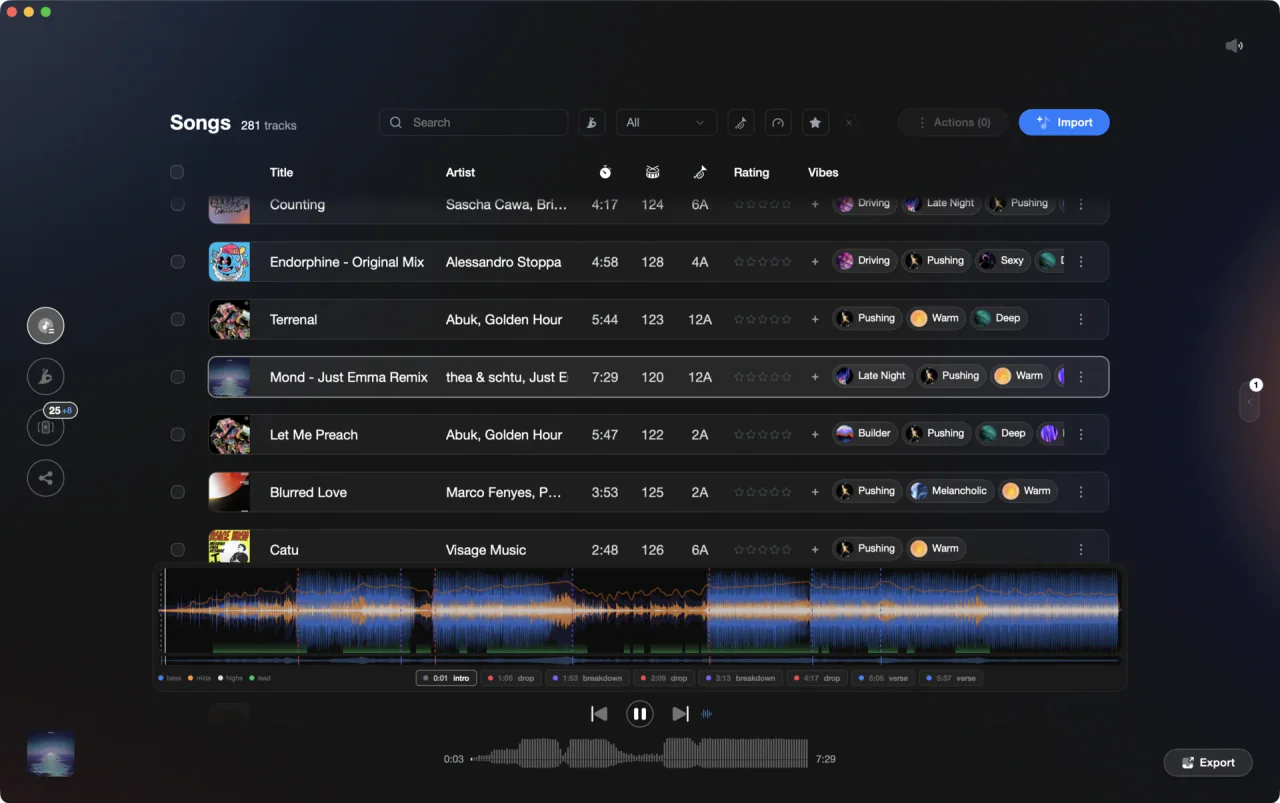
Five apps, one shortlist: the best DJ app for PC depends on your controller.
For Windows, rekordbox suits Pioneer and AlphaTheta club gear, Serato DJ Pro is the reliable controller pick, VirtualDJ covers paid mobile work and video, Traktor Pro 4 does stems, Mixxx costs nothing. Vibes preps the library first.
The five picks, compared.
Every app below is sold and supported for Windows, so start from the gear on your desk rather than the feature list. If you already own a controller, check the license that came in the box first: most controllers ship unlocked for one of these apps, and that decides more than any comparison table. If you own nothing yet, free DJ software for computer-only mixing will get you started tonight, keyboard and trackpad included.
| Option | Strengths | Trade-offs |
|---|---|---|
| rekordboxBest for Playing on Pioneer DJ and AlphaTheta club equipment |
|
|
Our verdict If there is any chance you will play a club booking on CDJs, learn this one first. Its streaming list inside the desktop app covers Beatport, TIDAL and SoundCloud, and its export workflow is the reason it is the default backstage. | ||
| Serato DJ ProBest for Controller DJs who want it to just work, plus scratch and hip hop |
|
|
Our verdict The safest pick if you bought a controller and want to play tonight. Start on Lite, which has Practice Mode for learning without any hardware, and only pay for Pro when you miss Key Analysis, MIDI mapping or set recording. | ||
| VirtualDJBest for Mobile and event DJs, video mixing, and unusual hardware |
|
|
| Traktor Pro 4Best for Electronic sets built on stems, loops and live re-edits |
|
|
| MixxxBest for Mixing for nothing, on Windows, macOS or Linux |
|
|
Our verdict The one to install when the budget is zero and you still want four decks, key detection and vinyl control. It asks a little more patience than the commercial apps and gives back everything the others charge for. | ||
| At a glance | Pricing | Model |
|---|---|---|
| rekordbox | Free plan; paid Core, Creative and Professional plans | Freemium subscription |
| Serato DJ Pro | $11.99 per month or $299 one-off; Serato DJ Lite free | Freemium, subscription or one-off |
| VirtualDJ | Free for non-professional use; Home $4 per month; Pro $19 per month | Freemium subscription |
| Traktor Pro 4 | $149 one-off | One-time purchase |
| Mixxx | Free | Free and open source |
How we compared them.
Ask ten DJs which is the best DJ software and you get ten answers, because each is answering about their own hardware. So we did not rank them. What is the best DJ software to use depends on three things: the controller you own, whether you play for money, and where your music comes from.
Every price, tier and feature here was read off the vendor's own pages in August 2026, because best-DJ-software-PC roundups age badly: prices move, free tiers get redrawn, and streaming partners come and go. Where a vendor does not publish a number, we say so rather than guess.
All five are DJ software for laptop and desktop alike, and none of them needs a separate audio interface before you can start. A search for the best free DJ software for PC Windows 10 lands on the same shortlist as one for Windows 11, so treat the Windows version as the last thing to worry about, not the first.

How to choose, in four checks.
Start at your controller
The DJ program for Windows that came bundled with your controller is almost always the right starting point. Controllers are unlocked for one app, and buying a second license to use hardware you already own is money spent on nothing.
Check what the free tier costs you
Nearly every vendor has a DJ software free tier or a trial, and each one draws its line somewhere different: hardware, branding, or professional use. Free DJ software for laptop mixing is not lighter or slower than the paid version, it is simply fenced.
Match it to your machine
Any Windows laptop from the last few years will run these. The best laptop DJ software for you is the one your machine handles with a low audio buffer and no crackle, and stem separation is the feature that asks most of the processor.
Decide where your music lives
Files you own work everywhere. Streaming works only in the apps that license it, only while the connection holds, and usually with limits on recording and stems. Pick the app whose streaming list matches the service you actually pay for.
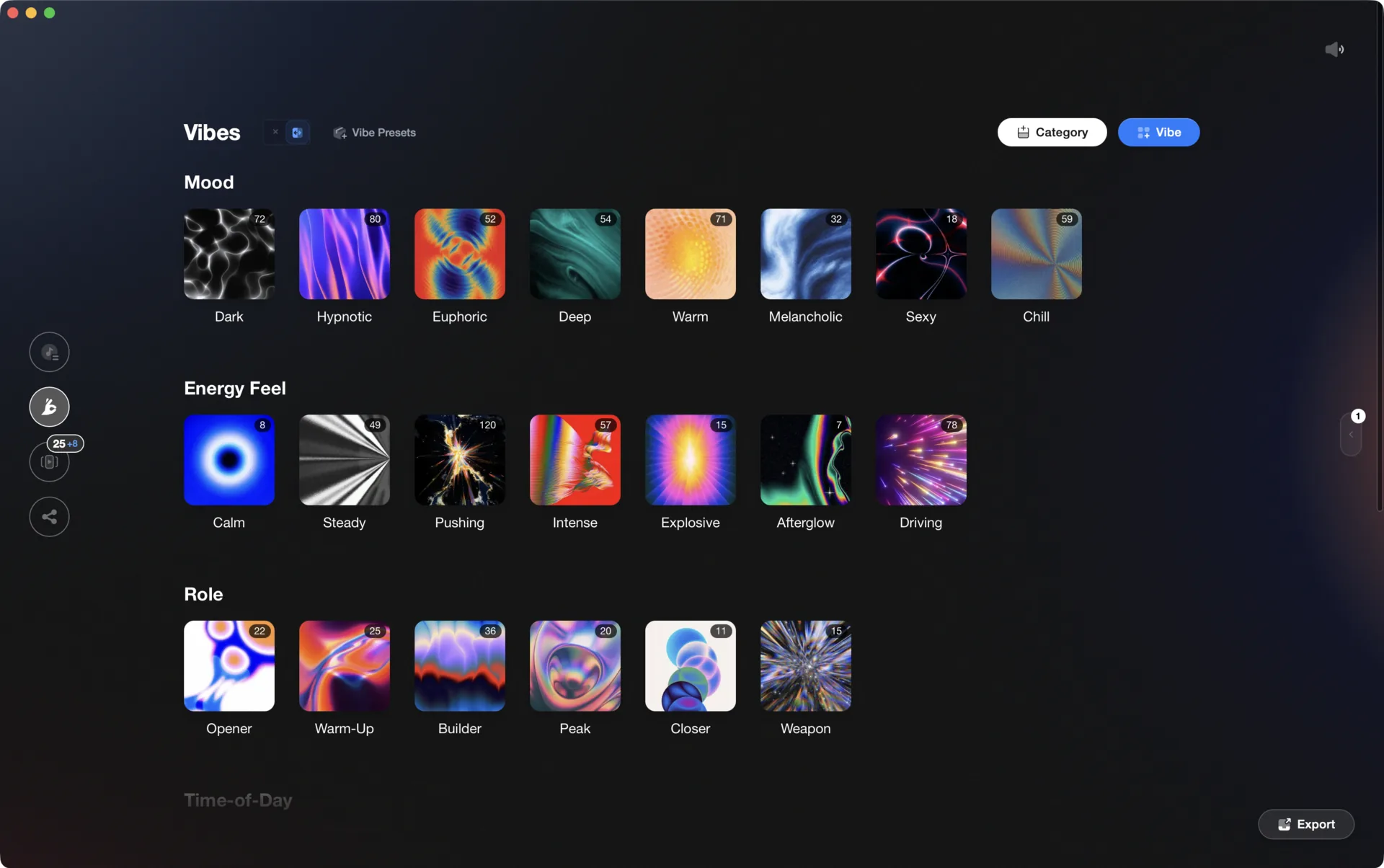
One organized library, every app.
Vibes imports from and exports to Rekordbox, Serato, Traktor, and Engine DJ, so the software you pick is never a lock-in.

Track 001
Artist A
Afterhours Mysterious
 Introspective
Track 002
Artist B
 Cozy FloorPeaceful
 Home
Home
Track 003
Artist C
Rave Aggressive
 Festival
 Build & Release
Frequently asked questions
The honest answers, including the trade-offs.
From a Vibes customer
The import worked perfectly. Have created several sets now and my life is so much easier
One-time purchase
Get Vibes with a single payment. No subscription.
Vibes is the step before you open your DJ software, not a replacement for it.
First 250 licenses at this price, then $79.
14 days • Full access
No strings attached
Secure checkout with Stripe
Already have Companion Pro? Upgrade instead


Methodology
How we keep this honest.

Verified against the source
Every claim about each app is checked against its official site and current pricing.
We own our bias
We make Vibes, a library tool, not DJ mixing software. The picks above are independent, and we recommend the app that fits you, not the one paired with us.
Live pricing
The Vibes price shown comes straight from our checkout, never a hardcoded marketing number.
Kept current
Last reviewed September 2026.
Keep exploring
Compare Vibes
DJ apps head to head
Works with your software
Vibes for DJs
Vibes features
How-to guides
Best DJ software
Move between apps
Learn to DJ