

BPM analyzer software that gets the tempo right.
A BPM analyzer reads a track's audio, estimates its tempo in beats per minute, and writes that number into the file's tags or into an app's library so everything downstream sees it. The detail most roundups leave out: when a detector is wrong it is almost never off by a beat, it is off by a factor of two, reporting half time or double time, so a 174 BPM track lands at 87 until you re-analyze it with a tempo range.
$49$79USD one-time purchase. First 250 licenses at this price. 14-day free trial.
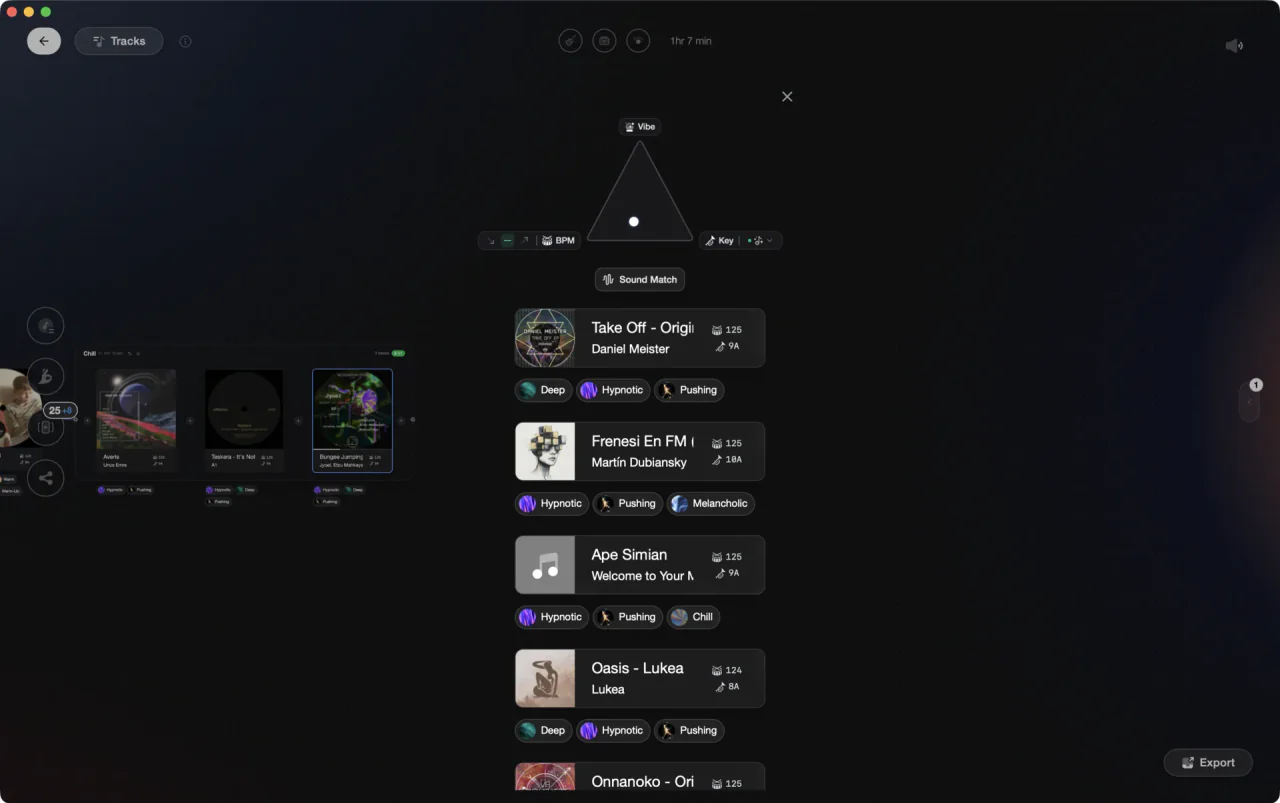
Detected tempo, stored where your DJ app can actually read it.
For BPM analyzer software, Mixed In Key is the accuracy pick, Mixxx the free one, tuneXplorer batch-tags a folder, and Vibes is the choice when the tempo has to land somewhere useful: analyzed once, then exported to your DJ app.
What is the best BPM analyser?
For most people the honest answer is Mixed In Key for accuracy, Mixxx if it has to be free, and a library tool when the tempo needs to end up somewhere useful. A bpm finder that answers one song is a different product from software that analyzes twenty thousand files, so the list below is split by that. One of the five, Vibes, is ours, and we say where it does not fit.
| Option | Strengths | Trade-offs |
|---|---|---|
| Mixed In KeyBest for Tempo and key on tracks you are actually going to mix |
|
|
Our verdict The name that comes up first in DJ forums and in Google's own summary of this query, and it earns it on dance music. Treat it as the analysis layer, not as the place your library lives. | ||
| MixxxBest for A free analyzer that also holds the library and plays |
|
|
| rekordboxBest for Analyzing without installing anything new, if you already prep here |
|
|
| tuneXplorerBest for Batch tagging a folder tree and nothing else |
|
|
 VibesBest for Analyzing the whole library once, then using the result VibesBest for Analyzing the whole library once, then using the result |
|
|
Our verdict The pick if the tempo number is a means to an end. Analysis, key, energy, and sections in one pass, then Find Compatible and Set Designer use them, and the export puts them back in the DJ app you already play on. | ||
| At a glance | Pricing | Model |
|---|---|---|
| Mixed In Key | Not stated outside checkout | Paid, per edition |
| Mixxx | Free | Free and open source |
| rekordbox | Free plan; Core 12 euro a month, Professional 36 euro a month | Freemium subscription |
| tuneXplorer | Not stated; free trial available | Paid license |
 Vibes Vibes | $49 one-time | One-time |
How accurate are BPM detectors?
Accurate enough to trust on straight four-to-the-floor material, and much less so on anything swung, sparse, or played live. The point people miss is the shape of the error: a detector that is wrong is usually wrong by a factor of two, reporting half time or double time, so a drum and bass track comes back at 87 instead of 174. Tools marketed as a bpm finder ai use the same class of beat tracking under a newer label, and they fail on the same material.
A live bpm detector is a harder problem again. It listens through a microphone or through the system output and has to commit to a number within a few bars, with room noise and a crowd in the way, so read what it shows as a good guess rather than a measurement.
Two of the searches around this topic, bpm analyzer mac and mac bpm analyzer, mostly lead back to the same legacy Windows utility. MixMeister BPM Analyzer circulates on third-party download sites rather than on a maintained vendor page, which is why a mixmeister bpm analyzer mac download is so hard to pin down, and why Mac users are better served by tools that still ship updates.
The fix for octave errors is not a better analyzer. Most tools let you set a BPM range or re-analyze a selection; running that on the handful of tracks that came back at half speed is faster than switching software, and it is the only step that makes the tempo column trustworthy.

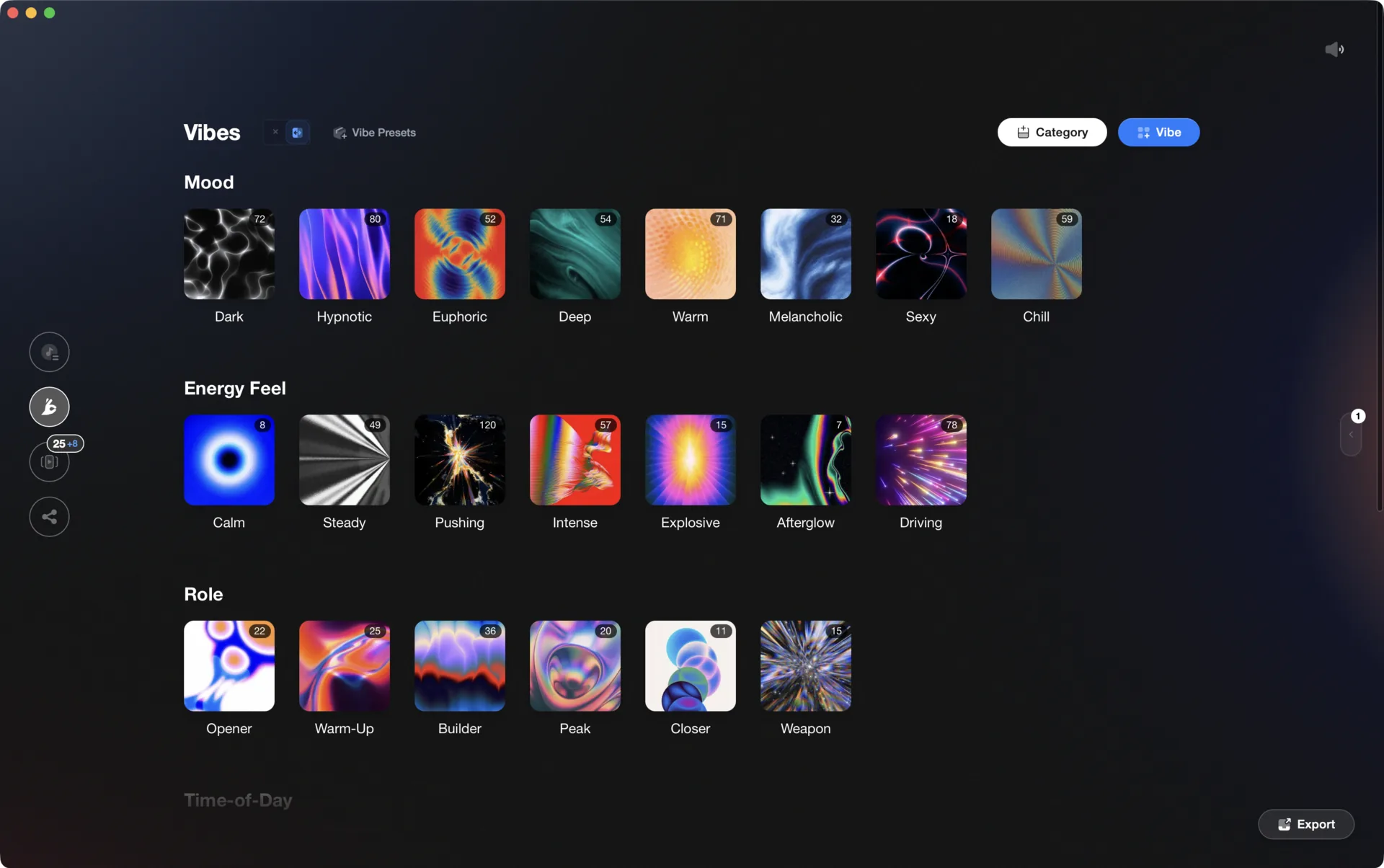
What to look for in a BPM analyzer.
Where the number ends up
An analyzer that writes the tempo into the file's ID3 tags means the number travels with the track. One that keeps it in its own database means analyzing everything again the day you change DJ software. Check this before you run a library through anything.
Half time and double time
Every detector gets some tracks wrong by a factor of two. What separates them is whether you can set a tempo range or re-analyze a selection, instead of hand-editing hundreds of rows afterwards.
Batch, not one at a time
A bpm song finder answers one track. A library needs unattended batch analysis over the folders you point it at, and a clear list of what failed when it finishes.
Key in the same pass
Tempo on its own does not tell you what mixes with what. Detecting the musical key in the same pass is what turns a list of numbers into something you can build a set from.
One organized library, every app.
Vibes imports from and exports to Rekordbox, Serato, Traktor, and Engine DJ, so the software you pick is never a lock-in.

Track 001
Artist A
Afterhours Mysterious
 Introspective
Track 002
Artist B
 Cozy FloorPeaceful
 Home
Home
Track 003
Artist C
Rave Aggressive
 Festival
 Build & Release
Frequently asked questions
The honest answers, including the trade-offs.
From a Vibes customer
The import worked perfectly. Have created several sets now and my life is so much easier
One-time purchase
Get Vibes with a single payment. No subscription.
Vibes is the step before you open your DJ software, not a replacement for it.
First 250 licenses at this price, then $79.
14 days • Full access
No strings attached
Secure checkout with Stripe
Already have Companion Pro? Upgrade instead


Methodology
How we keep this honest.

Verified against the source
Every claim about each app is checked against its official site and current pricing.
We own our bias
We make Vibes, a library tool, not DJ mixing software. The picks above are independent, and we recommend the app that fits you, not the one paired with us.
Live pricing
The Vibes price shown comes straight from our checkout, never a hardcoded marketing number.
Kept current
Last reviewed September 2026.
Keep exploring
DJ apps head to head
Works with your software
Vibes for DJs
Vibes features
How-to guides
Best DJ software
Move between apps
Learn to DJ