

The best DJ software for Mac.
Pick by where you play: club nights point to the app that writes Pioneer DJ USB sticks, a controller or turntables point to the app your hardware already unlocks, and an Apple Music library points to the Mac-native app that can read it. The detail most roundups skip is that each app certifies one macOS release at a time, so on macOS 26 Tahoe you need a current version, and a controller that was fine on the previous release can sit on the unsupported list until its driver catches up.
$49$79USD one-time purchase. First 250 licenses at this price. 14-day free trial.

Whichever app you play on, the library work happens before you open it.
For Mac DJs, pick by where you play: rekordbox for CDJs and USB prep, Serato for controllers and turntables, Traktor Pro 4 for four-deck mixing, djay Pro for an Apple Music library, Mixxx for free. Vibes preps the library first.
The five, compared.
These five are the apps Mac DJs actually run, and any top DJ software for Mac shortlist starts here. Each one is judged on the hardware it unlocks, what it costs, and how it treats a library you already own. We make a library tool, not a DJ app, so none of the five is ours.
| Option | Strengths | Trade-offs |
|---|---|---|
| rekordboxBest for Playing on CDJs and XDJs, and prepping the USB stick |
|
|
Our verdict If your gigs end with you plugging a USB into a CDJ, this is the default, and the free plan already does that job. The subscription is for performing on the laptop, not for exporting. | ||
| SeratoBest for Controllers and turntables, especially open format and scratch |
|
|
Our verdict The safest pick if you already own a controller or a pair of turntables. Check the licensing badge on your device first, because that decides whether you pay for the software at all. | ||
| Traktor Pro 4Best for Four deck mixing, stems and Native Instruments hardware |
|
|
Our verdict The choice when the mix itself is the craft: four decks, remix decks and stems, bought once. Least useful if your nights end on club gear you did not bring. | ||
| djay ProBest for A Mac-native workflow and an Apple Music library |
|
|
Our verdict The most Mac-like of the five and the fastest way to start from an Apple Music library. Weaker as a plan if your goal is a club booth, where files, not accounts, are what you carry. | ||
| MixxxBest for Costing nothing, with no account and no plan |
|
|
Our verdict The strongest free DJ software for Mac by a distance, and a real app rather than a trial. Start here if you are unsure whether DJing will stick. | ||
| At a glance | Pricing | Model | Platforms |
|---|---|---|---|
| rekordbox | Free plan, paid plans from about 10 euro per month | Freemium subscription | macOS, Windows |
| Serato | Serato DJ Pro $11.99 per month or $299 once, Lite free | Subscription or one-time | macOS, Windows |
| Traktor Pro 4 | $149 one-time | One-time | macOS, Windows |
| djay Pro | Free download, PRO features in-app | Freemium subscription | macOS, iPadOS, iOS |
| Mixxx | Free | Open source | macOS, Windows, Linux |
Why do all DJs use Mac?
They do not all use Mac, but many do, and the reasons are unglamorous: consistent audio drivers across a small number of hardware configurations, long battery life on Apple silicon, and software that is developed and tested on macOS from the start. It is a reliability choice more than a taste one.
For raw capability the best DJ software for MacBook Pro is the same list as above, and DJ software for MacBook Air handles two decks, effects and stems on Apple silicon without complaint. Ports matter more than the processor: one hub carrying a controller, an audio interface and power is the usual failure point.
We compared on four things: the hardware each app unlocks, what it costs, macOS version support, and whether your library travels when you change your mind. Every DJ software Mac shortlist argues about the order, and ours is grouped by where you play. VirtualDJ runs on macOS too, and its licensing rules are different enough that it needs its own page rather than a row in this table.
The best professional DJ software for Mac is the one your venue already runs, which in most clubs means the Pioneer DJ chain. If you need video DJ software for Mac, djay Pro has a video mode and Serato sells video as part of its Suite.

What to check before you pick.
Your hardware picks first
The best beginner DJ software for Mac is nearly always the one bundled with the controller you buy, and the logic holds later too: the best DJ program for Mac is the one your gear unlocks without a second license. Check the licensing badge on the maker's hardware page before you pay for anything.
macOS version support
Each app certifies specific macOS releases, and hardware is listed separately as supported, in testing or unsupported. Serato, for example, supports macOS 26 Tahoe from version 4.0.1. Update the software first, the OS second, and only once your controller appears on the supported list.
Where the music lives
Streaming inside a DJ app is convenient on a laptop and useless on a USB stick: rekordbox cannot export streamed tracks, and the same limit applies elsewhere. If you play club gear, own the files.
Free, once, or monthly
Two of the five cost nothing and one is bought outright. Download DJ software for Mac free of charge from the developer's own site rather than a mirror, and read what the free tier actually unlocks before you build a workflow on it.
One organized library, every app.
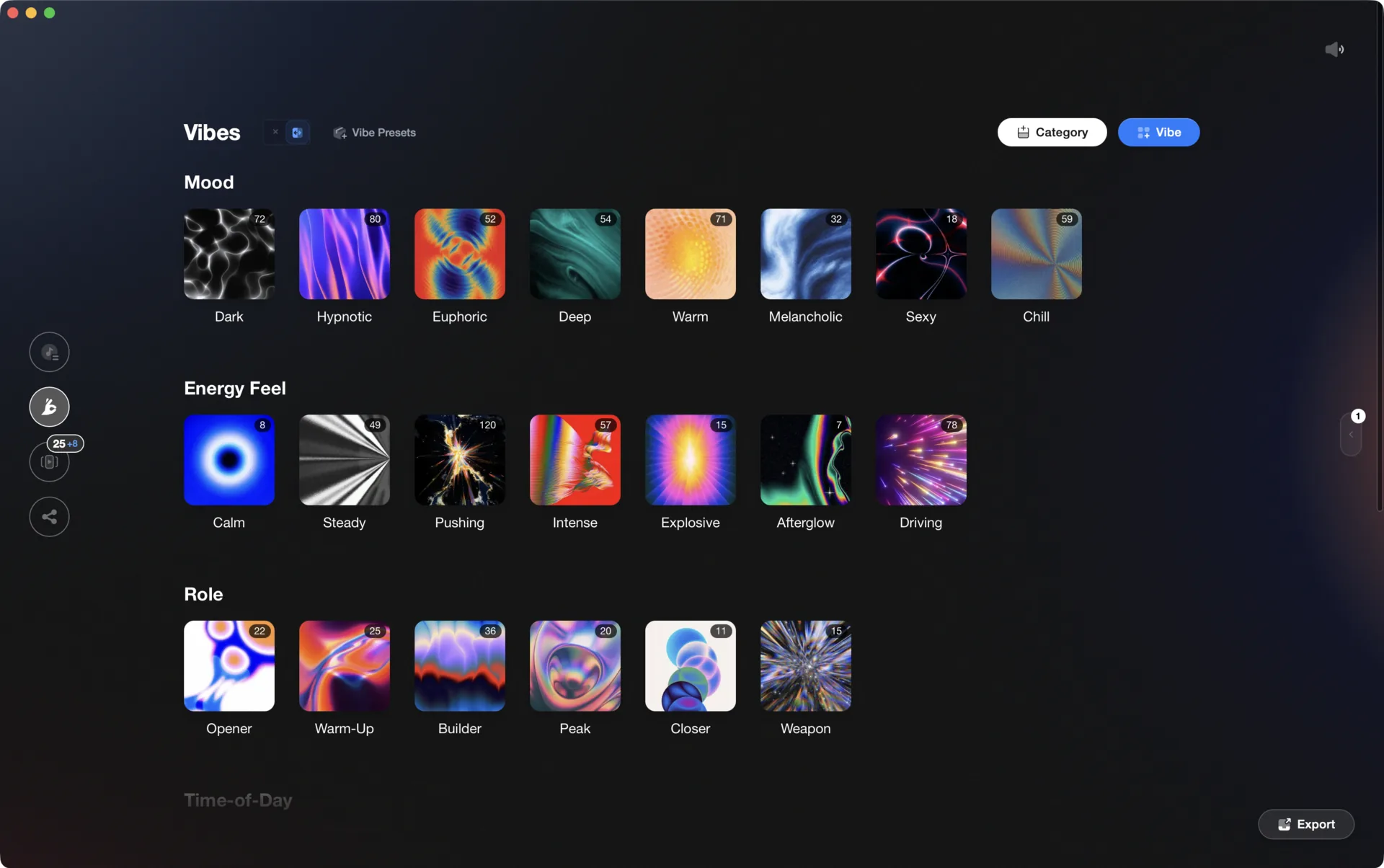
Vibes imports from and exports to Rekordbox, Serato, Traktor, and Engine DJ, so the software you pick is never a lock-in.

Track 001
Artist A
Afterhours Mysterious
 Introspective
Track 002
Artist B
 Cozy FloorPeaceful
 Home
Home
Track 003
Artist C
Rave Aggressive
 Festival
 Build & Release
Frequently asked questions
The honest answers, including the trade-offs.
From a Vibes customer
The import worked perfectly. Have created several sets now and my life is so much easier
One-time purchase
Get Vibes with a single payment. No subscription.
Vibes is the step before you open your DJ software, not a replacement for it.
First 250 licenses at this price, then $79.
14 days • Full access
No strings attached
Secure checkout with Stripe
Already have Companion Pro? Upgrade instead


Methodology
How we keep this honest.

Verified against the source
Every claim about each app is checked against its official site and current pricing.
We own our bias
We make Vibes, a library tool, not DJ mixing software. The picks above are independent, and we recommend the app that fits you, not the one paired with us.
Live pricing
The Vibes price shown comes straight from our checkout, never a hardcoded marketing number.
Kept current
Last reviewed September 2026.
Keep exploring
DJ apps head to head
Works with your software
Vibes for DJs
Vibes features
How-to guides
Best DJ software
Move between apps
Learn to DJ