

Back up your djay Pro library.
A djay Pro backup has two halves: the My Collection database with your cues and playlists, and the actual music files. iCloud covers only part of the first half and none of the second.
$49$79USD one-time purchase. First 250 licenses at this price. 14-day free trial.
Cue points and loops sync through iCloud; playlists and music files are your own responsibility.
Back up your djay Pro library, step by step.
djay Pro stores your library metadata, meaning playlists, cue points, and analysis, in its My Collection database, and offers iCloud sync that mirrors cue points and loops across devices. Your local audio files live outside djay Pro entirely. A real backup plan covers both, plus the honest acknowledgment that streamed tracks cannot be backed up at all.
Turn on iCloud library sync
Enable iCloud for djay Pro in macOS System Settings under your Apple ID's iCloud app list, and make sure iCloud Drive is on for your iPhone or iPad. This syncs per-track metadata, meaning cue points and loop regions, across your Apple devices signed into the same account. Playlists and BPM analysis data are not included, so iCloud protects your cue prep but is not a full library backup.
Back up the local database directly
For a backup you control, include djay Pro's application data in your regular computer backups. On Mac, current djay Pro versions keep library data, meaning playlists, cue points, and loops, in the djay folder inside your Music folder, with track analysis data in a separate Group Containers folder, and a Time Machine or clone backup of your user folder captures both. If you prefer surgical backups, copy the entire djay folder from your Music folder, but a whole-user-folder backup is the robust play.
Back up the music files themselves
iCloud sync does not copy your audio files. Back up your music folder with the same discipline as any irreplaceable data: a local copy on an external drive plus something offsite or in the cloud. Keep the folder structure intact when backing up and restoring, because djay Pro references files by location and a reshuffled restore leaves the library pointing at missing files.
Know what cannot be backed up
Streaming tracks from Apple Music or other services cannot be backed up, exported, or extracted; only the metadata referencing them survives in My Collection. Your cue points on streamed tracks sync with your collection, but the audio itself remains subscription-bound. Any part of your library you cannot afford to lose should exist as a purchased local file.
The catch
iCloud sync is convenient but it is synchronization, not versioned backup: a mistaken deletion can propagate across devices. Pair it with an independent backup of both the djay Pro data folder and your music files.
 Afterhours
 Mysterious
 Introspective
 Evolving
Where Vibes fits
The library worth backing up is the one you organized
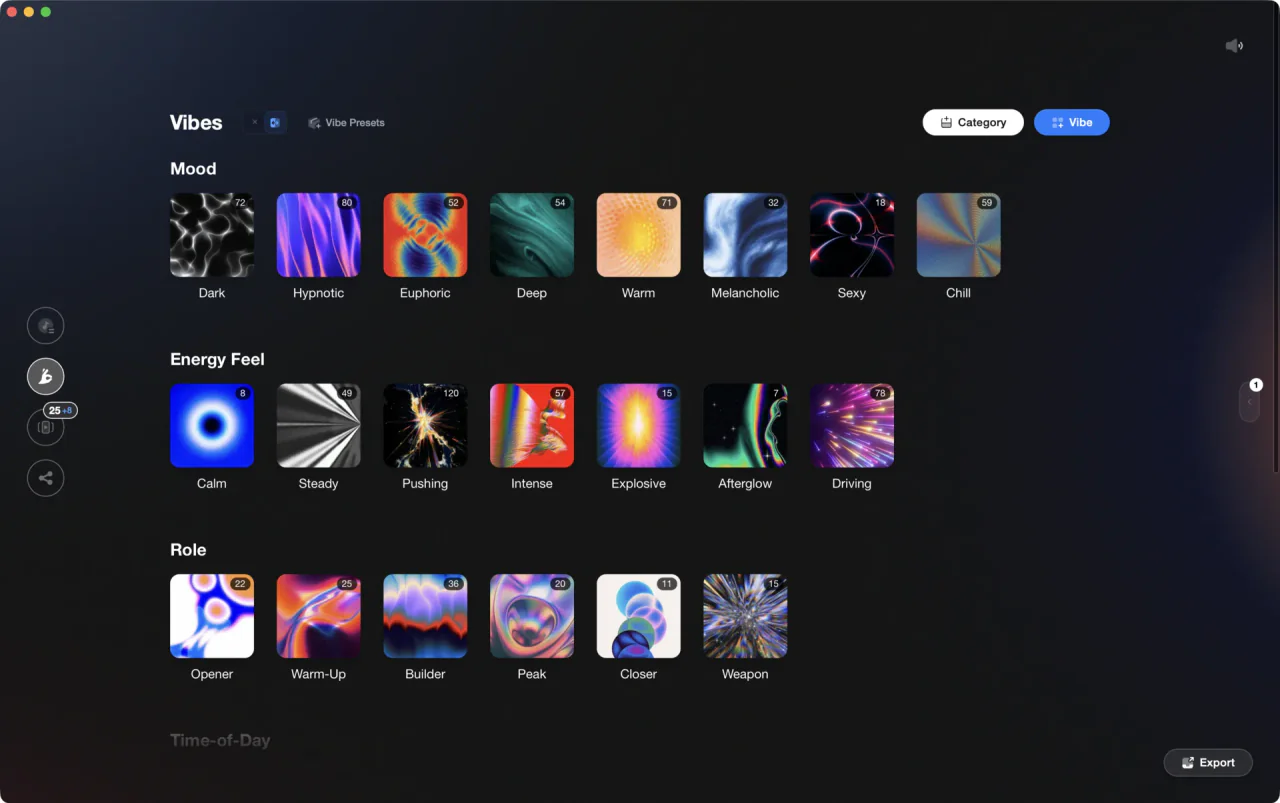
Vibes does not back up or integrate with djay Pro; it imports from and exports to Rekordbox, Serato, Traktor, and Engine DJ only, working directly on your local files. Its relevance to backups is upstream: Vibes helps you build one clean, analyzed local music folder, which is exactly the folder your backup strategy needs to protect, and the one djay Pro rebuilds from fastest after a disaster.
See how it worksOrganize in Vibes, export to djay Pro.
Your playlists, tags, ratings, and cue points travel back to the gear you play on, so nothing you do in Vibes is locked away.
Track 001
Artist A
AfterhoursMysteriousIntrospective
Track 002
Artist B
 Cozy FloorPeaceful
 Home
Home
Track 003
Artist C
Rave Aggressive
 Festival
 Build & Release
Frequently asked questions
The honest answers, including the trade-offs.
From a Vibes customer
The import worked perfectly. Have created several sets now and my life is so much easier
One-time purchase
Get Vibes with a single payment. No subscription.
Vibes is the step before you open your DJ software, not a replacement for it.
First 250 licenses at this price, then $79.
14 days • Full access
No strings attached
Secure checkout with Stripe
Already have Companion Pro? Upgrade instead


Methodology
How we keep this honest.

Verified against the app
Every step is checked against the current version of djay Pro.
We own our bias
We make Vibes. We show the native way first and honestly, then where Vibes genuinely helps, and we say when it does not.
Live pricing
The Vibes price shown comes straight from our checkout, never a hardcoded marketing number.
Kept current
Last reviewed September 2026.
Keep exploring
DJ apps head to head
Works with your software
Vibes for DJs
Vibes features
How-to guides
Best DJ software
Move between apps
Learn to DJ