Transfer your library to Rekordbox in Traktor.
Switching from Traktor to Rekordbox means re-importing your tracks and rebuilding playlists. With Vibes, you import your Traktor NML once and export directly into Rekordbox with BPM, key, cue points, and organized playlists already in place.
First 500 licenses at $49. Be the first to know when we launch.
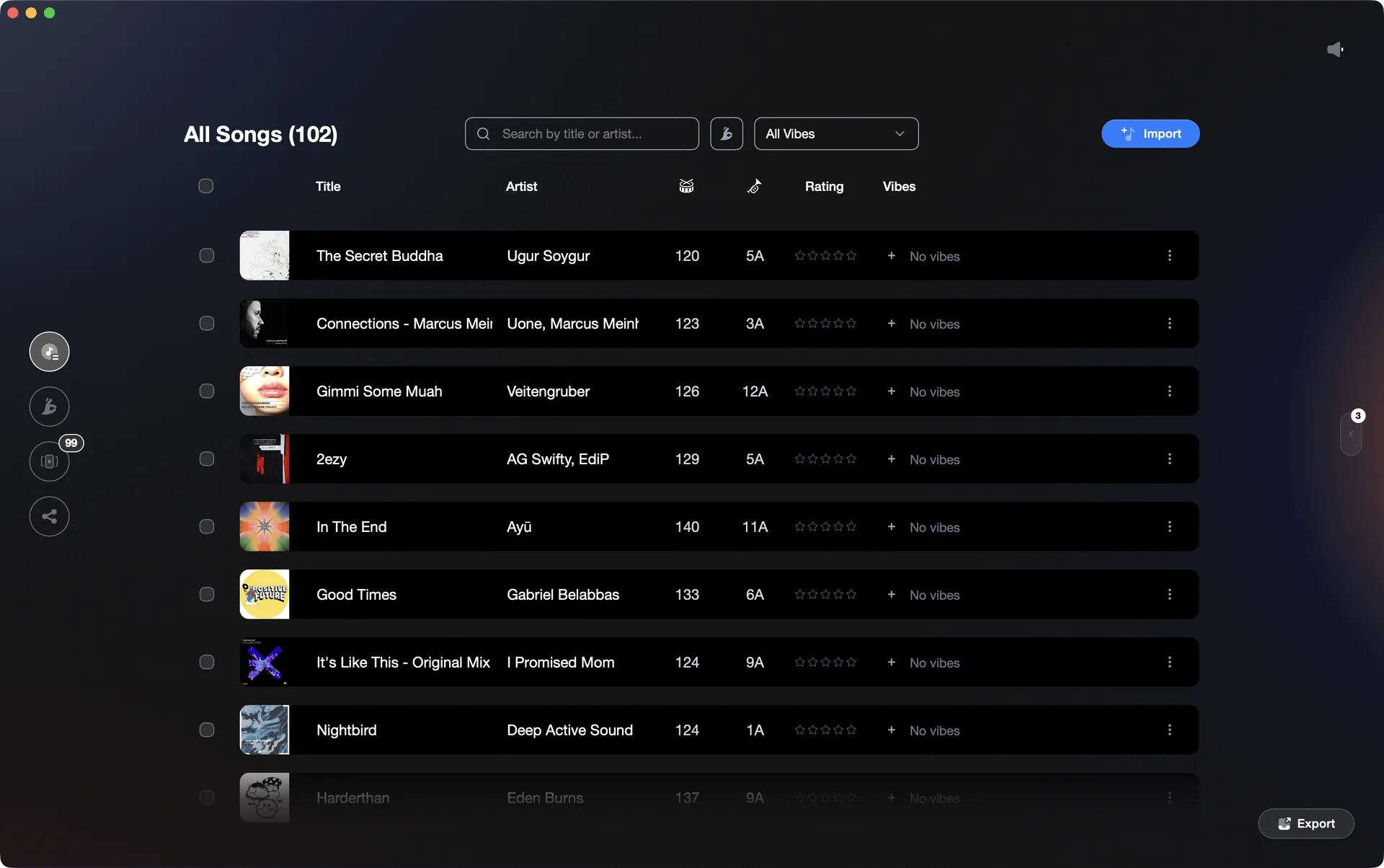
Import from Traktor, export to Rekordbox. Your library, your metadata, your playlists.
Transfer your library to Rekordbox in Traktor, step by step.
Traktor does not export directly into Rekordbox's database. The standard approach is to export a collection file from Traktor and import it into Rekordbox, then re-analyse tracks where needed.
Export your Traktor collection
In Traktor, locate 'Track Collection' in the left Browser panel. Right-click it and choose 'Export the Collection'. This generates an NML file containing your track metadata, playlists, and cue points. Save it somewhere accessible.
Convert the NML to Rekordbox XML
Rekordbox cannot import NML files directly. Use a conversion tool such as MIXO, Lexicon, Rekord Buddy, or the free Rekordboxer web tool to convert your NML into a Rekordbox-compatible XML file. This step is mandatory.
Load the XML into Rekordbox and import tracks
In Rekordbox, open Preferences > Advanced > Database and point the 'rekordbox xml' path to your converted XML file. The imported collection will then appear in the left sidebar under 'rekordbox xml'. Drag tracks or playlists from there into your main collection. Alternatively, use File > Import Playlist if your tool produced a playlist-format XML.
Verify, re-analyse, and correct cue points
After import, check that file paths resolve correctly. Rekordbox will likely need to re-analyse tracks to build its own beatgrid and waveform data. Select all imported tracks and run Analysis. Then review key playlists and spot-check hot cues, correcting any that landed on the wrong beat or did not carry over.
The catch
The catch: Rekordbox cannot import a Traktor NML file natively. A conversion tool is required to produce a Rekordbox XML file as an intermediate step. After import, beatgrids, hot cues, and playlist structure often still need manual correction, and any custom organisation you built in Traktor does not map cleanly into Rekordbox's folder and playlist model.
 Euphoric
 Melancholic
 Mysterious
 Aggressive
 Peaceful
 Rave
Rave Afterhours
 Club
Club Home
HomeThe faster way
Import your Traktor NML once. Export into Rekordbox with everything intact.
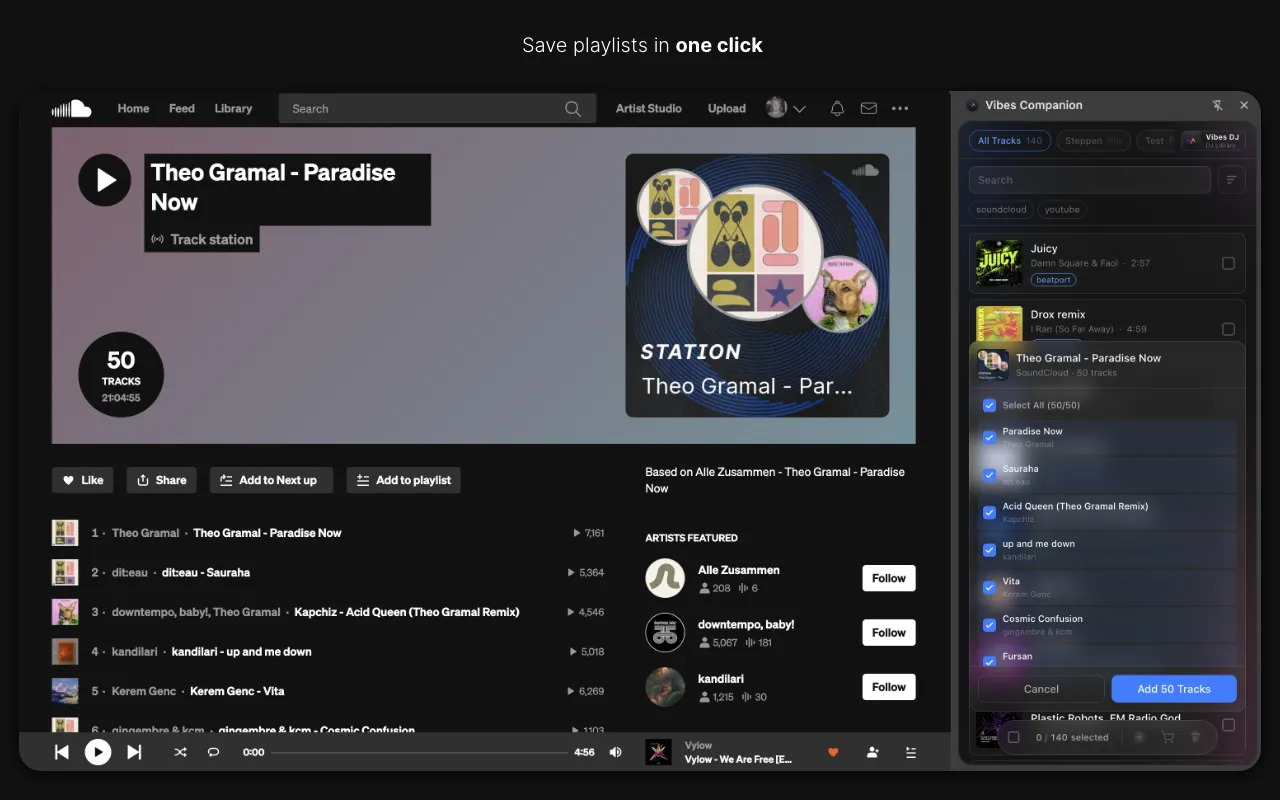
Vibes reads your Traktor NML file directly, preserves your BPM and key data, and writes into Rekordbox's master.db via SQLCipher. Your cue points, playlists per vibe, and Combinations all land in Rekordbox without a manual rebuild.
See how it worksOrganize in Vibes, export to Traktor.
Your playlists, tags, ratings, and cue points travel back to the gear you play on, so nothing you do in Vibes is locked away.
Track 001
Artist A
AfterhoursMysterious Introspective
Track 002
Artist B
 Cozy FloorPeacefulHome
Track 003
Artist C
RaveAggressive Festival
 Build & Release
Frequently asked questions
The honest answers, including the trade-offs.
Methodology
How we keep this honest.

Verified against the app
Every step is checked against the current version of Traktor.
We own our bias
We make Vibes. We show the native way first and honestly, then where Vibes genuinely helps, and we say when it does not.
Live pricing
The Vibes price shown comes straight from our checkout, never a hardcoded marketing number.
Kept current
Last reviewed June 2026.
One-time purchase
Get Vibes with a single payment. No subscription.
First 500 licenses at this price. Be the first to know when we launch.

Keep exploring
Works with your software
Vibes for DJs
How-to guides
Best DJ software
Move between apps