

Create filter folders in VirtualDJ.
Filter folders are VirtualDJ's smart playlists: rule-based folders that fill themselves from your database and stay current as it changes. Here is how to create one and write rules that are actually useful.
$49$79USD one-time purchase. First 250 licenses at this price. 14-day free trial.
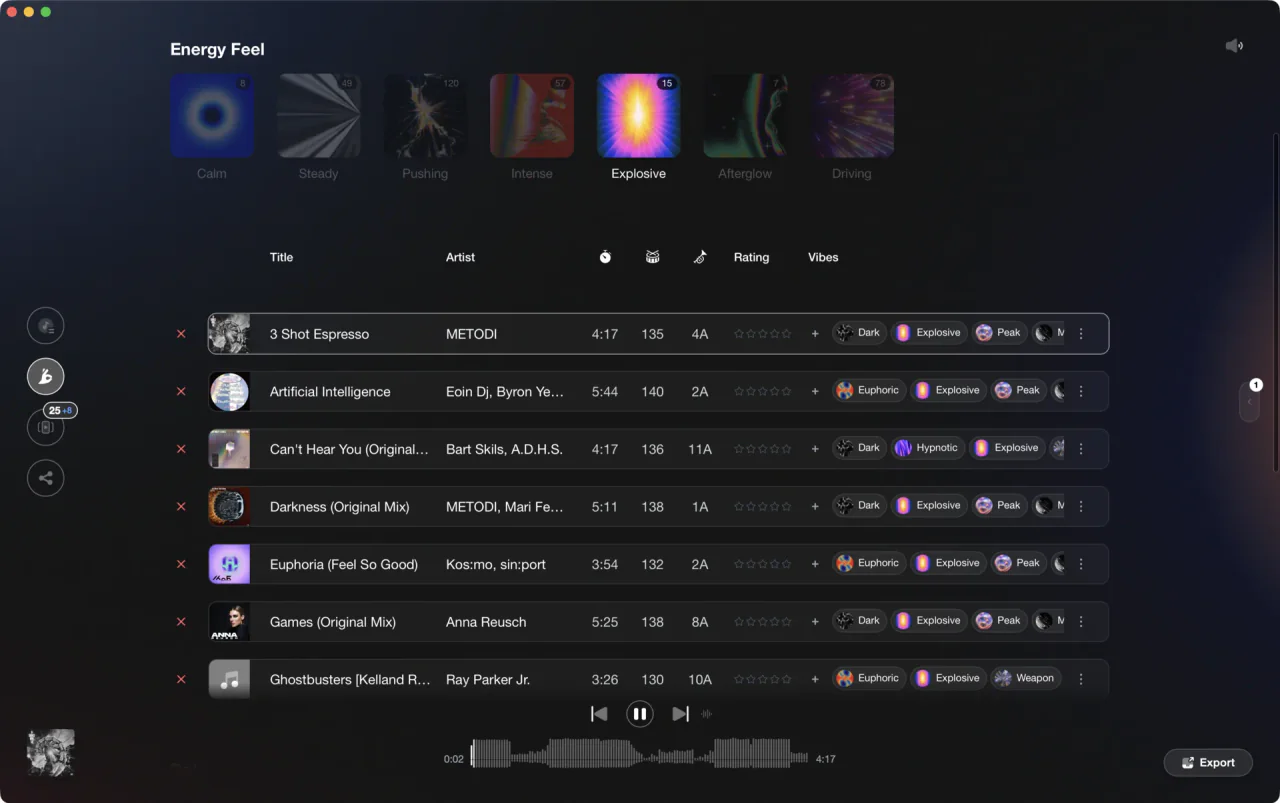
Crates that maintain themselves from your own rules.
Create filter folders in VirtualDJ, step by step.
A filter folder evaluates a rule against every track VirtualDJ has in its database and shows the matches. You define the rule once and the folder keeps itself up to date, which makes filter folders the right tool for anything you would otherwise rebuild by hand every month. If you just want a hand-picked list in a fixed order, a regular list folder under My Lists does that; a list folder is VirtualDJ's name for a playlist. Filter folders are for lists that build themselves.
Open the create dialog
Right-click My Lists in the browser's Folder List and choose Add Filter. VirtualDJ asks you to name the folder first, and once you confirm the name the new folder appears under My Lists and the Filter Folder Criteria window opens, which is where the rule that fills the folder is written.
Start from a built-in example
VirtualDJ ships ready-made filter folders in the Filters folder inside the folder list's Ideas section: Recently added, Most played, Last played, Duplicates, Genres, Decades, and Compatible songs. Open one that is close to what you want, then check the Filter Folder Examples page of the VirtualDJ manual for the syntax behind rules like it before writing your own. It is the fastest way to learn the query language.
Write your own rule
Rules combine fields, comparisons, and logic, for example "bpm>=120 and bpm<=126" for a tempo band, or a rule matching a genre plus a minimum play count. You can also use ordering expressions such as "top 100 nbplay" for a most-played chart or "sort by bpm". The dropdown menus in the criteria window help with field names and syntax, so use them: a folder that comes back empty is usually a typo in the rule rather than an empty library.
Refine until the folder earns its place
Open the folder, check the results, and tighten the rule until the matches are tracks you would genuinely play. A filter folder that returns 800 tracks is a search result, not a crate. Stacking two or three conditions with Add Conditions, such as tempo plus genre plus rating, is usually what makes one useful.
The catch
Filter folders are only as good as the metadata behind them. If BPM, key, genre, or ratings are missing or wrong in your database, the rules quietly return wrong results, so the metadata cleanup has to come first.
Where Vibes fits
Rules need clean data underneath
Vibes does not export to VirtualDJ, so it cannot create filter folders there; its export targets are Rekordbox, Serato, Traktor, and Engine DJ. What Vibes gives a VirtualDJ user is the layer filter folders depend on: analyzed BPM and key on every track, ratings, and mood tags applied at speed across the same files VirtualDJ reads. And in Vibes itself, Combinations surfaces overlapping tag groups automatically, no rule syntax required.
See how it worksOrganize in Vibes, export to VirtualDJ.
Your playlists, tags, ratings, and cue points travel back to the gear you play on, so nothing you do in Vibes is locked away.

Track 001
Artist A
Afterhours Mysterious
 Introspective
Track 002
Artist B
 Cozy FloorPeaceful
 Home
Home
Track 003
Artist C
Rave Aggressive
 Festival
 Build & Release
Frequently asked questions
The honest answers, including the trade-offs.
From a Vibes customer
The import worked perfectly. Have created several sets now and my life is so much easier
One-time purchase
Get Vibes with a single payment. No subscription.
Vibes is the step before you open your DJ software, not a replacement for it.
First 250 licenses at this price, then $79.
14 days • Full access
No strings attached
Secure checkout with Stripe
Already have Companion Pro? Upgrade instead


Methodology
How we keep this honest.

Verified against the app
Every step is checked against the current version of VirtualDJ.
We own our bias
We make Vibes. We show the native way first and honestly, then where Vibes genuinely helps, and we say when it does not.
Live pricing
The Vibes price shown comes straight from our checkout, never a hardcoded marketing number.
Kept current
Last reviewed September 2026.
Keep exploring
DJ apps head to head
Works with your software
Vibes for DJs
Vibes features
How-to guides
Best DJ software
Move between apps
Learn to DJ