Transfer your Serato library to Traktor in Serato DJ Pro.
Serato and Traktor use completely different library formats. Here is how to move your tracks, crates, and organization across without rebuilding everything by hand.
First 500 licenses at $49. Be the first to know when we launch.
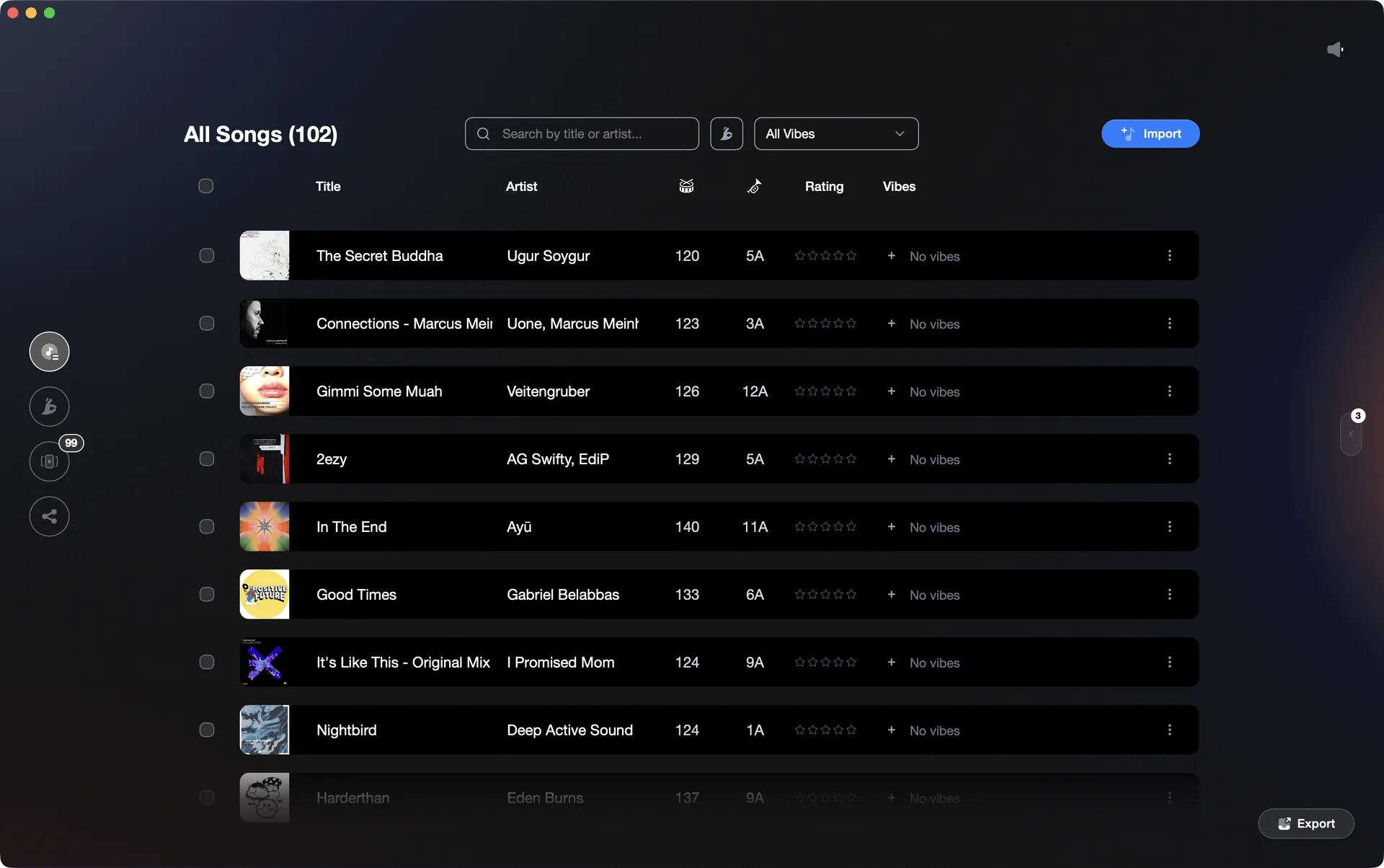
Vibes imports your Serato library and exports a Traktor NML with structured playlists ready to load.
Transfer your library to Traktor in Serato DJ Pro, step by step.
Serato does not export directly to Traktor NML format. The most common native path is to use a third-party conversion tool such as Lexicon (free), MIXO, or DJ Conversion Utility to bridge the two formats.
Back up your Serato library
Before converting anything, locate your Serato library folder (typically at ~/Music/_Serato_) and copy it somewhere safe. Your crates live as .crate files inside the Subcrates folder. This backup is your fallback if anything goes wrong during conversion.
Export your crates with a conversion tool
Serato does not natively write Traktor NML files, so you need a bridge utility such as Lexicon (free), MIXO, or DJ Conversion Utility. Import your Serato library into the tool, review the mapping of crates to Traktor playlists, then export as a Traktor NML file. These tools vary in how they handle ratings, cue points, and nested crate structure, so check the settings before exporting. Close both Serato and Traktor before running the import step, as background processes must stop for the databases to be readable.
Import the NML file into Traktor Pro 4
Open Traktor Pro 4. If your audio files live in a folder Traktor does not yet know about, go to Preferences > File Management and add that folder under Music Folders so Traktor can locate your tracks. Then, to load the converted library, right-click on Track Collection in the Traktor browser sidebar and choose Import another Collection. Browse to the NML file the conversion tool generated and select it. A dialog will ask whether to use File tags or Collection tags - choose Collection to apply the metadata from the converted file. Traktor will populate your collection with the converted tracks and playlist structure.
Re-analyze tracks in Traktor
Traktor uses its own BPM and key analysis engine, and Serato metadata does not transfer directly into Traktor's beatgrid format. Select all imported tracks, right-click, and choose Analyze to let Traktor build beatgrids and confirm key values. Review any tracks flagged with unusual BPM readings and correct beatgrids manually where needed.
The catch
Serato has no built-in Traktor export, so the native path always requires a third-party conversion tool. Several options (including Lexicon and MIXO) offer free library conversion. Metadata fidelity (cue points, loops, ratings) varies by tool and version. Cue point colors do not display in Traktor regardless of which tool you use.
 Euphoric
 Melancholic
 Mysterious
 Aggressive
 Peaceful
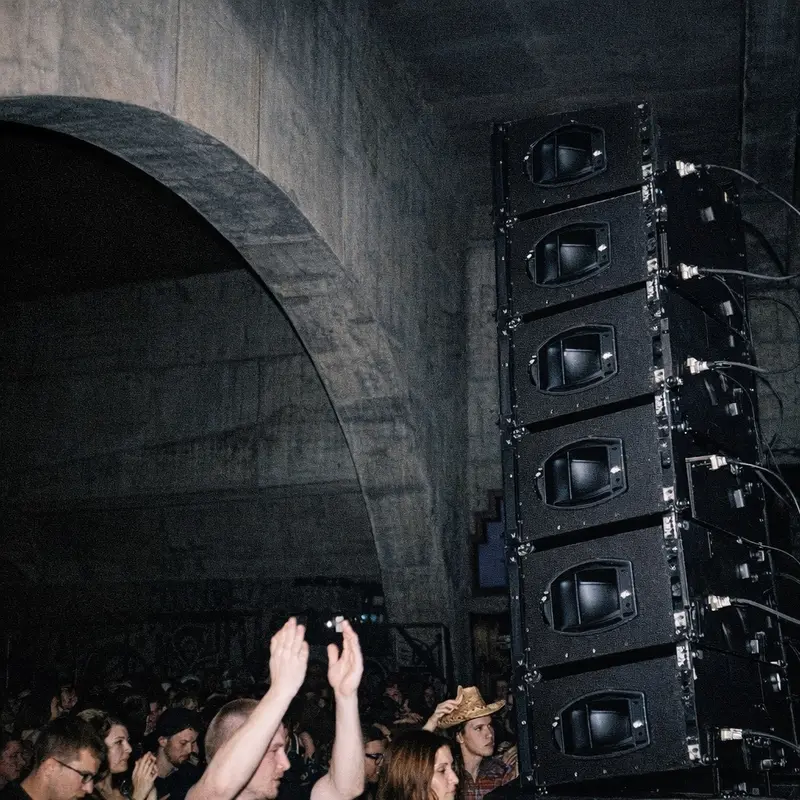 Rave
Rave Afterhours
 Club
Club Home
HomeThe faster way
Import from Serato, export to Traktor, keep your whole library structure.
Vibes reads your Serato library and .crate files directly, lets you organize and prep tracks by feel, then writes a Traktor NML with your vibes as playlists, your Sets, and your Combinations. No third-party converter needed.
See how it worksOrganize in Vibes, export to Serato DJ Pro.
Your playlists, tags, ratings, and cue points travel back to the gear you play on, so nothing you do in Vibes is locked away.
Track 001
Artist A
AfterhoursMysterious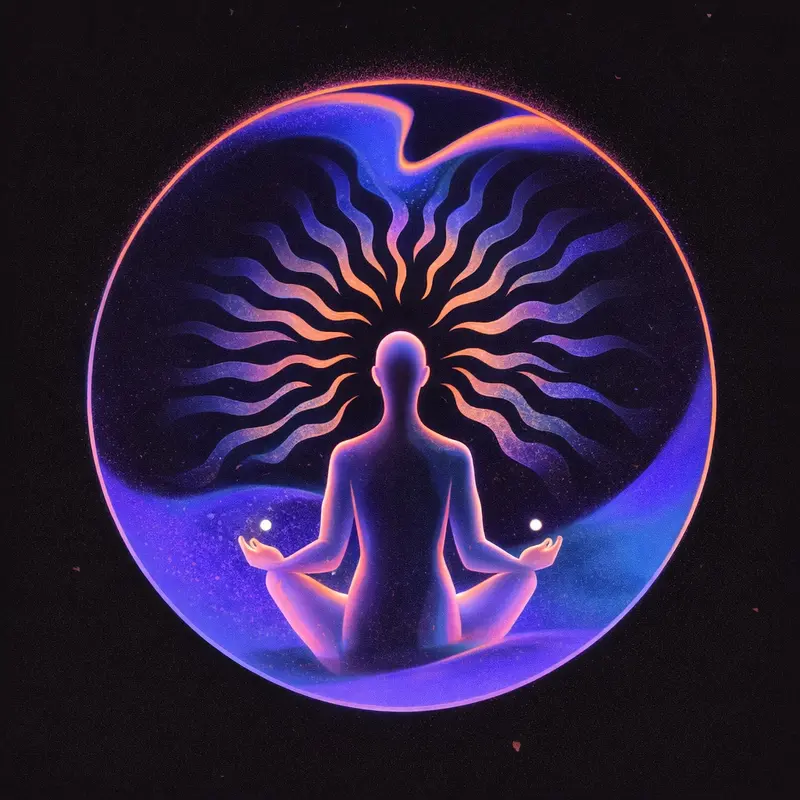 Introspective
Track 002
Artist B
 Cozy FloorPeacefulHome
Track 003
Artist C
RaveAggressive Festival
 Build & Release
Frequently asked questions
The honest answers, including the trade-offs.
Methodology
How we keep this honest.

Verified against the app
Every step is checked against the current version of Serato DJ Pro.
We own our bias
We make Vibes. We show the native way first and honestly, then where Vibes genuinely helps, and we say when it does not.
Live pricing
The Vibes price shown comes straight from our checkout, never a hardcoded marketing number.
Kept current
Last reviewed June 2026.
One-time purchase
Get Vibes with a single payment. No subscription.
First 500 licenses at this price. Be the first to know when we launch.

Keep exploring
Works with your software
Vibes for DJs
How-to guides
Best DJ software
Move between apps