Transfer your Serato library to Engine DJ.
Moving from Serato to Engine DJ means rebuilding metadata, crates, and cue points from scratch unless you have the right workflow. Here is how to do it cleanly.
First 500 licenses at $49. Be the first to know when we launch.
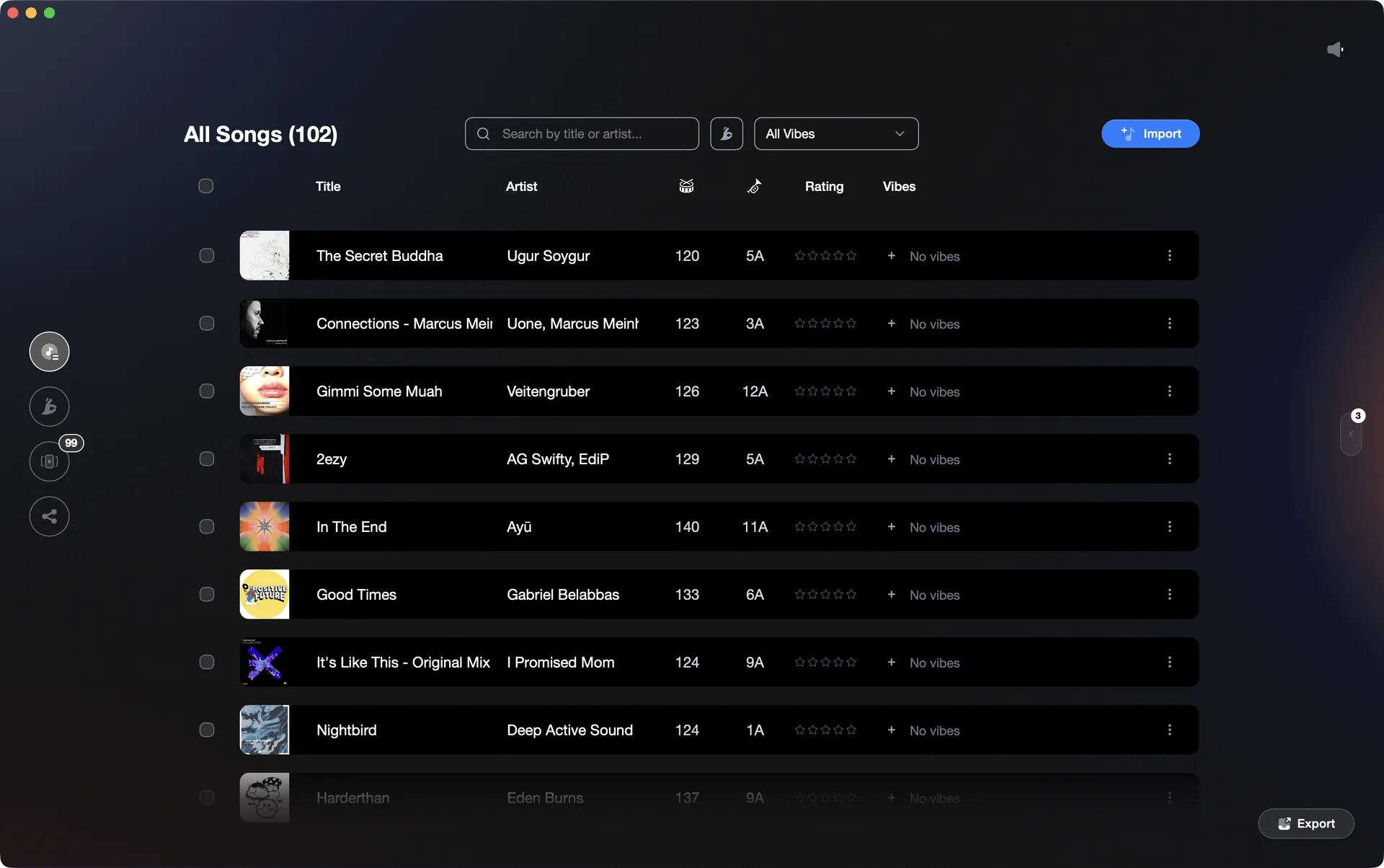
Vibes imports your Serato library and writes it directly into Engine DJ.
Transfer your library from Serato to Engine DJ, step by step.
Engine DJ desktop includes a built-in Serato integration that can read your Serato library directly. You enable it in Preferences, then import crates as playlists with hot cues and loops included. You do not need to rebuild your crate structure or cue points from scratch unless you choose not to use this integration.
Enable Serato integration in Engine DJ Preferences
Open Engine DJ desktop and click the gear icon to open Preferences. Go to the Integration tab and enable the Serato library integration option. Also confirm Auto Analysis is enabled in the Library tab, then close Preferences. Engine DJ will now be able to read your Serato database.
Load and update your Serato library inside Engine DJ
In the left panel (playlists section), locate the Serato logo that now appears. Click it and select Update to let Engine DJ scan your Serato library. Your Serato crates will appear listed under the Serato logo. If your music is stored on an external drive, make sure that drive is connected so Engine DJ can find the files.
Import crates as playlists
Right-click any Serato crate you want and select 'Import as Playlist.' Repeat for each crate or subcrate you want to bring over. Engine DJ will begin analysing the imported tracks. Hot cues and loops from Serato will be attached to each track but will not display until that track has been fully analysed by Engine DJ - monitor the progress bar in the bottom right corner.
Verify cue points and BPM after analysis
Once analysis is complete, spot-check tracks where you had manual beatgrid edits or precisely placed hot cues in Serato. BPM values that Serato wrote to file tags should carry over; Engine DJ may re-analyse and produce slightly different values for tracks where the BPM was only stored in the Serato database. Correct any discrepancies manually. Your crate structure now exists in Engine DJ as playlists and does not need to be rebuilt.
The catch
Engine DJ's native Serato integration imports crates as playlists and carries over hot cues and loops after track analysis. BPM values stored only in the Serato database (not written to file tags) may differ after Engine DJ re-analyses. Manual beatgrid edits made in Serato will need to be verified and corrected by hand. Serato track ratings introduced in Serato 4.0 are not currently imported.
 Euphoric
 Melancholic
 Mysterious
 Aggressive
 Peaceful
 Rave
Rave Afterhours
 Club
Club Home
HomeThe faster way
Import from Serato, export directly into Engine DJ.
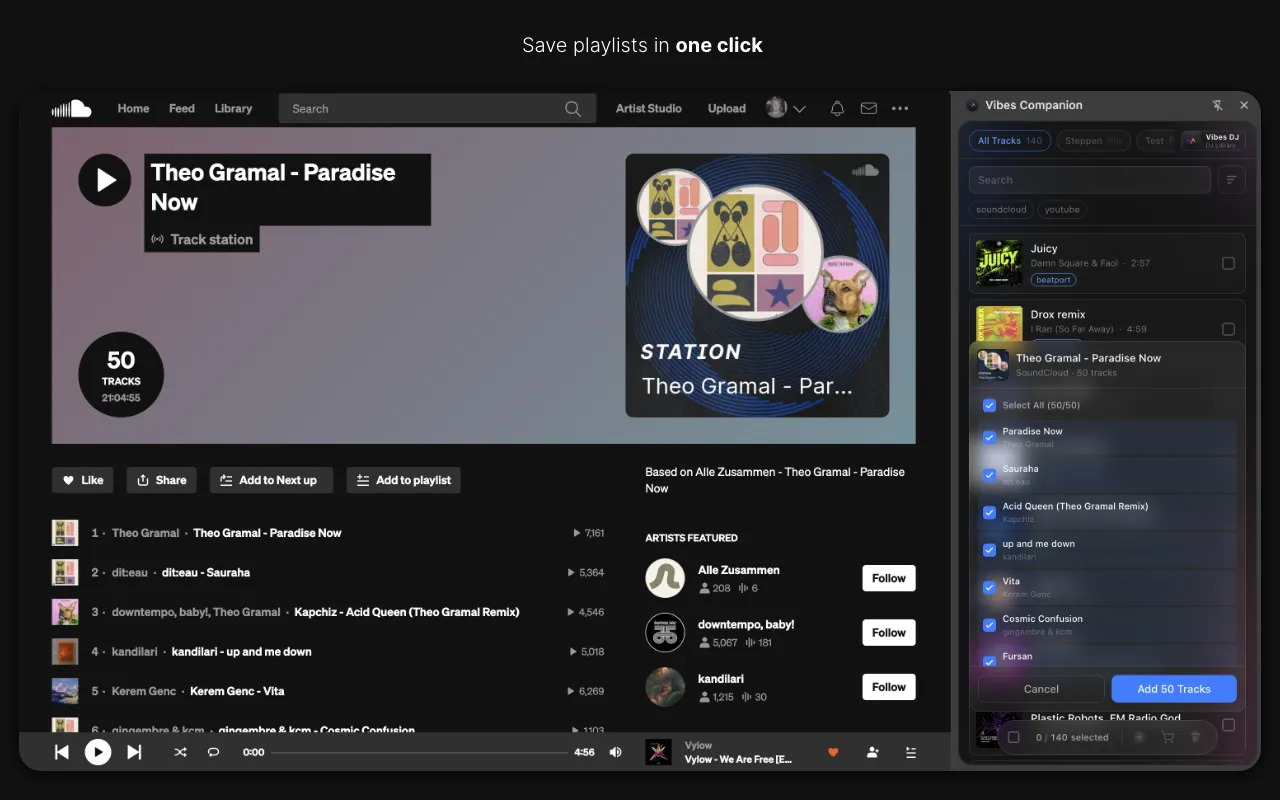
Vibes reads your Serato library including crate files and imports your tracks with their existing metadata. When you are ready, it writes everything directly into Engine DJ's m.db database, carrying BPM, key, cue points, and your vibe-based playlists across in one step.
See how it worksOrganize in Vibes, export to Engine DJ.
Your playlists, tags, ratings, and cue points travel back to the gear you play on, so nothing you do in Vibes is locked away.
Track 001
Artist A
AfterhoursMysterious Introspective
Track 002
Artist B
 Cozy FloorPeacefulHome
Track 003
Artist C
RaveAggressive Festival
 Build & Release
Frequently asked questions
The honest answers, including the trade-offs.
Methodology
How we keep this honest.

Verified against the app
Every step is checked against the current version of Engine DJ.
We own our bias
We make Vibes. We show the native way first and honestly, then where Vibes genuinely helps, and we say when it does not.
Live pricing
The Vibes price shown comes straight from our checkout, never a hardcoded marketing number.
Kept current
Last reviewed June 2026.
One-time purchase
Get Vibes with a single payment. No subscription.
First 500 licenses at this price. Be the first to know when we launch.

Keep exploring
Works with your software
Vibes for DJs
How-to guides
Best DJ software
Move between apps