Transfer your library to Traktor in Engine DJ.
Engine DJ and Traktor use completely different database formats, so moving your library takes more than copying files. Here is how to do it natively and how Vibes makes it faster.
First 500 licenses at $49. Be the first to know when we launch.
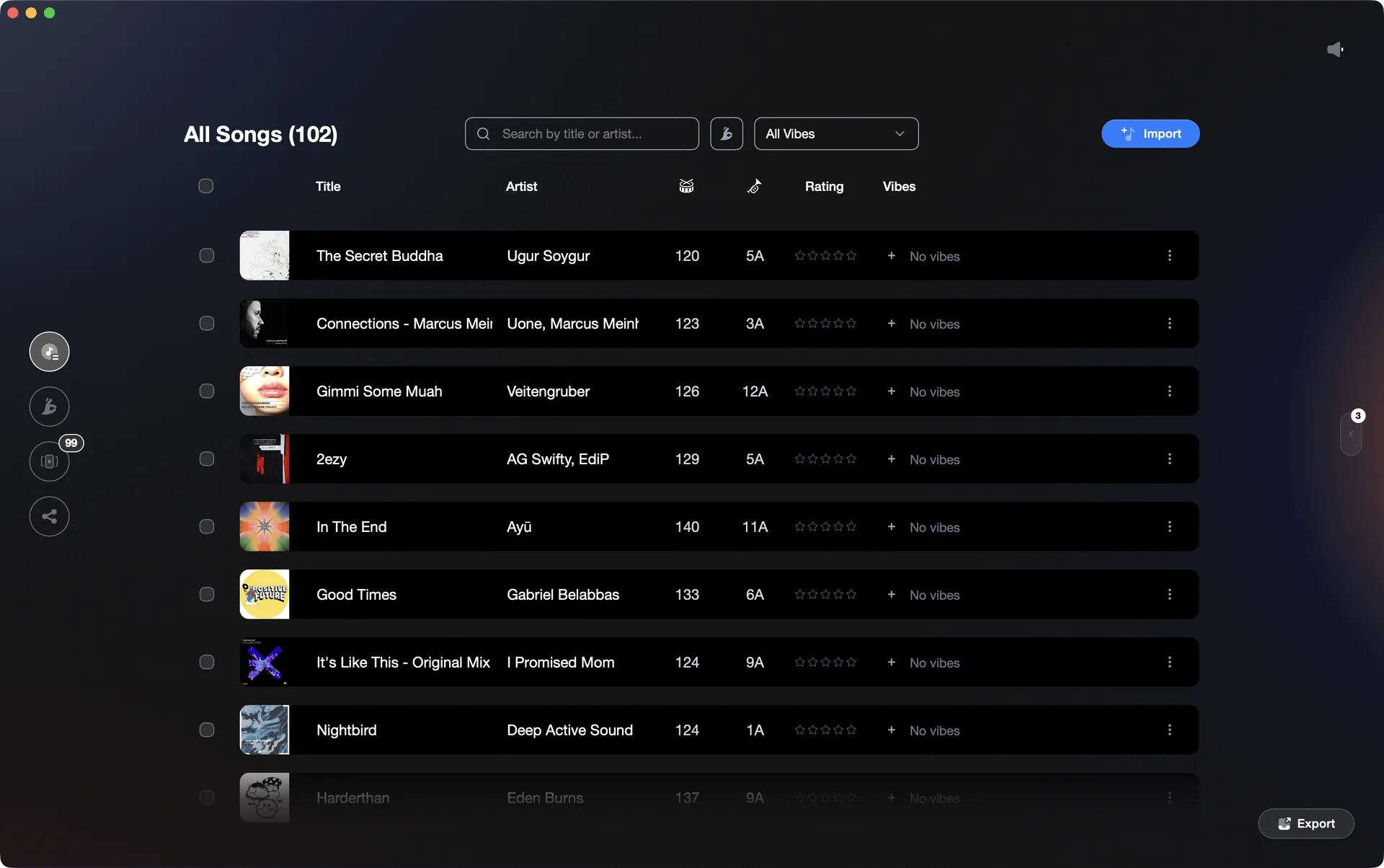
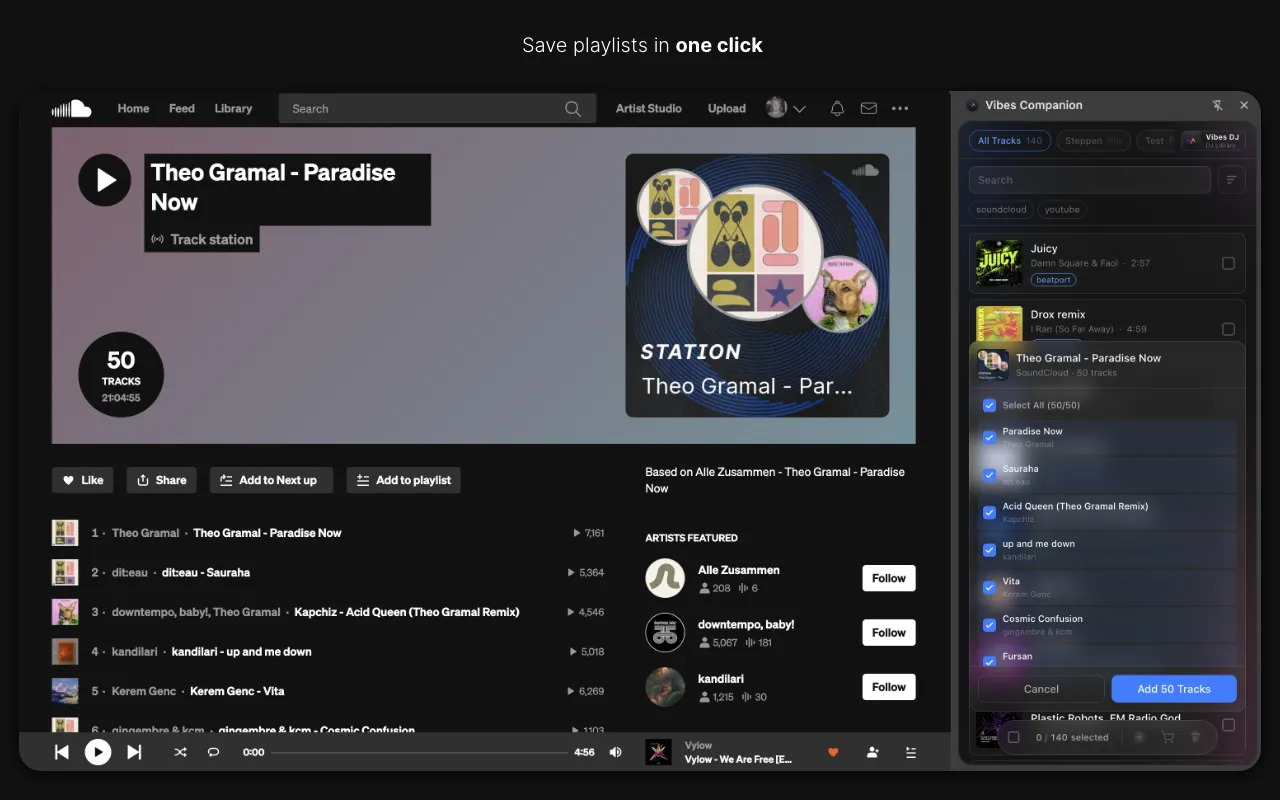
Vibes imports your Engine DJ database and exports a structured Traktor NML in one workflow.
Transfer your library to Traktor in Engine DJ, step by step.
Engine DJ stores its library in a proprietary database (m.db) and Traktor reads NML files. There is no direct native transfer path between the two apps. Engine DJ can import FROM Traktor (by reading an NML file), but it cannot export its own library to any format Traktor can natively ingest. The practical path requires a third-party conversion tool such as Lexicon DJ or MIXO, which reads the Engine DJ database and writes a Traktor-compatible NML or re-tags your files with Traktor-readable metadata. The steps below describe the Lexicon/bridge-tool approach, which is the only reliable method.
Import your Engine DJ library into a bridge tool
Open Lexicon DJ (or MIXO) and create a new library sync. Point it at your Engine DJ database: Lexicon auto-detects the Engine DJ m.db file in your user data folder, or you can specify the path manually. The tool will read your playlists, hot cues, beatgrid data, and track locations. Review the import summary to confirm your playlist count and track count match what you see in Engine DJ before proceeding.
Sync the converted library to Traktor Pro 4
In Lexicon, choose Traktor as the sync destination and run the sync. Lexicon writes cue points and beatgrid data directly into your audio files as ID3/comment tags and updates Traktor's collection.nml. If using MIXO, export as an NML file and then open Traktor: in the Browser, right-click Track Collection and choose Import Another Collection, then point it at the exported NML. Traktor does not have a native Rekordbox XML import field; its Preferences > File Management area handles Apple Music/iTunes libraries only, not Rekordbox or Engine DJ files.
Re-analyze tracks in Traktor Pro 4
Traktor uses its own BPM and key detection engine, and imported beatgrid anchors from Engine DJ may shift slightly. Select all newly imported tracks in the collection, right-click, and choose Analyze. Let analysis complete before relying on BPM or key values for mixing. Spot-check a few tracks with complex intros or non-4/4 time signatures, as Traktor's grid editor may need manual correction on those.
Rebuild playlist structure and back up the Traktor collection
The bridge tool preserves basic playlist folders, but Engine DJ-specific Smartlists (dynamic rule-based lists introduced in Engine DJ 3.1) are not portable and must be recreated manually in Traktor using its own playlist or smart playlist tools. Once your structure looks correct, right-click Track Collection in Traktor's browser and choose Export the Collection to save a portable NML snapshot. Store this backup somewhere outside the default Traktor data folder so it survives an accidental reinstall.
The catch
There is no native Engine DJ to Traktor transfer path. Engine DJ can read Traktor NML files (import direction only), but cannot write its library to a format Traktor accepts. All practical Engine DJ to Traktor workflows require a third-party bridge tool such as Lexicon DJ or MIXO. Metadata fidelity depends on the bridge tool: hot cues and beatgrids generally transfer, but Engine DJ Smartlists, energy ratings, and custom color tags will not carry across and must be recreated in Traktor.
 Euphoric
 Melancholic
 Mysterious
 Aggressive
 Peaceful
 Rave
Rave Afterhours
 Club
Club Home
HomeThe faster way
Import your Engine DJ library once. Export a structured Traktor NML immediately.
Vibes reads your Engine DJ m.db directly, lets you organize tracks by feel using Vibes and Categories, then writes a Traktor NML with playlists per vibe, per set, and per Combination. You arrive in Traktor with a library that is already tagged and grouped, not a flat dump.
See how it worksOrganize in Vibes, export to Engine DJ.
Your playlists, tags, ratings, and cue points travel back to the gear you play on, so nothing you do in Vibes is locked away.
Track 001
Artist A
AfterhoursMysterious Introspective
Track 002
Artist B
 Cozy FloorPeacefulHome
Track 003
Artist C
RaveAggressive Festival
 Build & Release
Frequently asked questions
The honest answers, including the trade-offs.
Methodology
How we keep this honest.

Verified against the app
Every step is checked against the current version of Engine DJ.
We own our bias
We make Vibes. We show the native way first and honestly, then where Vibes genuinely helps, and we say when it does not.
Live pricing
The Vibes price shown comes straight from our checkout, never a hardcoded marketing number.
Kept current
Last reviewed June 2026.
One-time purchase
Get Vibes with a single payment. No subscription.
First 500 licenses at this price. Be the first to know when we launch.

Keep exploring
Works with your software
Vibes for DJs
How-to guides
Best DJ software
Move between apps