
Platinum Notes 10 Processing Templates
Platinum Notes 10 processing templates shape loudness and tonal balance so DJ tracks play more consistently across different systems.
Platinum Notes 10 Processing Templates Tutorials


Platinum Notes 10 Processing Templates are preset audio-processing profiles inside Platinum Notes 10 that change how the software balances loudness, clipped peaks, and overall tone. For DJs, the point is simple: make problem tracks sit more consistently in a set without guessing every setting by hand.
If your library jumps from quiet classics to aggressive modern masters, Platinum Notes 10 Processing Templates can save time. They give you a starting point for controlled file prep, especially when one track feels too flat, too sharp, or too uneven next to the rest of your crate.
This matters because template choice changes the result. The Official template aims for balanced dynamics, Festival adds extra high-end air while keeping low end strong, and Big Boost pushes louder modern material harder, according to the Platinum Notes 10 user guide and Platinum Notes 10 FAQ.
What Is Platinum Notes 10 Processing Templates?
Platinum Notes 10 Processing Templates are built-in presets that tell the software how to process your tracks. In practice, they control the character of the loudness adjustment and tonal result, so the same song can come out more balanced, more club-focused, or more aggressively boosted depending on the template.
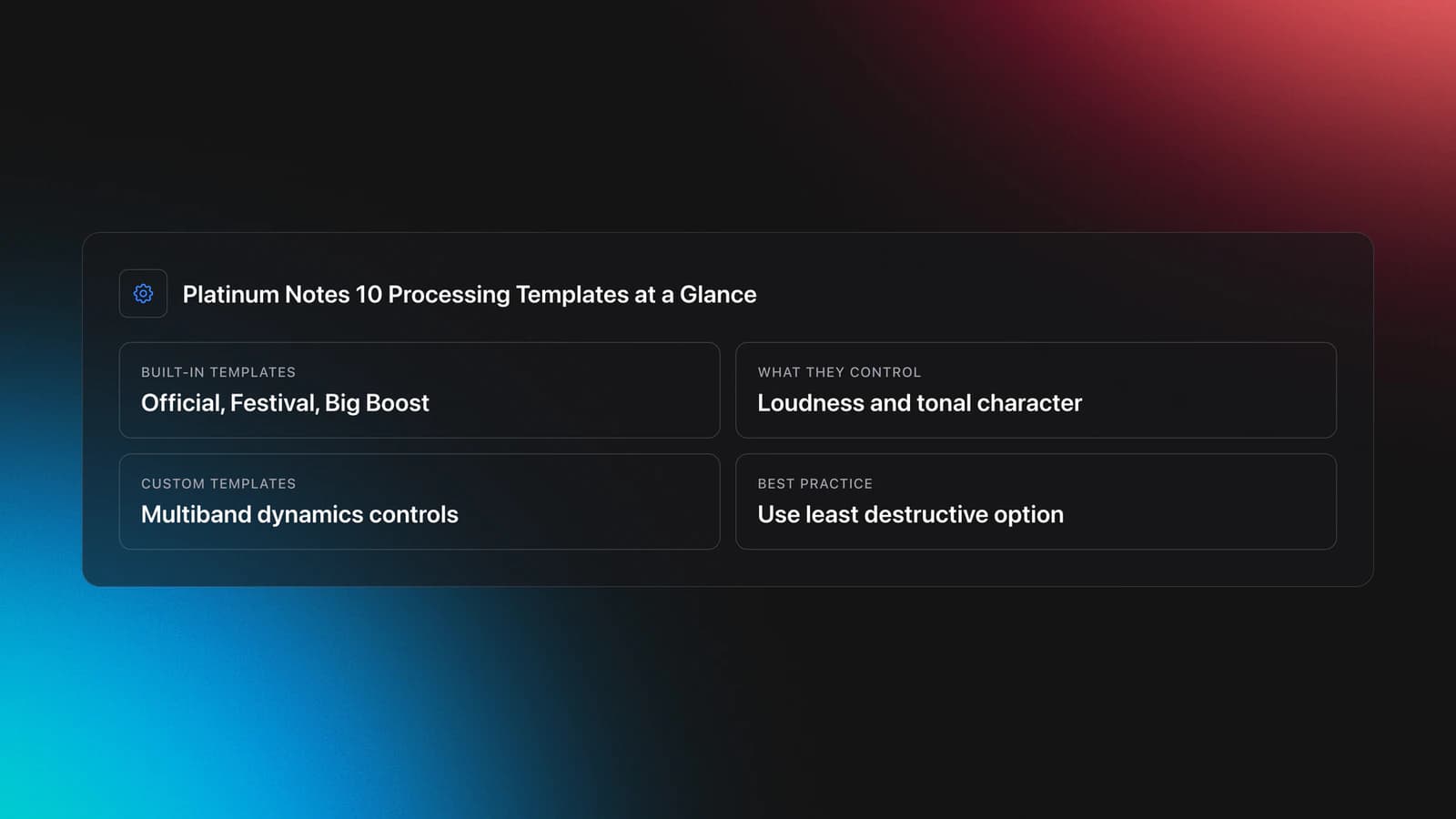
The official documentation says Platinum Notes 10 includes three built-in templates: Official, Festival, and Big Boost. It also allows custom templates with multiband dynamics controls, but Mixed In Key warns that custom settings are best left to users who are already comfortable with audio engineering because poor settings can damage audio quality.
That warning is important. This is not a creative performance technique like scratching. It is a library-prep technique. The skill is not choosing the loudest option. The skill is choosing the least destructive option that solves a real problem.
When Each Template Works Best
Each template suits a different playback context. The fastest way to choose well is to match the template to the problem you hear, not to the marketing label on the button.
The Official template is the safest starting point. Mixed In Key describes it as calibrated and tested by multiple audio engineers and recommends it for most DJs when they want balanced dynamics rather than an obviously hyped result.
The Festival template is aimed at large systems. The FAQ says it adds a little extra air in the hi-hats while retaining strong low end, which makes it more suitable when you want tracks to feel open and energetic on club or festival rigs.
The Big Boost template is the most specialized. Mixed In Key says it was added in Platinum Notes 10 as a response to louder modern tracks, especially music shaped by Beatport-era loudness trends. That makes it better as a selective fix than a default choice for your whole library.
| Template | Best for | Main tradeoff |
|---|---|---|
| Official | Most tracks and first-pass testing | May feel conservative on very loud modern material |
| Festival | Club and festival playback with bright top end | Can feel too airy on already bright masters |
| Big Boost | Selective rescue for quiet tracks next to loud modern releases | Higher risk of over-processing or reduced natural dynamics |
How to Choose the Right Template
Start with a controlled comparison. Load one problem track and one reference track from the same genre, era, and general energy level. Then process the problem track with one template at a time and compare them in your DJ software at matched playback volume.
Do not process a whole folder first. The community feedback in the DJ community discussion on template use consistently points to a smarter workflow: use Platinum Notes selectively on tracks that are audibly problematic, then adjust settings only after you hear what changed.
Here is the core decision path.
- Start with Official on one problem track.
- Compare it to the original at matched monitor volume.
- Switch to Festival if the track needs more air on large systems.
- Try Big Boost only if the track still feels weak next to loud modern masters.
- Keep the version that improves transitions, not just solo playback.
- Process similar tracks in small batches after that test.
This answer-first approach matters because louder almost always sounds better in a quick solo test. In practice, the better version is the one that blends naturally across a transition and does not force extra trim changes on the mixer.
If you want a stable listening baseline, build a short reference crate with tracks you already trust. Organized prep helps here. In Vibes, you could tag a few reference cuts by genre, loudness profile, and venue role so each template test stays consistent instead of becoming a memory game.
Equipment and Listening Setup
You do not need expensive gear to evaluate Platinum Notes 10 Processing Templates, but you do need consistency. A laptop, Platinum Notes 10, your DJ software, and reliable headphones or monitors are the minimum setup.
Lossless files are strongly preferred. The FAQ says Platinum Notes decodes to high-quality WAV during processing and recommends lossless source material such as AIFF because it gives the software more room to improve the result. If you start with weak source files, the software has less to work with.
You also need a repeatable monitoring level. Keep playback moderate so your ears do not drift toward whichever version feels more exciting after ten minutes. This is the same discipline you build when you learn gain staging for cleaner level decisions.
Practice Routine for Better Template Decisions
A short, repeatable routine works better than occasional marathon testing. In practice, comparing just three to five tracks in one focused session builds better judgment than reprocessing a whole folder on instinct.
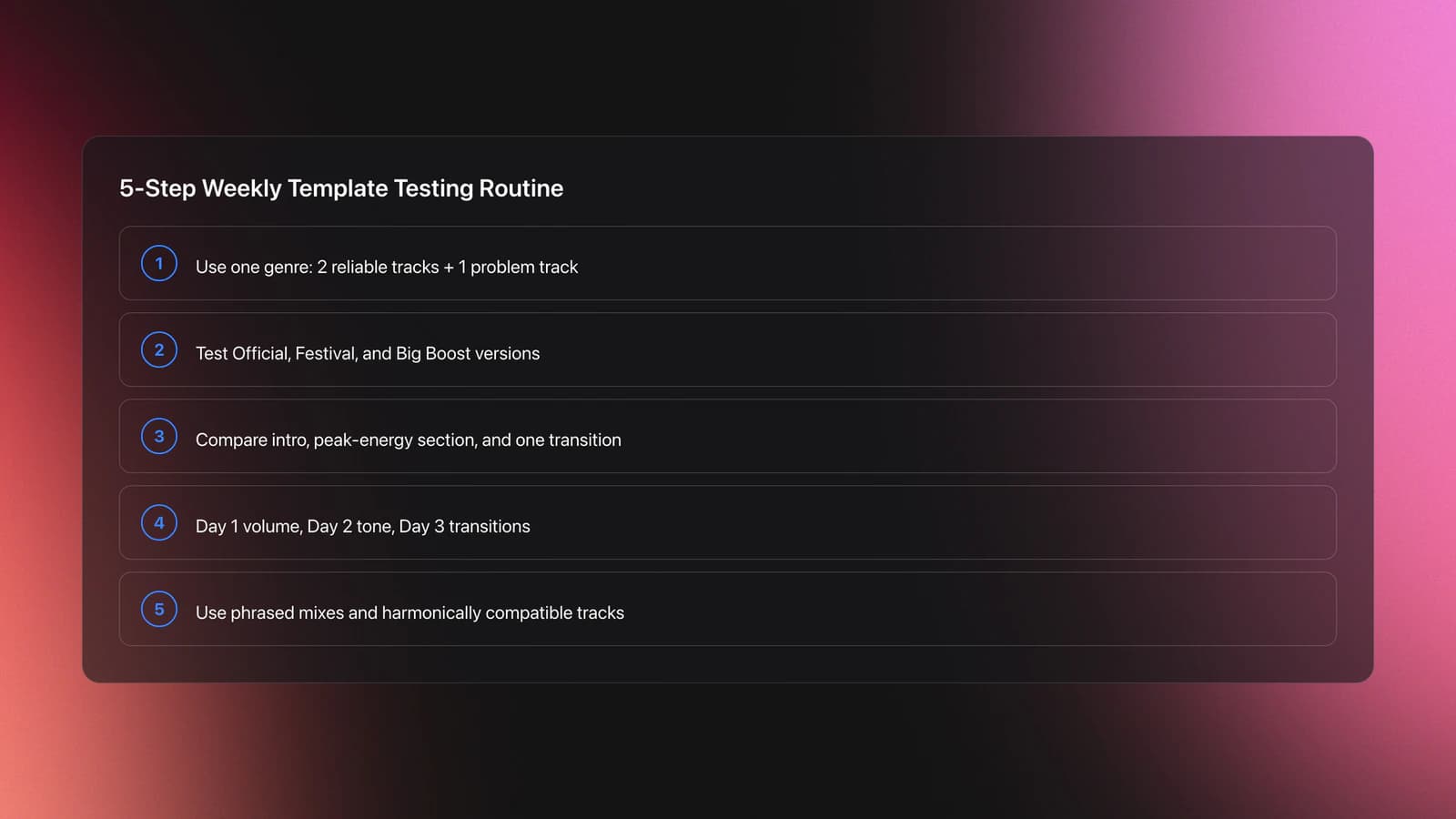
Use one genre at a time. Pick two tracks that already sit well in your sets, then one track that causes a problem. Process only the problem track with Official, Festival, and Big Boost. Listen to intros, full-energy sections, and one transition point.
Day one should focus on volume behavior. Day two should focus on tone. Day three should focus on transitions. By the end of a week, patterns become obvious.
For realistic DJ testing, practice with phrased transitions rather than solo playback. That is where details appear. A template that sounds exciting alone may feel brittle once hats overlap, or weak once the incoming kick lands. This is also a good moment to build phrase alignment drills for realistic transition tests.
To keep your comparisons fair, choose harmonically compatible examples. If clashing keys distract you, you will misjudge the processing. A small crate built to use harmonic mixing to compare compatible test tracks makes template evaluation much faster.
Common Mistakes with Processing Templates
Most mistakes come from scale, not from software. DJs often process too much music at once, trust waveforms more than their ears, or choose the most dramatic result instead of the most usable one.
| Mistake | Why it happens | Fix |
|---|---|---|
| Processing the whole library at once | The templates seem like one-click solutions | Test one track at a time, then move to small batches |
| Using Big Boost as the default | Louder sounds impressive in solo listening | Reserve it for tracks that stay weak after Official |
| Ignoring source quality | Compressed files limit what processing can recover | Prefer lossless sources when possible |
| Judging only on headphones | Headphones can exaggerate detail and brightness | Check on both headphones and speakers if possible |
Another common mistake is replacing originals too early. The user guide says Platinum Notes 10 can overwrite files while backing up originals, but it also notes there is no automated way to restore those originals inside third-party DJ applications. That means file management matters before you commit to any library-wide change.
Troubleshooting Real-World Results
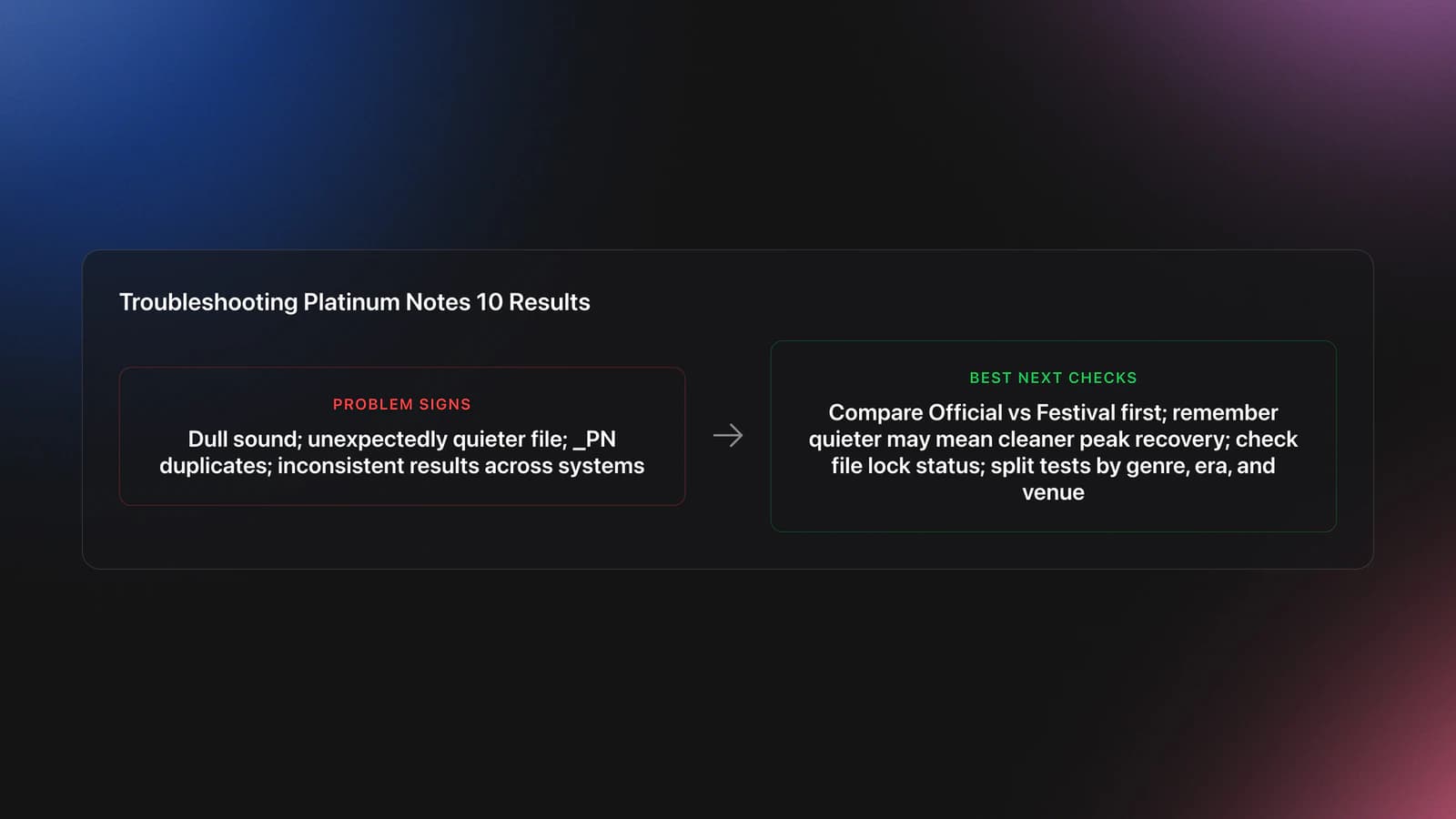
If a processed file sounds dull, compare Official and Festival first. Festival may restore enough top-end presence without forcing you into the more aggressive Big Boost option.
If the processed file feels quieter than expected, that is not always a failure. Some tracks are pulled down to improve consistency or recover clipped peaks. Mixed In Key also notes that clipped peaks above the threshold create harsh digital clipping, so cleaner can sometimes sound slightly less hyped on first listen.
If duplicates with the _PN suffix appear when you expected replacement, the user guide says the file may be locked. Check whether the track is open in another app or protected by your library workflow before trying again.
If a template sounds good on one system and bad on another, your reference set may be too broad. Split your tests by genre, era, and venue context. Open-format libraries often need more selective processing than tightly curated techno or house libraries.
Who Should Use Custom Templates?
Custom templates are for DJs or engineers who already understand multiband dynamics and can predict the tradeoffs. Platinum Notes 10 includes that option, but the official guide explicitly says it should be used only by people who are well versed in audio engineering because incorrect settings can reduce audio quality.
For most DJs, built-in templates cover the real-world need. The practical skill is decision-making, not endless tweaking. If Official, Festival, and Big Boost do not solve the issue, the better question may be whether the source file itself is the problem.
Key Takeaways Before You Batch Process
Platinum Notes 10 Processing Templates are most useful when you treat them as selective tools, not automatic mastering for an entire library. Official is the safest baseline, Festival is better for brighter large-system playback, and Big Boost is a targeted option for tracks that still feel underpowered after normal testing.
Keep these points in mind:
- Start with Official and compare before changing anything else.
- Judge results inside real transitions, not only in solo playback.
- Protect your library with backups and small-batch processing.
Your next step is simple. Pick three problem tracks, run the comparison routine, and write down what each template changes. Once that becomes predictable, batch choices get much safer and much faster.
The visual way to organize your DJ library
Tag tracks by vibe. See everything at once. Export to rekordbox, Serato, Traktor or Engine DJ.
14-day free trial. Full access, no strings attached.
or see how it works
More Tutorials

Equipment You'll Need
Image-Line Soundgoodizer
optionalA simple stereo maximizer-enhancer plugin for FL Studio that applies one-knob processing based on the Maximus engine.
VirtualDJ
optionalDJ software for Windows and macOS that handles audio mixing, video mixing, karaoke, stems, and broad hardware support.
FL Studio
optionalA pattern-based digital audio workstation for beatmaking, recording, arrangement, mixing, and music production on Windows and macOS.
Serato DJ Pro
optionalProfessional DJ software for mixing, performance, library management, recording, and hardware-integrated club workflows.
Numark Mixtrack Pro II
optionalA two-channel USB DJ controller with a built-in audio interface, touch-activated jog wheels, and performance pads for Serato-compatible mixing.
Traktor MX2
optionalA 2-channel DJ controller with integrated audio interface and tight Traktor Pro 4 integration for mixing, stems, effects, and performance pads.
Mixed In Key 11
optionalStandalone harmonic-mixing and library-prep software that detects keys, energy levels, cue points, and tags for DJ sets.
Platinum Notes 10
optionalPlatinum Notes 10 evens loudness, repairs clipped peaks, and prepares DJ files for more consistent playback in Serato, rekordbox, and Traktor.
rekordbox
optionalCloud-connected DJ software for music management, performance, export prep, and club-standard hardware integration.
Numark Mixtrack Pro FX
optionalA 2-deck USB DJ controller with a built-in audio interface, capacitive jog wheels, performance pads, and Serato DJ Lite support.
Traxsource
optionalTraxsource is a digital music download store focused on house and underground dance music for DJs.
Serato DJ Lite
optionalFree two-deck DJ software for Mac and Windows that introduces Serato’s workflow, controller support, and basic mixing tools.
VirtualDJ 7
optionalA legacy DJ software platform for audio and video mixing, controller mapping, and DVS playback on Windows and Mac.
DJControl Inpulse 200 MK2
optionalCompact 2‑deck USB DJ controller with built‑in audio, Beatmatch Guide LEDs, and Serato DJ Lite/DJUCED integration.
Frequently Asked Questions

Hey, it's Ben Modigell 👋
I DJ and produce as so I so: downtempo, minimal, dub house, tech house, and techno (releases on Spotify and SoundCloud, links above). Everything I write here comes from my own gigs, studio sessions, and library cleanups: the rules I follow, the failure modes I have actually hit, and the workflow I use when nobody is watching. If a technique did not earn its place in my own sets, it does not make it into a tutorial.