
Sidechaining
Sidechaining uses one signal to control processing on another, creating space, movement, and clearer separation in a mix.
Sidechaining Tutorials
Progressive House Music: How It Works
Sidechaining is worth learning if your mixes feel crowded, flat, or rhythmically stiff. At its core, sidechaining uses one signal to control processing on another, most often a compressor. That simple idea can make a kick hit harder, let a vocal stay clear, or add movement to pads and effects.
For beginners, sidechaining solves a common problem: two important sounds want the same space at the same time. For experienced producers, sidechaining becomes a precision tool for shaping groove, depth, and contrast. Once you understand it, you can stop guessing and start making cleaner decisions.
You do not need exotic tools to start. Most modern DAWs already support it through stock compressors and routing menus, including workflows shown in the Logic Pro compressor guide, the Ableton Live audio effect reference, and the Cubase side-chain routing guide.
If compressor controls still feel vague, first understand compressor controls first. That foundation makes sidechaining much easier to hear and set correctly.
What Is Sidechaining?
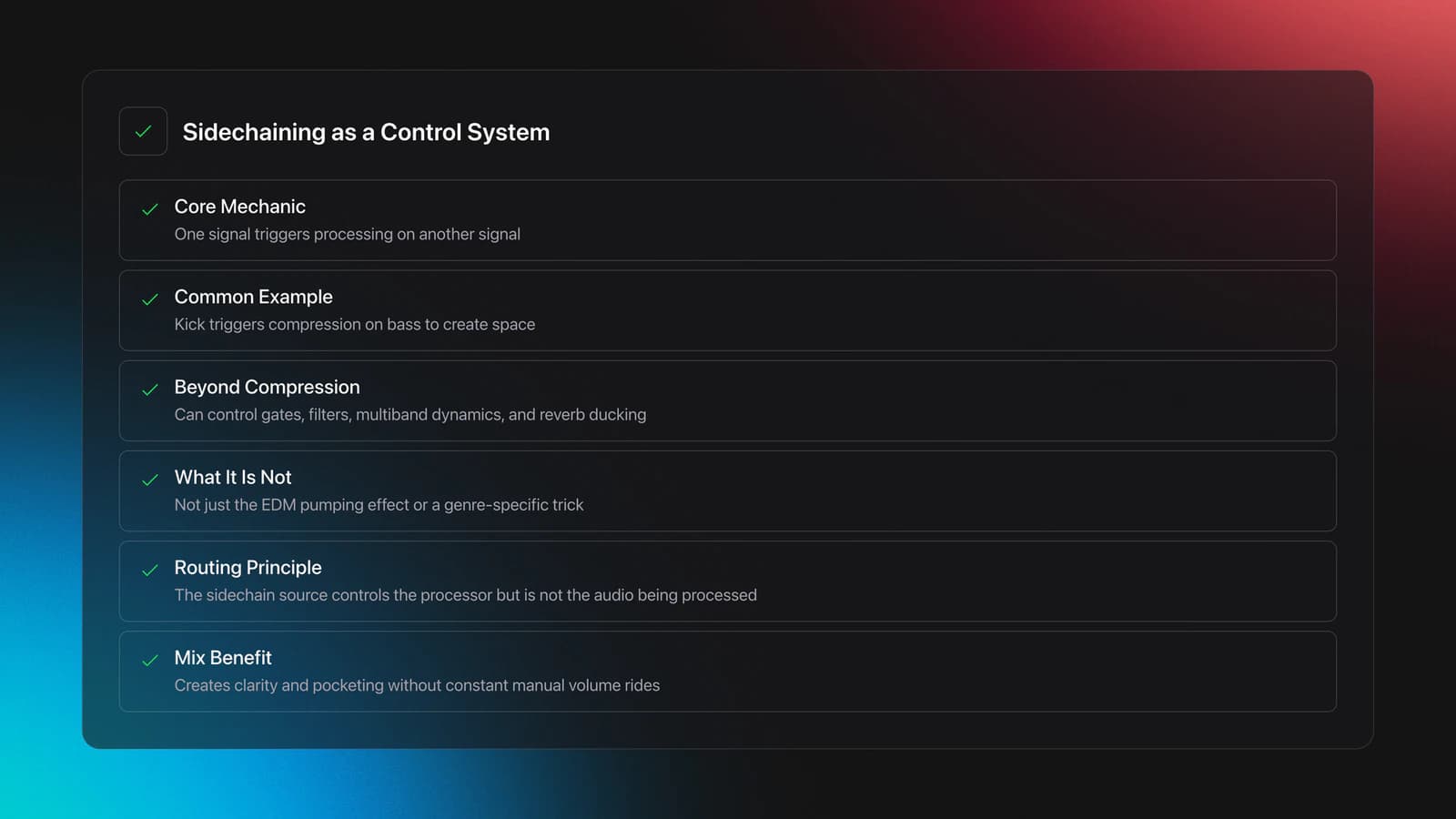
Sidechaining is a routing method where one signal acts as the detector or trigger for processing on another signal. In practice, a kick can trigger compression on a bass, or a vocal can duck a reverb return, so the source stays clear without manually riding every level.
That definition matters because many people use the term too narrowly. In dance music, sidechaining often means the classic pumping effect. In broader production practice, it can also drive gates, filters, multiband dynamics, and other processors, not just compressors.
Official documentation reflects that broader definition. Apple notes that the side chain source controls the compressor but is not actually routed through it, while Ableton describes sidechaining as compressing one signal based on another signal or even a specific frequency range. Those are the core mechanics behind ducking and mix-pocketing techniques. Educational explainers from iZotope audio ducking explainer and the Native Instruments beginner guide present the same principle in practical terms.
In other words, sidechaining is not a genre trick. It is a control system.
Why Use Sidechaining in a Mix?
You use sidechaining when two sounds compete, or when a static arrangement needs motion. The technique creates separation without deleting energy, which is why it shows up in both subtle professional mixes and obvious dance records.
- Create space for a kick, vocal, or lead without muting other parts.
- Add rhythmic movement to pads, basses, reverbs, and synth layers.
- Control masking more transparently than broad EQ cuts.
- Make dense arrangements feel punchier and more intentional.
A lot of sidechaining advice starts with kick and bass, and that is still the best first case. But the MusicRadar sidechain compression tutorial and the iZotope audio ducking explainer both show wider use cases, including ducking pads, strings, and effects returns.
This is also where judgment matters. Sometimes sidechaining is the right answer. Sometimes you should instead shape frequency overlap with EQ mixing. If the conflict is constant, EQ may solve it better. If the conflict happens only when one source appears, sidechaining is often cleaner.
How to Set Up Sidechaining
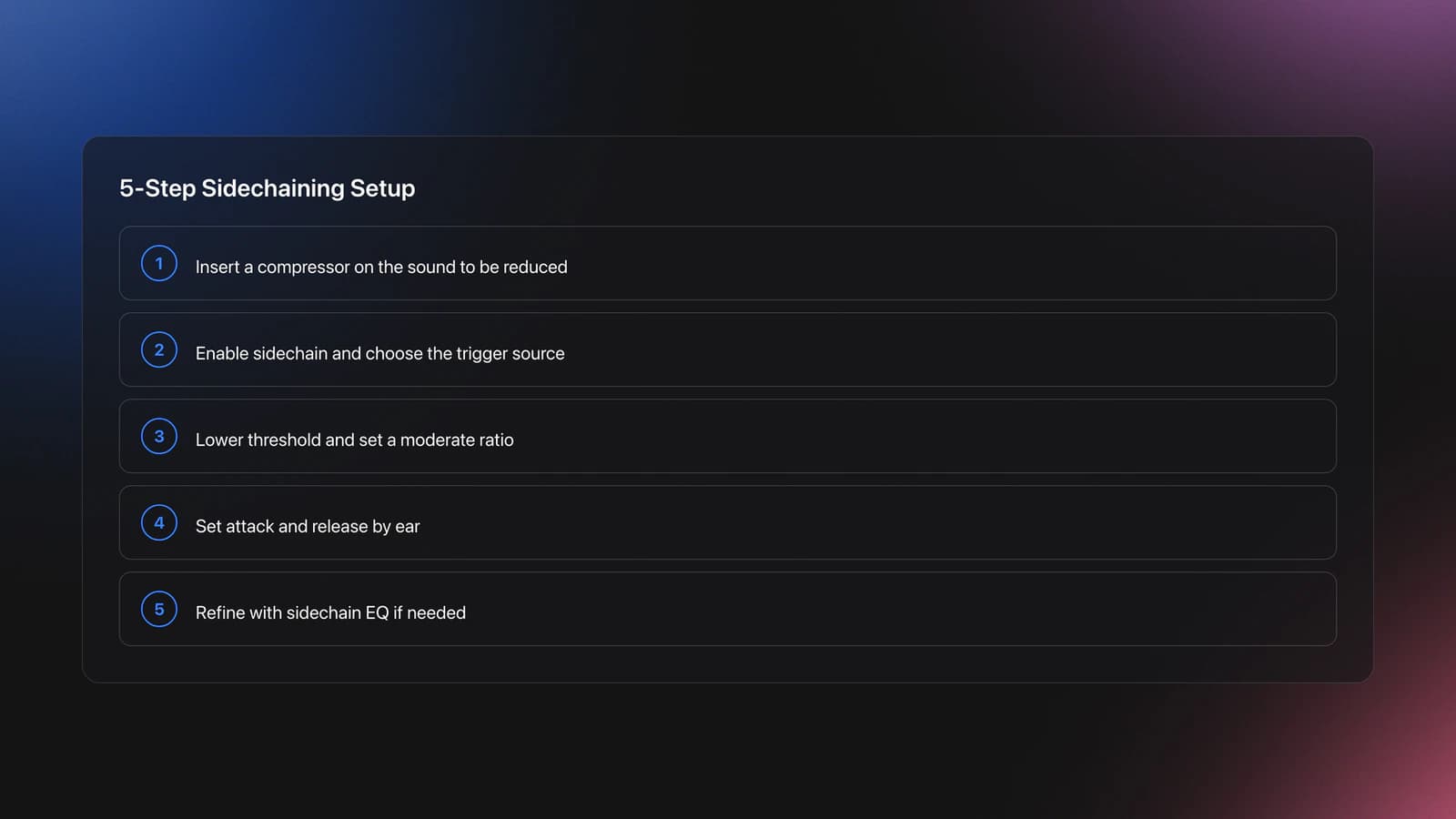
To set up sidechaining, place a processor on the sound you want to reduce, choose a trigger source, enable the sidechain input, then adjust threshold, ratio, attack, and release until the movement supports the groove instead of distracting from it.
Start with the target, not the trigger. If the kick should stay clear, insert the compressor on the bass or pad. Then choose the kick as the sidechain source. Apple, Ableton, and Steinberg all document this same target-and-trigger logic in their compressor routing instructions.
Next, set the threshold low enough to create visible gain reduction when the trigger hits. Ratio controls how strong the ducking feels. Attack determines how fast the gain reduction begins. Release decides how quickly the signal recovers.
For kick-to-bass ducking, fast attack usually works because you want the kick to claim space immediately. Release is where the musical feel appears. Too short, and the movement chatters. Too long, and the mix breathes awkwardly or loses low-end stability.
If your compressor offers sidechain filtering, use it. Apple documents high-pass, low-pass, band-pass, and parametric options in Logic's sidechain section, and Ableton describes using sidechain EQ to isolate a kick from a fuller drum track. This becomes useful when the trigger has extra frequencies that cause unstable pumping.
A good beginner method is to exaggerate first. Push the threshold until the ducking is obvious. Then back it off until the mix feels clearer but still natural. That teaches your ear faster than chasing subtlety too early.
| Step | Action | Key Goal |
|---|---|---|
| 1 | Insert a compressor on the sound to be reduced | Choose the target correctly |
| 2 | Enable sidechain and select the trigger source | Route the control signal properly |
| 3 | Lower threshold and set moderate ratio | Make ducking audible |
| 4 | Set attack and release by ear | Match groove and clarity |
| 5 | Refine with sidechain EQ if needed | Avoid unstable triggering |
Best First Applications
The best first sidechaining applications are kick-to-bass, vocal-to-instrument bus, and source-to-reverb return. These three cases teach timing, depth, and subtlety without requiring advanced routing.
Kick to bass is the classic move because the problem is easy to hear. When the kick arrives, the bass briefly ducks, letting the transient and low-end shape cut through. This is common in house, techno, EDM, and pop.
Vocal to instrument bus is more subtle. Instead of riding every backing part, the vocal triggers light ducking on guitars, synths, or a grouped music bus. Even 1 to 2 dB can create more intelligibility without sounding processed.
Source to reverb return is one of the most useful mix tricks. The dry vocal or lead triggers a compressor on the reverb bus, so the ambience gets out of the way during the phrase and blooms after it. This often sounds cleaner than adding more pre-delay.
For modern electronic production, some producers prefer envelope shapers or LFO tools instead of compressor-based ducking. That is a valid alternative when you want a fixed, tempo-locked curve. If that route fits the track better, use automation for fixed pumping curves or a volume shaper instead of forcing compressor behavior.
Practice Drills for Sidechaining
Practice sidechaining in short, repeatable sessions with one clear target per drill. In practice, focused comparisons build faster instincts than marathon tweaking. You learn the envelope, not just the plugin.
Start with one kick and one bass loop. Match the ducking so the kick stays clear for 16 bars without the bass feeling disconnected. Then swap to a denser bass sound and repeat. The goal is consistency across material, not one lucky setting.
Next, try the same process on a pad. This teaches release timing because sustained sounds expose awkward recovery much faster than plucked sounds. If the pad gasps or swells unnaturally, your release is probably too long or your threshold too deep.
Then practice subtle vocal ducking on an instrument bus. Keep the gain reduction low and aim for clarity, not effect. This drill trains restraint.
When you build a reference pool of kicks, basses, pads, and vocals, practice gets much faster. A structured library in Vibes can help you keep those examples grouped by function, density, and BPM so you can revisit the same sidechaining problems on purpose instead of hunting through random sessions.
Work in 2-week cycles. Keep the source material the same for several sessions, then change only one variable, such as tempo, trigger shape, or release time. That is how sidechaining turns from a trick into a reliable decision-making skill.
Common Mistakes With Sidechaining
Most sidechaining problems come from wrong routing, too much gain reduction, or release times that fight the song. The fix is usually simpler than people think: reduce variables and listen for function before effect.
| Mistake | Why It Happens | Fix |
|---|---|---|
| Over-pumping | Threshold too low or ratio too high | Back off gain reduction until clarity stays but motion feels natural |
| Kick still sounds buried | Attack or trigger setup is wrong | Use faster attack and verify the kick is the actual sidechain source |
| Chattering or fluttering | Release is too short for the groove | Lengthen release until recovery feels smooth |
| Unstable triggering | Trigger contains too much extra frequency content | Filter the sidechain or use a cleaner trigger signal |
Another common issue is trying to fix arrangement problems with sidechaining alone. If the bass line sits directly on every kick and both are oversized in the same range, sidechaining may help, but arrangement and sound choice still matter.
Gain staging matters too. If plugin inputs are inconsistent, compressor behavior can feel random from section to section. Before blaming the technique, clean up levels with solid gain staging.
General compression mistakes also carry over here. iZotope's compression guidance warns that attack and release settings can create audible artifacts when misused, and Apple notes that certain detection modes can help avoid clicks depending on source material. That is why listening for artifacts matters as much as watching meters.
Equipment and Tool Choices
You do not need premium plugins to learn sidechaining. A stock DAW compressor with external sidechain routing is enough for the main technique, and official manuals from Logic, Ableton, and Cubase all show capable built-in workflows.
What matters most is visibility and control. A compressor with clear metering, adjustable attack and release, and sidechain filtering will teach faster than a flashy plugin with vague feedback.
Optional tools expand your options. Dynamic EQ and multiband processors help when only part of the frequency range needs ducking. Volume shapers help when you want a repeatable envelope that does not depend on incoming level. Oscilloscopes help you see whether the recovery shape matches what you hear.
If you move into advanced territory, frequency-aware sidechaining becomes a strong next step. But first make sure basic full-band ducking is second nature.
Troubleshooting Sidechaining
If sidechaining is not working, first check routing. In most DAWs, the sidechain source must be explicitly selected. If there is no gain reduction, the trigger is probably not reaching the processor or the threshold is too high.
If the effect works but sounds messy, solo the target and trigger, then listen in context again. Ableton and Logic both document sidechain listening and filtering options, which are useful because they reveal what the compressor is actually reacting to.
If the mix pumps on every drum hit instead of just the kick, filter the sidechain or feed the compressor a cleaner trigger. A ghost trigger can also help when the real kick is too inconsistent to drive stable ducking.
If the pumping feels late, shorten attack. If the mix never settles after each hit, shorten release. If the whole track feels weak, you are probably ducking too deeply or on too many channels.
When Sidechaining Is the Wrong Tool
Sidechaining is the wrong tool when the problem is static, tonal, or arrangement-based rather than momentary. If two sources clash all the time, EQ, sound selection, or arrangement changes often solve the problem more cleanly.
For example, a muddy pad that masks the vocal during the entire song may need less low-mid energy, not more ducking. A weak kick may need better sample choice, not heavier sidechaining on everything around it.
This matters because sidechaining is seductive. It creates obvious movement, so it can feel like progress even when it is covering a deeper issue.
Sidechaining Practice Summary
Sidechaining gives you a practical way to create space, improve punch, and add movement without rewriting the whole mix. The skill becomes reliable when you can hear three things clearly: what should trigger, what should move, and how fast it should recover.
Key takeaways:
- Start with kick-to-bass, vocal-to-bus, and reverb ducking before advanced setups.
- Dial release by groove, not by habit.
- Use sidechaining for momentary conflicts, not every mix problem.
Your next step is simple. Build three short practice sessions around one loop each, then compare subtle and obvious settings. Once that feels natural, explore parallel compression after this or move into dynamic EQ and multiband ducking.
The visual way to organize your DJ library
Tag tracks by vibe. See everything at once. Export to rekordbox, Serato, Traktor or Engine DJ.
14-day free trial. Full access, no strings attached.
or see how it works
Equipment You'll Need
Frequently Asked Questions

Hey, it's Ben Modigell 👋
I DJ and produce as so I so: downtempo, minimal, dub house, tech house, and techno (releases on Spotify and SoundCloud, links above). Everything I write here comes from my own gigs, studio sessions, and library cleanups: the rules I follow, the failure modes I have actually hit, and the workflow I use when nobody is watching. If a technique did not earn its place in my own sets, it does not make it into a tutorial.