Optimization
1 Tutorial•80,616 Total Views
Optimization streamlines a DJ’s library and prep workflow so tracks are organized, searchable, and performance‑ready fast.
Optimization Tutorials
Optimization streamlines a DJ’s library and prep workflow so tracks are organized, searchable, and performance‑ready fast.
Optimization Tutorials
Optimization is the discipline of shaping your library and prep workflow so you can find the right track in seconds and execute cleanly. Learn Optimization to reduce search time, lower stress, and turn scattered folders into a dependable system.
When Optimization is in place, crates populate themselves, analysis is accurate, and your hottest cuts sit one keystroke away. You will practice transitions more, scroll less, and enter the booth with a plan you can bend to the room.
Optimization is a repeatable method for organizing, analyzing, and surfacing tracks using smart rules. In Serato these are Smart Crates. In Rekordbox they are Intelligent Playlists. Both update based on tag, BPM, key, and other metadata rules.
Smart lists are standard in pro workflows. See the Serato Smart Crates guide for criteria and rule logic, the Serato Analyzing Files overview for analysis benefits, and the Serato Beatgrids explanation for accurate grids that make syncing predictable.
Rekordbox offers comparable rule sets through Intelligent Playlists. A step-by-step tutorial shows how to build lists that auto-populate by BPM, key, rating, or My Tag. Third-party manuals note cross-app limitations and how smartlists convert between ecosystems.
Optimization supports musical choices, not just filing. It strengthens timing and phrasing by keeping compatible tracks together so you can practice transitions instead of hunting. Pair it with master beat matching fundamentals to hear the impact quickly.
1) Analyze first. Run BPM, key, and beatgrid analysis on import. This prepares waveforms, lowers CPU load, and creates a consistent tempo map. Serato documents that pre-analysis reduces performance load and keeps tracks ready when you need them.
2) Lock the beatgrid. After quick checks and any grid edits, lock to prevent accidental changes. Accurate grids keep phrasing stable and make sync behavior consistent across devices, as covered in Serato’s Beatgrids explanation.
3) Design smart rules. Build rule-based lists for BPM ranges, key families, and tags. Serato’s Smart Crates and Rekordbox’s Intelligent Playlists both allow conditions like Contains, Is, and date-based filters to keep lists fresh and targeted.
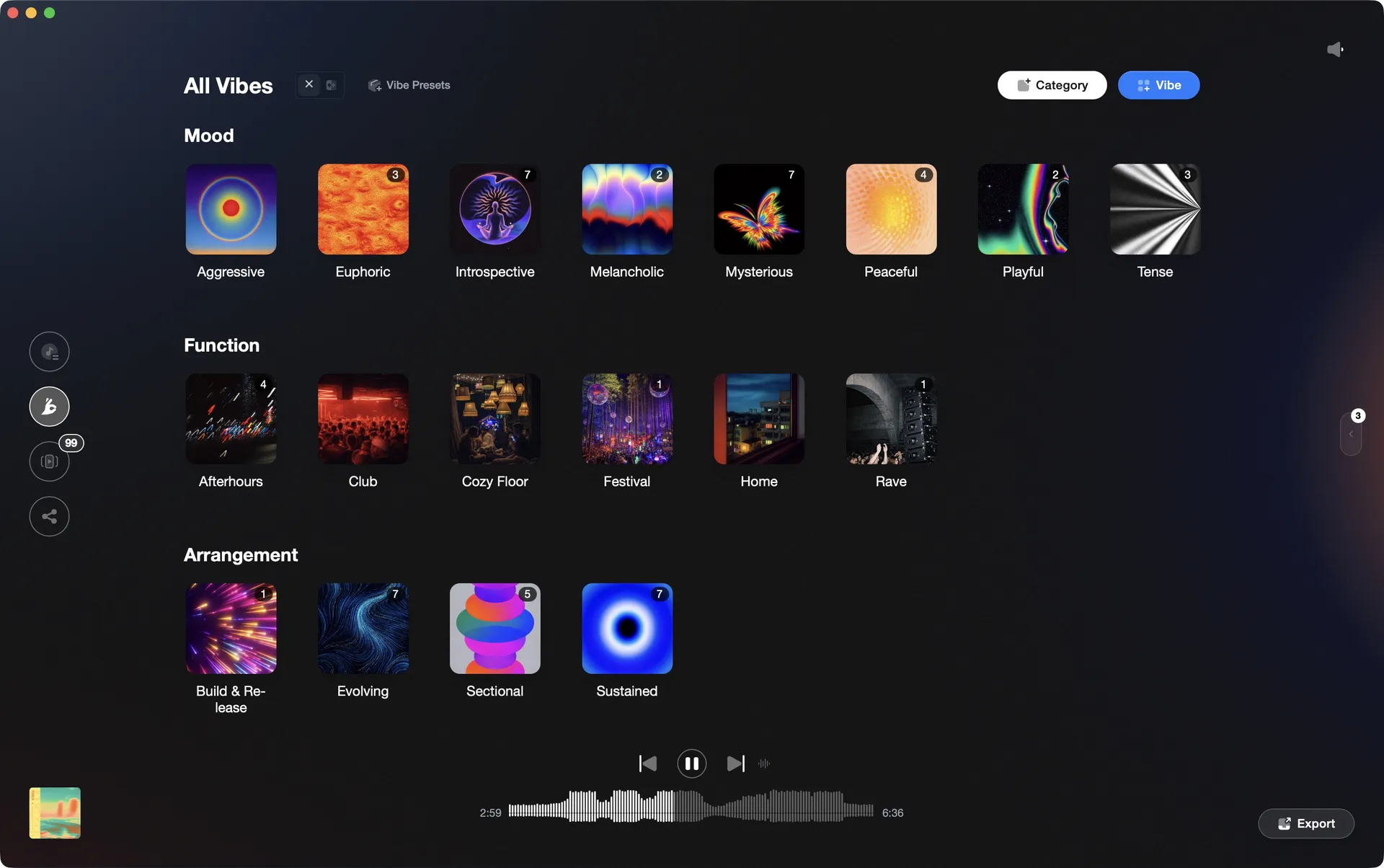
4) Tag for use, not trivia. Use a small, durable tag set that reflects how you actually play: Energy, Function, Mood. Keep it to four categories if you rely on Rekordbox My Tag for CDJ filtering, and prefer words that will not change next month.
5) Curate shortlists before gigs. Start with broad smartlists, then audition and flag a tight playlist of 60–120 tracks for a two-hour slot. A MusicRadar report on Serato DJ 4.0 highlights new library tools like favorites, crate colors, and emoji ratings that speed this curation.
6) Export and test. Push to USB or performance mode and rehearse transitions in order. Fix outliers, then re-export. Smartlists continue updating as you add new tracks, keeping your prep current without manual filing.
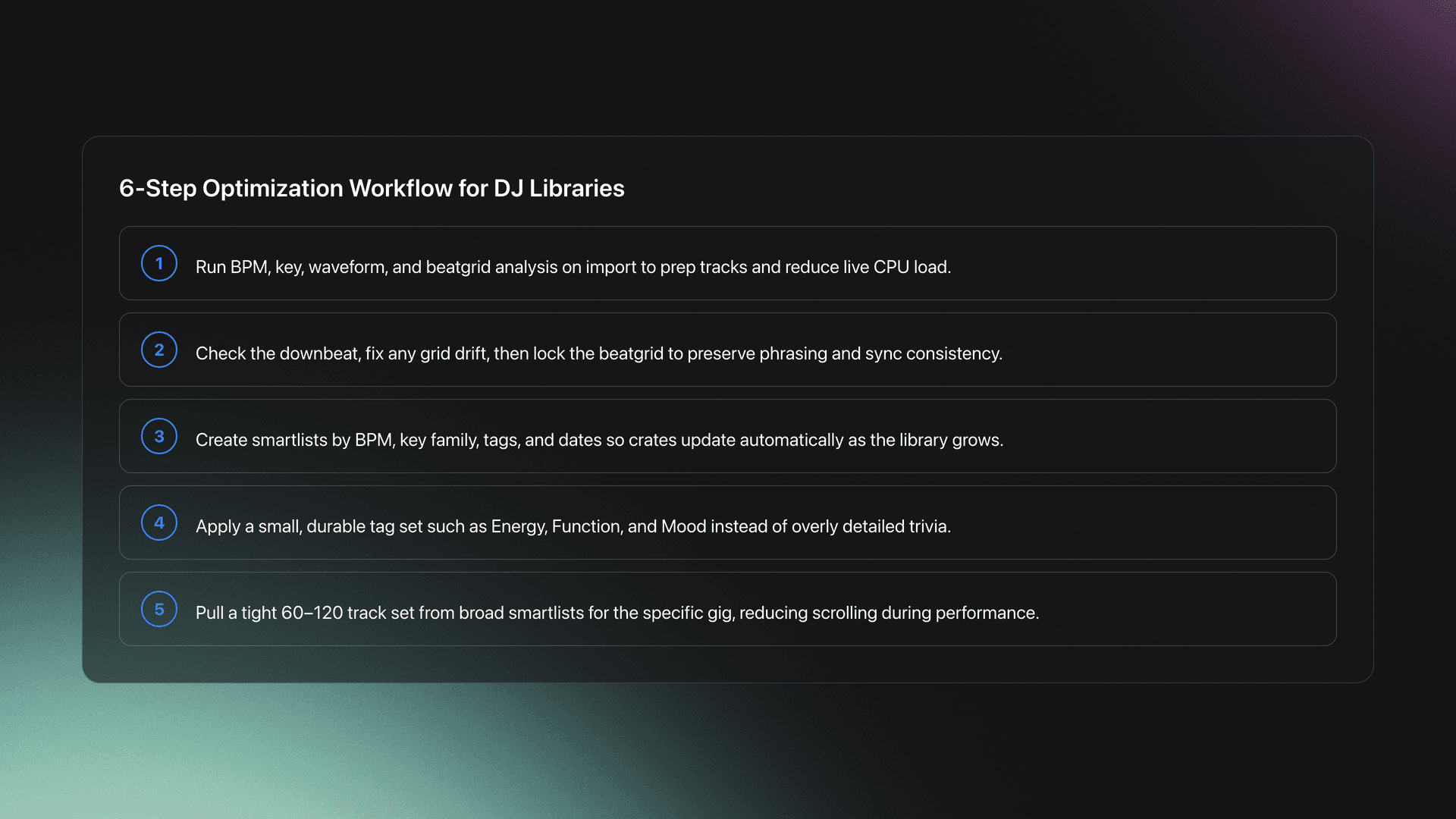
| Step | Action | Key Point |
|---|---|---|
| Analyze | Run BPM, key, waveform builds on import | Reduces CPU load and prepares grids |
| Grid | Check downbeat, adjust, then lock | Accurate phrasing and tighter transitions |
| Rules | Create BPM and key smartlists | Auto-populate practice and gig crates |
| Tag | Apply small, durable tags | Reflect real use like Energy and Function |
| Curate | Narrow to a show-ready shortlist | Less scrolling, more mixing |
| Export | Test on target gear and refine | Catch issues before the room does |
References: Serato Smart Crates guide, Serato Analyzing Files overview, Serato Beatgrids explanation, Rekordbox Intelligent Playlists tutorial, and the Lexicon smartlists manual on app limitations and conversion.
Through daily 15–30 minute sessions, I found that building a single BPM-range smartlist and rehearsing two-track swaps across it accelerated selection speed more than browsing giant crates. Short, focused loops create durable habits that hold up under pressure.
If you prefer organized practice materials, load a small reference library by energy and function, then export that structure with Vibes once so your routine is consistent across weeks.
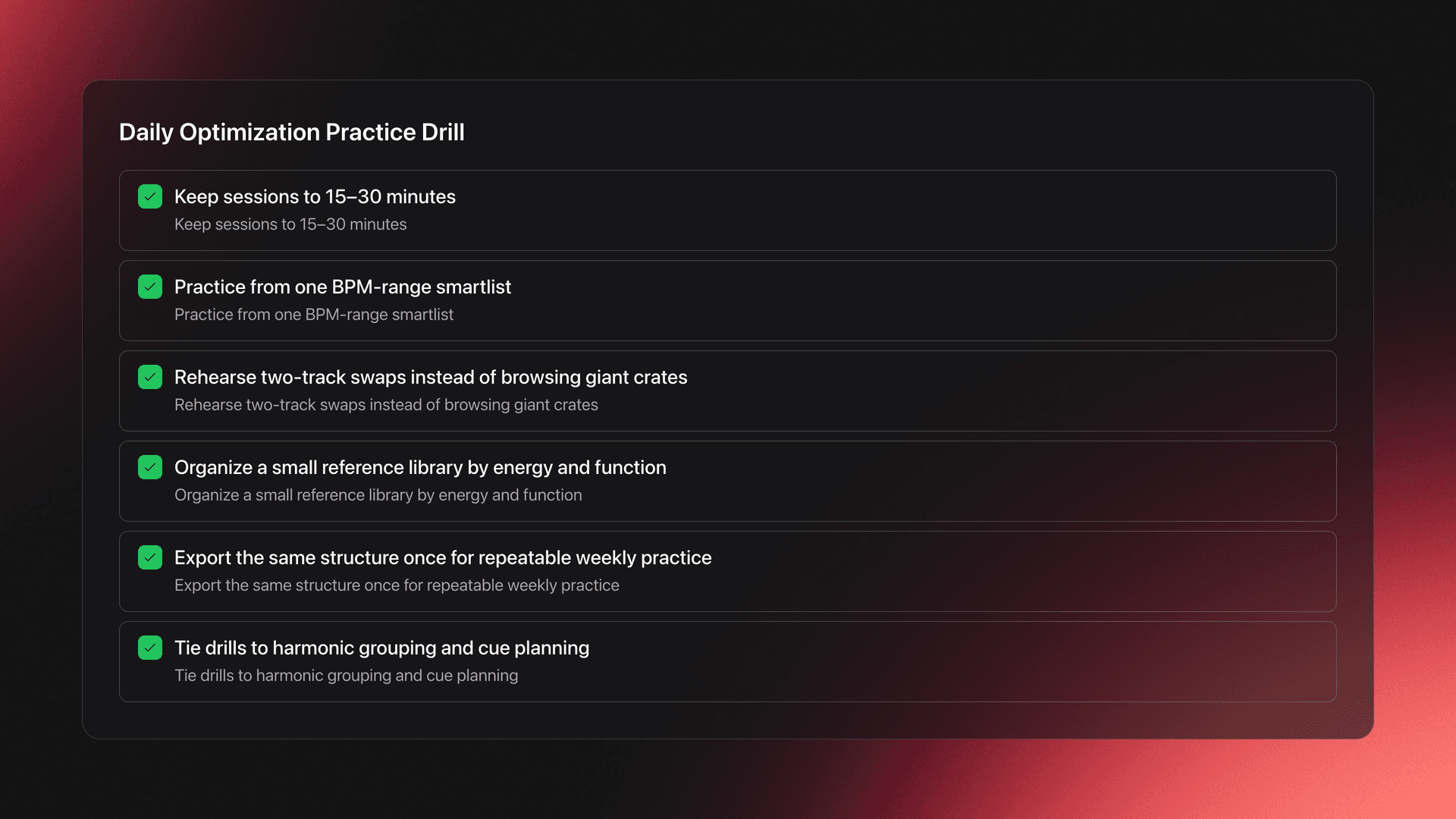
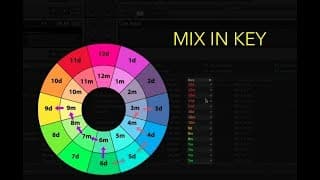
Add depth with learn harmonic mixing to refine which keys you group together. Tie drills to cue work by planning entry and exit markers, then set reliable performance cues that match your phrasing strategy.
| Mistake | Why It Happens | Solution |
|---|---|---|
| Skipping analysis | Assuming auto analysis will catch up while playing | Analyze on import and verify grids. See Serato Analyzing Files overview and Beatgrids explanation. |
| Too many tags | Tagging trivia that does not affect selection | Limit to small sets like Energy, Function, Mood. Prefer durable words. |
| Over-broad crates | One crate covers a whole genre or year | Use BPM and key rules to split into practical smartlists. |
| Unlocked grids | Accidental edits or re-analysis shifts timing | Lock grids after edits. Re-check before export. |
| Not testing exports | Assuming laptop behavior equals USB players | Rehearse from the device you will use on stage and fix issues early. |
Any modern laptop with Rekordbox or Serato DJ works. Use local files on a fast SSD, and dedicate an external drive or USB for exports. Keep software versions current and confirm analysis options before bulk imports.
Serato documents analysis, BPM-range settings, and beatgrid behavior in its support articles. Rekordbox tutorials cover building Intelligent Playlists and practical rule design. Lexicon’s manual outlines smartlist conversions and rule limits when moving between apps.
Cited resources: Serato Smart Crates guide, Serato Analyzing Files overview, Serato Beatgrids explanation, Rekordbox Intelligent Playlists tutorial, Lexicon smartlists manual, and MusicRadar’s coverage of the latest Serato library features.
Tag tracks by vibe. See everything at once. Export to any DJ software.
A visual system for organizing your DJ library.